
Microsoft PowerPoint presentations are the most preferred option for delivering presentations to audiences. We usually give presentations in closed rooms, but Microsoft PowerPoint also lets you deliver presentations over the Internet!
PowerPoint Broadcast Slide Show lets you give presentations over Internet

To learn how to do it, click on the Animations ribbon then click on Broadcast Slide Show.
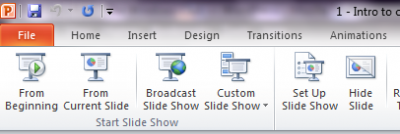
A dialog box will pop out. Select on Start Broadcast.
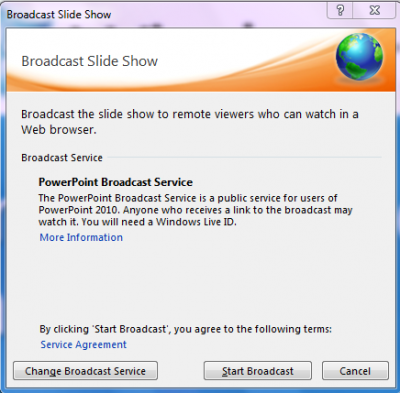
Here you may be asked for your Windows Live account or your passport account details. Enter the credentials so that you can connect with the service. You will see a window as shown below:
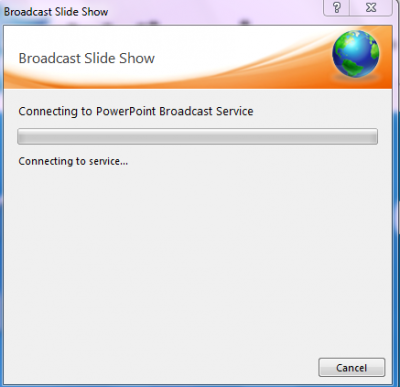
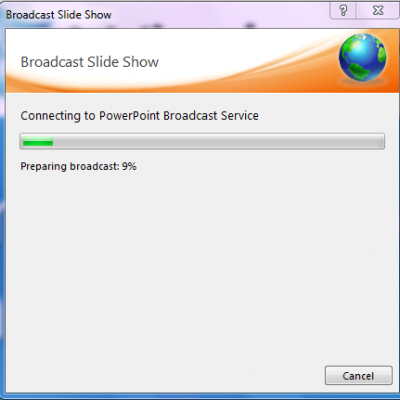
When you are connected with the service, the Broadcast will be prepared. The time taken to prepare your broadcast service will depend upon the size of the presentation. So where possible, draw diagrams to show things graphically instead of using pictures of high resolution.
Once done, you will see a window that gives you a unique url of your presentation. You can copy it and paste it on social networks or you can directly mail it to your viewers.
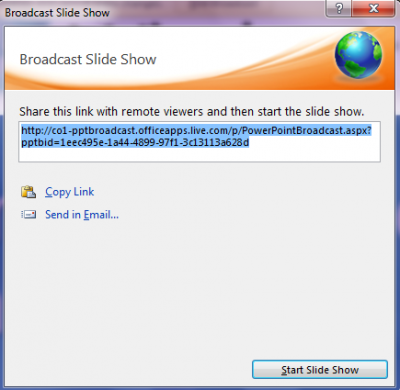
When you are ready, just click on Start Slide Show.
During the presentation, you might feel that your presentation is not in Sync with your audience which is due to varying internet speeds.To avoid that see the resolution.
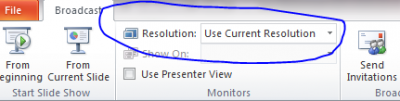
Choose the resolution size from the drop-down list and you will be up and kicking! When you are done with the presentation, click on End Broadcast.
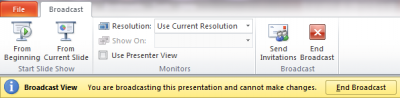
That’s it!
How to live stream from PowerPoint Online?
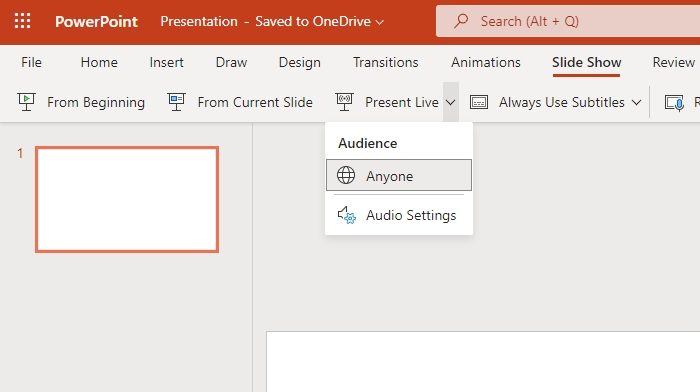
The same feature is available with the online version. Open PowerPoint online and either create a new presentation or open an existing one. Once done, click on the Slide Show menu. Then click Present Live and select Anyone. Make sure to set up your Audio settings before you finally go live. It works better than the Office 365 app, and it seems to have disappeared from Office 365.
Read: How to shuffle Slides in PowerPoint.
