
Windows operating system ships with Windows Defender out of the box and at the same time, allows you to install and run third-party software too. These antivirus or firewall software work independently to block suspicious actions on your computer. But after installing Windows 11/10, some users are reporting getting a notification on Startup that says-
Windows Defender and Malwarebytes are both turned off; tap or click to see installed antivirus apps.
Instead of Malwarebytes, it could also occur with McAfee. Unknown reasons cause this error. However, when checked manually, there is nothing wrong with either the software or the settings, and they are enabled normally.
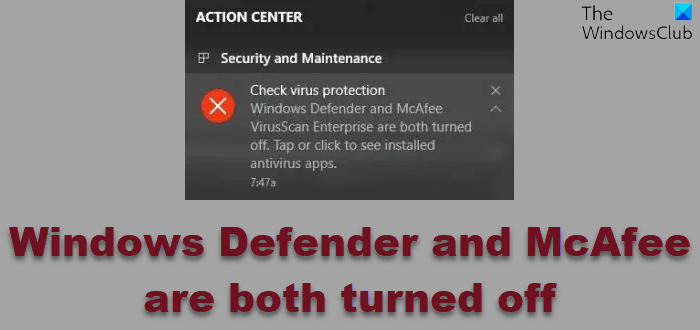
Windows Defender and Malwarebytes are both turned off
If your Windows Defender and Malwarebytes are both turned off in Windows 11/10, then this is what you need to do to fix the issue:
- Check the required supporting Services.
- Uninstall and reinstall the third-party security software.
1] Enable all the supporting Services
Open the Windows Services Manager.
Look for the service named Windows Defender Firewall. Make sure that its Startup type is set to be Automatic and that the service is Running. If not, click on the Start button. Moreover, ensure that Windows Defender Advanced Threat Protection Service and Windows Security Service are set to Manual and started.
Also, make sure that the status of the following Services are as follows and that they are Running:
- Xbox Live Networking Service – Manual
- Base Filtering Engine – Automatic
This should have resolved that error.
2] Uninstall and reinstall the third-party security software
An error in the compatibility of Windows installation and third-party security software may trigger false alarms like this.
In this case, you have a limited set of methods to troubleshoot the error.
The best course of action is to uninstall the third-party security software and download the latest version from its official website. Then, install it like any other software on Windows 11/10.
This will fix any installation incompatibility between the security software and the operating system.
All the best!
