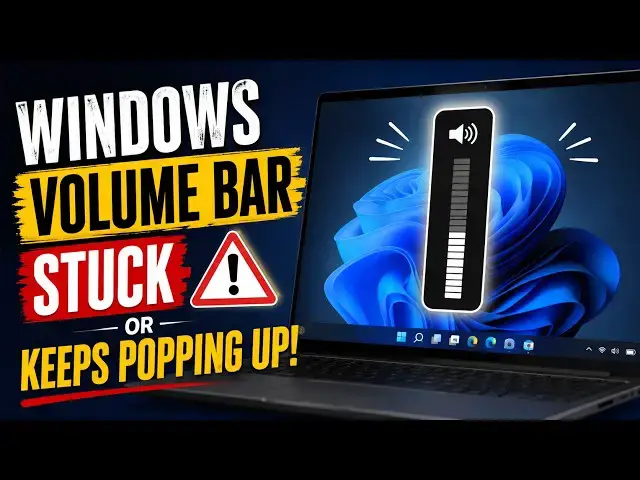

Windows 11 Volume Bar Stuck or Keeps Popping Up
Aug 10, 2026

Have you noticed the volume bar on Windows 11 appearing randomly on your screen?
Normally, the volume bar should only appear when you press a volume key or adjust the sound manually. If it keeps popping up on its own, there's usually a problem with your keyboard, audio device, software, or drivers.
In this video, I'll show you several effective ways to fix the Windows 11 volume bar that keeps appearing randomly.
Link: https://www.thewindowsclub.com/windows-11-volume-bar-keeps-popping-up
00:00 Intro
00:24 Check Your Keyboard for Stuck Volume Keys
00:47 Close Audio Enhancement Applications
01:19 Disconnect External Audio Devices keyboard and Mouse
01:46 Disconnect External Keyboards and Mice
02:10 Run the Audio Troubleshooter
02:27 Disable Hardware Media Key Handling in Your Browser
02:52 Update Your Audio Drivers
03:07 Reinstall the Audio Driver
03:33 Perform a Clean Boot
04:05 Run an SFC Scan
Run: msconfig
Show More Show Less #Science