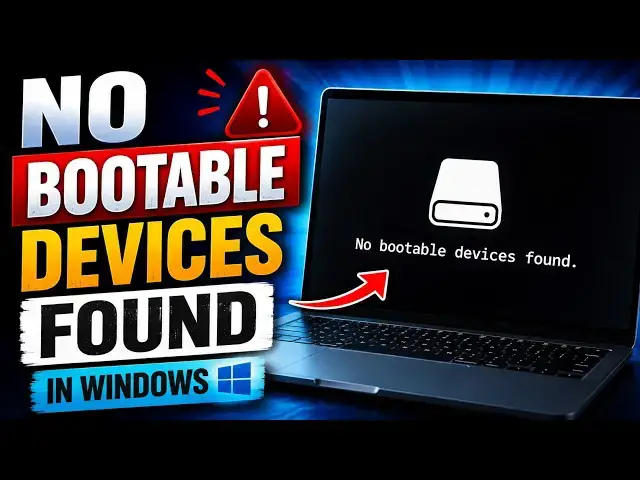

No bootable devices found in Windows 11
Aug 24, 2026

Seeing “No bootable devices found” when you turn on your Windows 11 PC can be worrying.
You may see messages such as:
No bootable devices found. Press F1 key to retry boot. Press F2 key for setup utility. Press F5 key to run onboard diagnostics.
Or No boot device is available, Or, No boot device – insert boot disk and press any key
This does not always mean your Windows installation or SSD has failed. There can be other reasons. In this video, I'll show you the working methods to troubleshoot the issue. Let’s get started.
Link: https://www.thewindowsclub.com/no-bootable-devices-found-in-windows
00:00 intro
00:33 Check the Physical Connections
01:05 Check the Boot Order in BIOS or UEFI
01:39 Rebuild the Windows Boot Configuration
02:03 Mark your Primary Partition active
02:21 Run CHKDSK for errors on the boot drive
02:47 Use Startup Repair
command :
bootrec /fixmbr
bootrec /fixboot
bootrec /scanos
Show More Show Less #Science