
If you want to monitor website changes automatically via AI, here are some of the tools you can use on your computer and mobile. From specific webpage changes to overall website changes, you can monitor almost anything with the help of these tools.

Monitor website changes automatically via AI tools
Here are some of the best AI tools to monitor website changes automatically:
- Sitespy
- Browse AI
- Visualping
- Fluxguard
- Distill
- Wachete
- io
To learn more about these tools, continue reading.
1] Sitespy
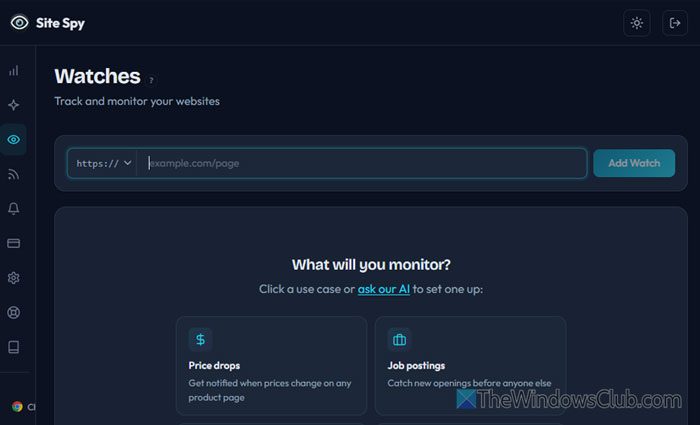
Sitespy is one of the best in the business, and there are a few reasons behind it. From real-time tracking to browser extensions, everything is available with Sitespy.
Features:
- Track a maximum of 5 websites with the free account.
- It can capture up to 5 snapshots per watch or website.
- You can track an RSS feed.
- It shows both visual and back-end updates.
- Web dashboards are available to manage tracked websites.
- Email notification is available if you opt for the paid version.
- Fully AI automated.
- It fetches updates line-by-line.
- The browser extension is compatible with Chrome, Edge, and Firefox.
To use this web tool, create an account on sitespy.app, go to the Watches section, enter the URL you want to track, and click the Add Watch button. Once done, you will find all the changes whenever something happens.
2] Browse AI
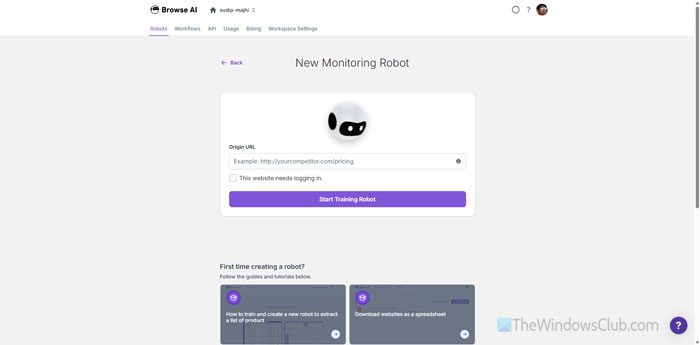
Browse AI is another tool for monitoring website changes in real time. You can create a robot to track changes on any website/webpage. No matter whether it is a single word or the entire backend, you will be able to track it with the help of Browse AI.
Features:
- Fully AI-generated reports and visuals are provided with Browse AI.
- You can add up to 2 websites with the free account, and up to 2 or 10 websites with the subscription type.
- It is compatible with Google Sheets, Zapier, Amazon S3, etc., so you can manage services and create an organized report for your client.
- You can extract structured data (Schema) from a website or webpages, or you can monitor changes on the go.
- No coding knowledge is required to use this AI tool.
To use this website change tracker, choose the Monitor Site Changes option after creating an account on browse.ai website and enter the URL.
3] Visualping
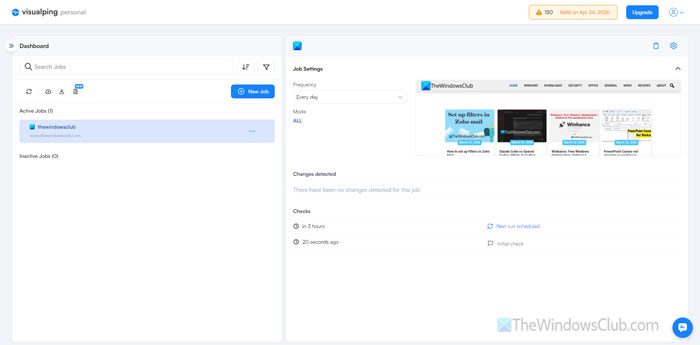
If you are in a serious business, want to track every change, and send a detailed report to your client, Visualping is one of the best options for you. It comes with several features and options to give you real-time notifications whenever something happens.
It is possible to get updates based on custom and predefined conditions. For example, “A new article appears on the homepage,” “The download link for a software is added or updated,” and so on
You can get daily and hourly updates. The best thing is that you will find the updates in your email. Having said that, there is no need to open this website every time to find the changes on your competitor’s website.
To use this tool, create an account on visualping.io, and enter the website URL, condition, and email address. Once done, you will find all the updates in your email.
4] Fluxguard
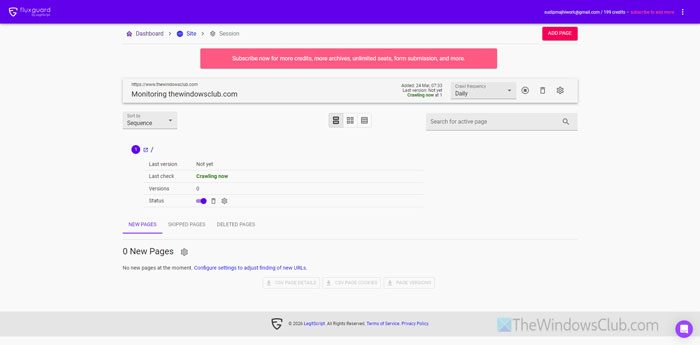
Apart from all the aforementioned features available in various AI tools, if you want to track form submission as well as gated content, Fluxguard is the best option for you.
Features:
- You will get real-time updates.
- It uses a Google Chrome crawler to track the changes.
- 3 versions of the website change are kept.
- You can monitor changes in a particular area of a webpage. It helps you detect changes more precisely. However, this feature is available only in the paid version.
To use this tool, create an account on fluxguard.com, and enter the URL. Then, you will find updates right on your screen.
5] Distill
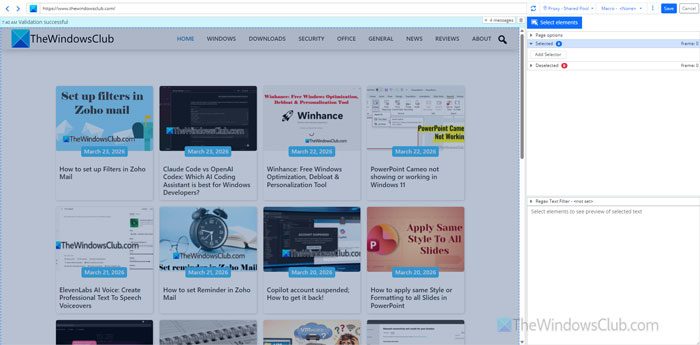
If you want to try some of the above-mentioned paid features without paying a dollar, Distill is the option for you. From single-page tracking to the entire website, you can detect changes almost anywhere you want.
Features:
- You can track up to 25 webpages with the free account.
- It doesn’t give you hourly updates, but you can find updates every 6 hours.
- 1000 checks are available per month.
- 30 email notifications can be sent using this app.
- SMS notifications are not available in the free version.
- You can use this on up to 2 devices at a time.
- Browser extensions are available for Google Chrome, Microsoft Edge, and Mozilla Firefox.
Visit distill.io to create an account and start monitoring.
6] Wachete
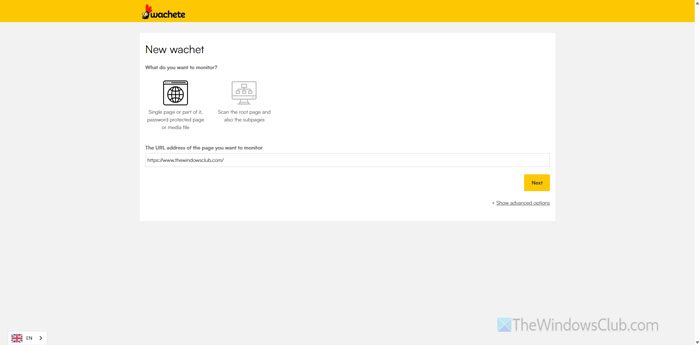
Whether you want to find a new job opening in a company to check the website health, you can use Wachete to get the job done. The free version comes with several essential options and features. On the other hand, you can opt for the paid version for a nominal fee.
Features:
- A browser extension is available for Chrome, Edge, and Firefox.
- Mobile apps can be downloaded on Android, iOS, and Windows 11.
- Find daily reports in your email. It is possible to download a report in spreadsheet, PDF, TXT, DOCX, etc. formats.
- You can monitor password-protected webpages as well.
To monitor any website, visit wachete.com and enter the website name. Then, you will have to create an account to start monitoring and managing reports.
7] PageCrawl.io
As the name suggests, it crawls webpages and tracks changes – whether you opt for a paid account or not. The free account holders can track up to 6 webpages simultaneously. On the other hand, it offers up to 220 checks in total. However, AI can create up to 10 reports and send them to your email. PageCrawl stores data or history for up to 90 days.
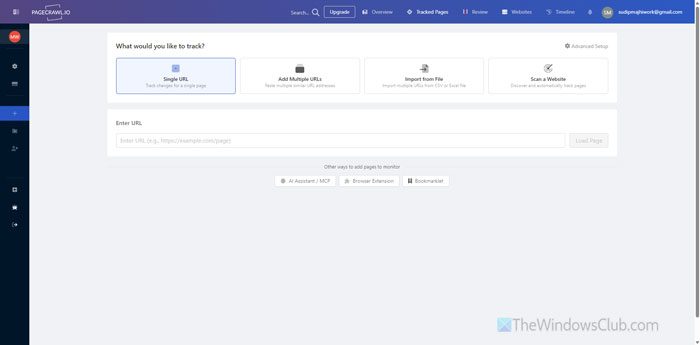
It is possible to track a single URL, multiple URLs, and scan a specific website for custom changes. Even if you have a list of URLs in CSV format, you can import it here.
To track changes using PageCrawl, open PageCrawl.io and create an account first. Then choose the type of tracking you want to start and enter the webpage URL (s) accordingly. Finally, click the Load Page button to start tracking.
Read: How to find how many times you’ve visited a website?
Is there a way to monitor a website for changes?
Yes, there are many online AI tools to monitor a website for changes. If you want to use a free tool, try Sitespy, Browse AI, or similar tools. However, if you can spend a few dollars, try Distill.
How to get AI to notice your website?
Almost all of the aforementioned AI tools can send notifications about website/webpage changes. However, this service is exclusive to paid users of most of these AI tools.
