
Here is a list of the best free statistical analysis software for Windows 11/10. If you have a large dataset of numerical data and want to evaluate and analyze it, this guide is for you. In this article, we will mention and discuss multiple free statistical analysis software options for Windows 11/10. Using these free software, you can use several mathematical techniques for statistical analysis.
These tools enable you to perform regression analysis, analysis of variance (ANOVA), T-tests, frequency distribution, Chi-Square tests, multivariate analysis, and more statistical tests. You can determine basic statistics, such as the mean, median, variance, mode, and more. Additionally, this software enables you to create various types of data visualization graphs, including pie charts, box plots, area graphs, line graphs, and more. Let us now find out what are these statistical analysis software.
Best Free Statistical Analysis Software for Windows 11/10
Here are some of the best free statistical analysis software (SAS) that you can use to calculate various statistics for a numerical dataset in Windows 11/10:
- JASP
- SOFA
- Jamovi
- PAST
- Statcato
- PSPP
- Epi Info
- KyPlot
- gretl
Let us discuss these free software in detail now!
1] JASP
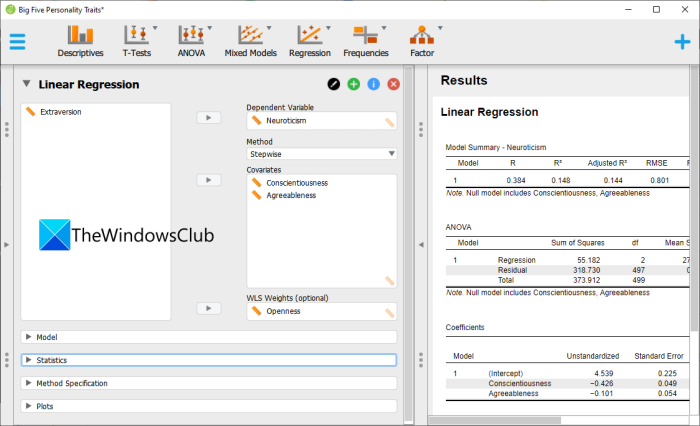
JASP is a free and open-source statistical analysis software for Windows 11/10. It is a great free software that allows you to perform several statistical tests on a set of data. You can perform Standard or Bayesian statistical analysis using it. To import a dataset, it supports input formats including TXT, CSV, SAV, and ODS.
Its interface is divided into multiple sections to facilitate the use of specific algorithms and tests for analysis. Here are the kinds of statistical analysis that can be done using it:
- It enables you to perform different types of regression analysis including Correlation Matrix, Logistics Regression, Linear Regression, etc.
- You can also perform several ANOVA tests like ANCOVA, repeated measures ANOVA, Bayesian ANOVA, etc.
- It also provides T-tests options to evaluate datasets using methods like Independent sample T-test, Paired sample T-test, Bayesian Paired sample T-test, etc.
- You can also use it for descriptive and reliability analysis. It evaluates and displays various graphs and statistics like mean, mode, median, variance, etc.
- In it, you also get a dedicated Frequencies section to perform frequency tests.
- Apart from these, you can use more statistical tests to analyze a dataset including principal component analysis, exploratory factor analysis, meta-analysis, SEM, visual modeling, and confirmatory factor analysis.
It provides comprehensive results in a separate tab that you can export in CSV or TXT format.
Like the features of this software? Get it here.
Related read: What is Data Analytics and what is it used for?
2] SOFA
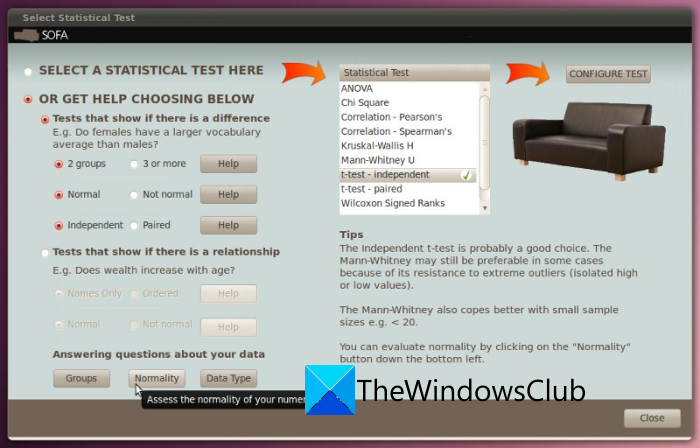
You can also SOFA which is a dedicated statistical analysis software for Windows 11/10. SOFA stands for Statistics Open For All; it is a free and open-source software. This software enables you to create a new dataset or import an existing one, and then perform various statistical analysis tests on your dataset. It supports a variety of file formats, including XLS, CSV, TXT, TSV, and more, to import your datasets.
Now, it contains numerous statistical algorithms and tests that you can use to evaluate a numerical dataset. You can perform ANOVA, Chi-Square, Paired T-test, and more tests using it. It also offers Report tables to create Data Lists, Row Statistics, Frequencies, and Crosstabs report tables. In it, you can also create charts like bar charts, line charts, area charts, pie charts, and more for data visualizations.
When you are done performing statistical analysis, you can save the output results in formats such as PDF, Spreadsheets, and Images. It is overall a great free and open-source statistical analysis software.
See: What is Data Mining? Basics and its Techniques?
3] Jamovi
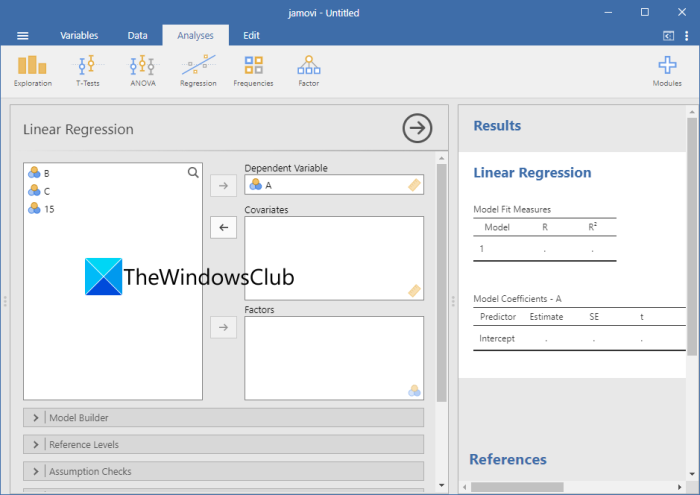
Jamovi is another free software option for performing various statistical analyses on Windows 11/10. It is free and open-source software that enables you to use several techniques to evaluate, determine, and analyze numerical datasets. It is built on the R statistical language, which ensures the estimated results are accurate.
You can create a dataset in its Data tab and then use several algorithms for statistical analysis in the Analysis tab. It lets you perform ANOVA, T-tests, Regression, Frequencies, and Factor analysis tests. You can also view several statistics and graphs, including Mean, Median, Distribution, Dispersion, Mode, Variance, Histogram, and Bar Plot. It also lets you save the statistical analysis results in a CSV file.
You can download this statistical analysis software from jamovi.org.
4] PAST
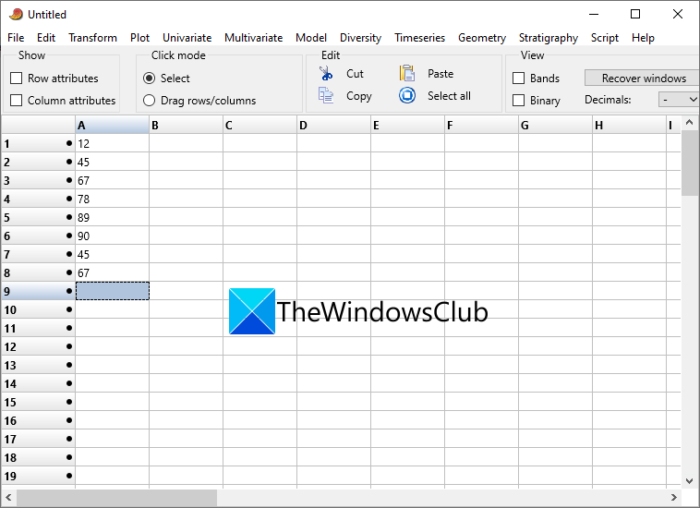
PAST (or Paleontological Statistics) is another free statistical analysis software for Windows 11/10. It offers a range of advanced features. It offers tools for data plotting, manipulation, analysis, multivariate statistics, ecological analysis, spatial analysis, time series analysis, and more. You can import a dataset from a TXT, XLS, or DAT file or even create a new one. And then, perform statistical analysis using provided tools.
It enables you to perform ANOVA, Correlation, normality tests, Ordination, Clustering, MANOVA, ANOSIM, Diversity indices, diversity t-tests, SHE analysis, Beta diversity, and various other statistical tests. You can determine key statistics, such as mean, Median, Variance, Mode, Standard deviation, etc. It also allows you to plot datasets on various types of graphs, such as pie charts, histograms, bubble charts, and 3D plots.
Download it from here at nhm.uio.no.
5] Statcato
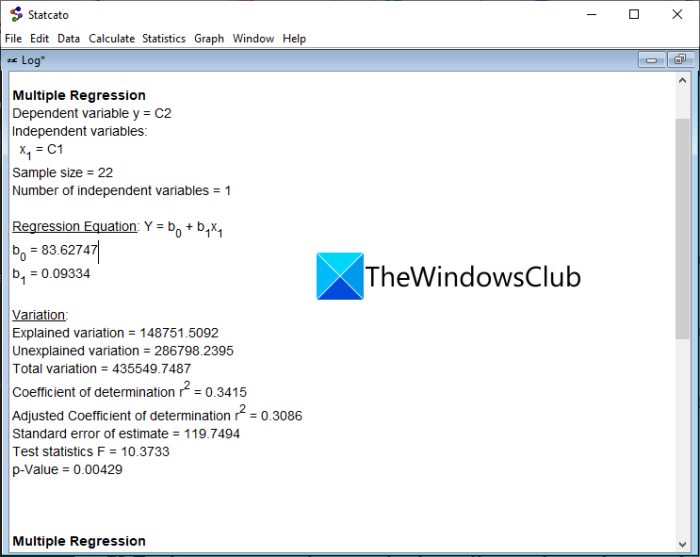
One more good free statistical analysis software for Windows 11/10 is Statcato. It is a free and portable software that requires no installation to work. Also, it is Java-based, so make sure you have JRE installed on your system to use it.
Using it, you can estimate basic statistics like mean, standard deviation, skewness, percentile, etc. You can also calculate Binomial, Geometric, Discrete, Integer, P-value, and more values. It also lets you perform some advanced statistical tests including Sample size, Correlation, Regression, ANOVA, etc. You can also use it for data visualization as it offers various graphs to plot, like bar, boxplot, pie, etc.
It lets you save a statistical analysis report in formats like PDF, Excel, RTF, CSV, and Text. Plus, you can save the graphs in PNG images.
Get it from statcato.org.
6] PSPP
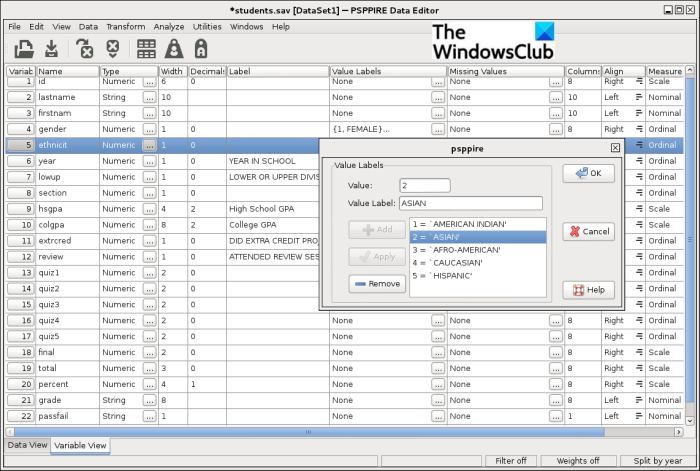
PSPP is yet another free statistical analysis software for Windows 11/10. It provides a variety of statistical tests and techniques to use evaluate a dataset. You can perform tests such as linear and logistic regression, Descriptive statistics, Cluster analysis, Comparing means, Univariate Analysis, Reliability and factor analysis, T-tests, Measures of association, Non-parametric tests, and more.
It lets you import datasets in TXT, HTML, or ODT format and then use any of the above tests to analyze the dataset. You can also create your own dataset from scratch using its spreadsheet-like interface. Apart from statistical analysis, you can also use additional features such as transform, transpose, data sorting, and aggregation.
You can save graphs and results in a variety of formats like PDF, HTML, ODT, TXT, PS, and CSV.
Read: RedCrab is a Statistical and Scientific Calculator for Windows.
7] Epi Info
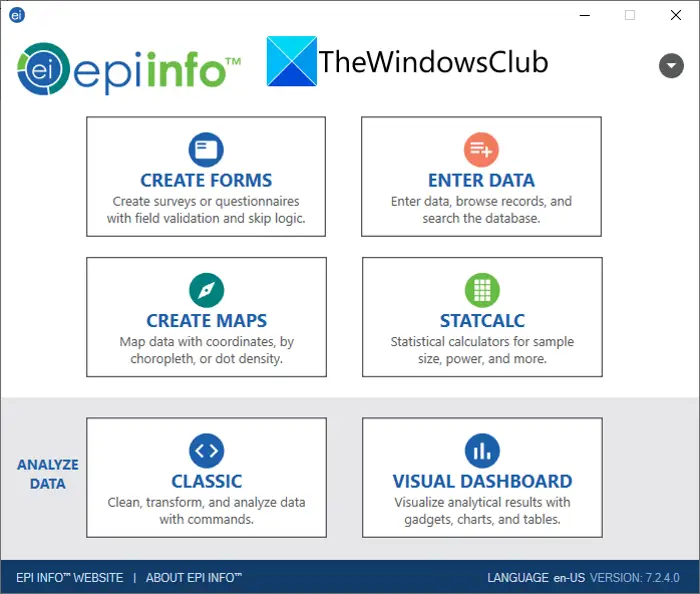
Epi Info is a free and portable statistical analysis software for Windows 11/10. The types of statistical analysis tests that you can perform using it include Population Survey, Population Binomial, Chi-Square, Poisson, Cohort or Cross-Sectional, and others. It also lets you create surveys and questionnaires for your datasets. You can download this free software from its official website here.
See: Best Free Online Data Visualization Tools
8] KyPlot
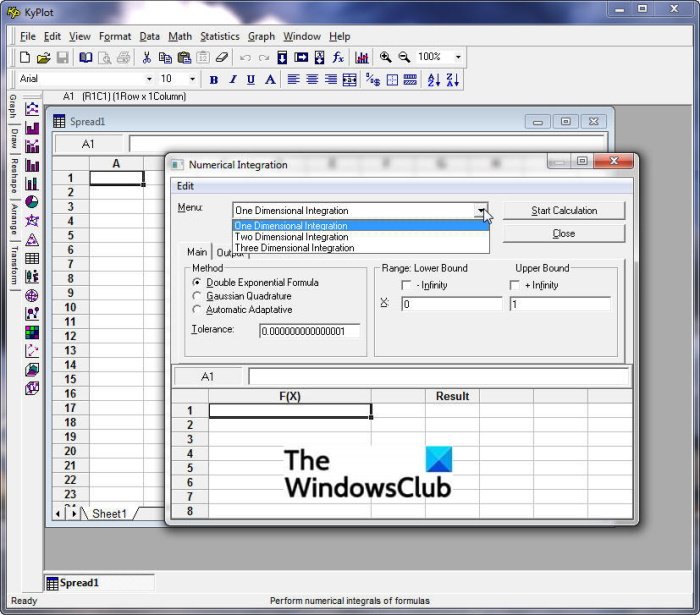
Try KyPlot for statistical analysis and visualization in Windows 11/10. In it, you can perform statistical tests such as descriptive analysis, Parametric Tests, contingency tables, Regression Analysis, Multivariate Analysis, and more. You can import datasets from files like Excel or Text, and then use available tools for statistical analysis. The final analysis results can be saved in CSV, XLS, TXT, PRN, HTML, and more formats.
Using it, you can also perform matrix operations, Fourier transform, time series analysis, and some other mathematical operations. It also allows you to plot multiple graphs.
9] gretl
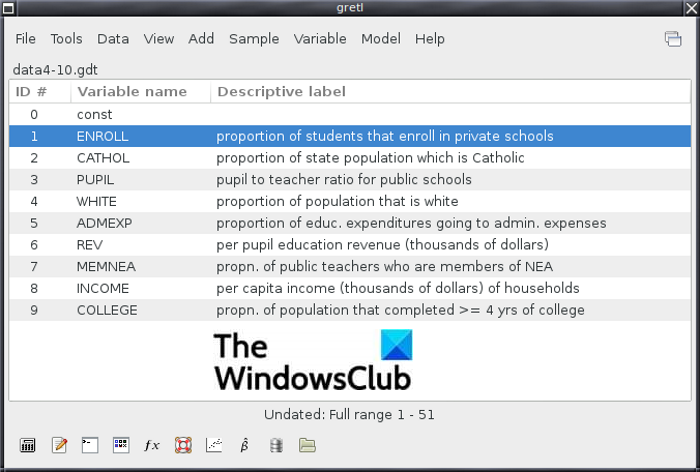
gretl stands for Gnu Regression, Econometrics and Time-series Library. It is a free and open-source statistical analysis software for Windows 11/10. This software is specially designed to perform Econometric analysis. You can import source datasets in CSV, TXT, XLS, ODS, DAT, and a few other formats. Then, perform tests such as statistical tables, Test statistics calculators, Non-parametric tests, Correlograms, Periodograms, Time series analysis, frequency distributions, and more.
You can also plot Time series plots, distribution graphs (such as chi-square, Poisson, and binomial), Boxplots, and Normal Q-Q plots, among others. If you want, you can save the graphs in PDF, PNG, EPS, and other image formats.
Download it from sourceforge.net.
What is the best free software for statistical analysis?
All the mentioned free software are great for statistical analysis. However, in my opinion, I find JASP and PAST better than others. These two provide you a good number of statistical tests to perform statistical analysis. Additionally, they are very easy to use. Both professionals and beginners can use these two statistical analysis software.
Is there a free alternative to SPSS?
Yes, there is a free alternative to SPSS called PSPP. It is completely free and open source. It was specially created as an alternative to the proprietary program SPSS. PSPP contains most of the features that are available in SPSS. A variety of statistical tests can be performed using PSPP for free. You can check out the full description of this freeware above in this post.
Now read: What is Machine Learning and how it is different from Artificial Intelligence.
