
OCR or Optical Character Recognition converts images containing text into machine-encoded text, maybe from a scanned document. It means taking text from a photo of a document and pasting it into a text editor. There are various free online OCR sites or free software, including UWPs on the Microsoft Store, that let a user make use of this technology. Today we will be taking a look at them one by one.
Best free OCR Software for Windows 11/10
1] SimpleOCR
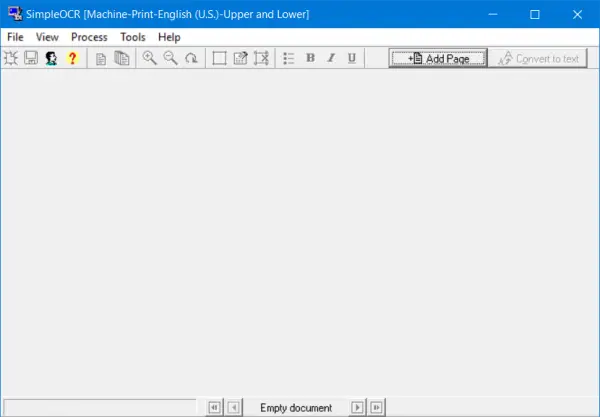
SimpleOCR is free software with an outdated user interface. But if you tend to value brains more than beauty, then this one might be something that you are looking for. It is software that may be legally redistributed without modification. Although it might not be as feature-rich as the software that other people use, in my opinion, it is more than enough for someone’s personal and professional user. And the best part is that it is compatible with Windows 11/10.
If you are interested, you can download the latest version of SimpleOCR from their official website here.
2] Boxoft Free OCR Converter
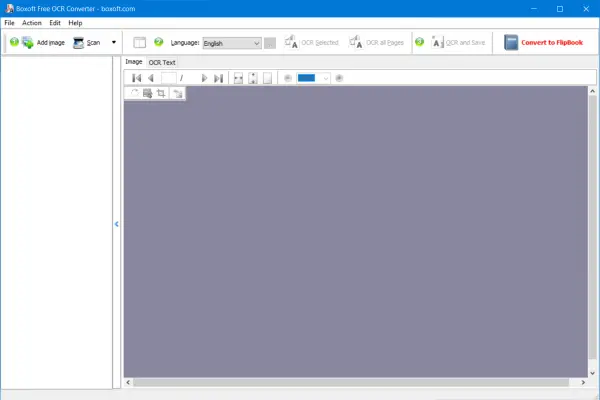
Boxoft free OCR Converter is free software that enables users to extract text from all kinds of images. It can analyze multi-column text and simultaneously support detecting multiple languages, including English, French, German, Italian, Dutch, Spanish, Portuguese, Basque, and more. Apart from images, you can also scan various hard copies of documents and convert them to editable text in a moment.
The user experience of this software is also a bit outdated, but it can help you get your work done without any hiccups. If you are interested, you can get Boxoft Free OCR Converter from their website here.
3] (a9t9) Free OCR app
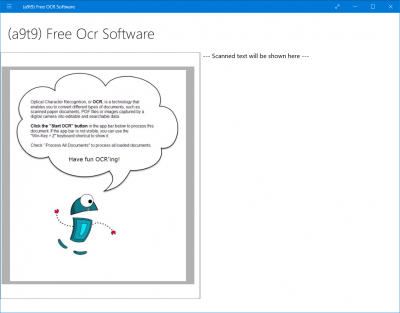
This UWP app supports detecting text in a PDF document.
The (a9t9) Free OCR Software converts scans or (smartphone) images of text documents into editable files by using Optical Character Recognition (OCR) technologies. It uses state-of-the-art modern OCR software. The recognition quality is comparable to commercial OCR software.
Being a UWP (Universal Windows Platform) app makes it compatible with a range of Windows devices, including the Surface Hub. This means that if you are on the Windows ecosystem, this app will work everywhere, no matter what device you are on.
This application is free to use. However, it contains advertisements. It offers an IAP (In-App Purchase), which lets you pay the developer $1.99 to remove the advertisements forever.
Some of the OCR languages that this application supports are Chinese, Czech, Danish, Dutch, English, Finnish, French, German, Greek, Hungarian, Italian, Japanese, Korean, Norwegian, Polish, Portuguese, Russian, Spanish, Swedish and Turkish. This brings its capabilities to a whole new level.
If you want to try out this app, you can check it out in the Microsoft Store here.
4] Easy Screen OCR
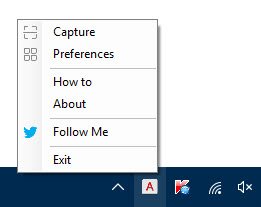
Easy Screen OCR is capable of capturing and converting Screenshot to Text. It can extract text from images, videos, websites, documents, and more for convenient editing.
5] Capture2Text
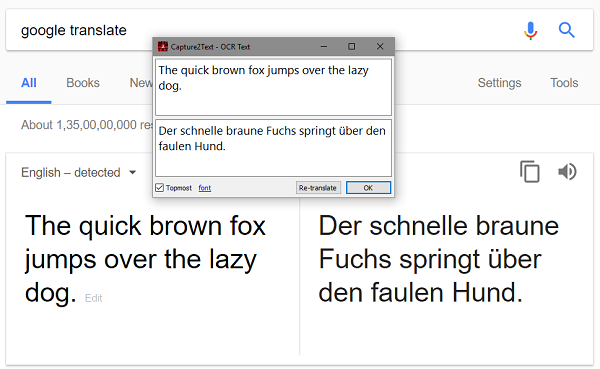
Capture2Text is a free software for Windows that lets you extract and copy text from images and save it to the Clipboard. It makes it ultra-easy to OCR a portion of the screen and automatically copy the text from an image to the clipboard.
Also read:
- How to Copy Error Codes & Messages from Dialog Boxes
- How to extract Text from Images using OneNote
- Extract Text from Images using the Windows Photo Scan app.
