Tag Archives: Fix It
If you find that, on your Windows 7 computer, the display is not good and the readability of text is poor too, then it could be a problem with your display drivers or maybe your display settings are not optimal. Microsoft …more >>>
A runtime error is a software or hardware problem that prevents a program from working correctly. Runtime errors might cause you to lose information in the file you’re working on, cause errors in the file (corrupt the file) so you …more >>>
Microsoft ATS has released a Fix it that will automatically diagnose any problems that you may be facing while installing or uninstalling programs or software in Windows 7. Program Install and Uninstall Troublehooter Use this Program Install and Uninstall Troublehooter, …more >>>
At times you may find that your Outlook .pst file have been corrupted and that you are unable to access them. Microsoft has provided the Inbox Repair Tool which lets you recover folders and items from corrupted Personal Folders or …more >>>
While creating a new Network on your Windows 7 computer, you are asked if you would like to treat the connection as a Home network, Work network or a Public network. You are also given the option to check a …more >>>
There are times when you need to print a web page. But if you find that you are unable to print or print preview web pages, when you are using Internet Explorer 9 or IE8 on your Windows 7 or …more >>>
If every time you open Microsoft Office 2010, Outlook 2010 or any application, you receive the following message: Please wait while Windows configures Microsoft Office Professional Plus 2010 and it configures itself every time when it is running, you might …more >>>
When you try to install a Microsoft Game, you find find that you are unable to and you receive error messages. This could probably be because your InstallShield application could have become corrupted or damaged.
If you find that you are facing any issues in running Windows Updates, including Service Pack, due to any reasons, you might want to check out this Automated Fix It Solution, Windows Update Troubleshooter from Microsoft.
If when you are trying to back up your Windows Phone 7, you find that the Zune software has stopped responding, then you may have to check and ensure that the Windows Mobile Device Updater is up to date.
If you install Windows 7 on a computer which has Windows Vista installed or if you perform a custom installation of Windows 7 instead of an upgrade installation, you will see a windows.old folder on your system drive.
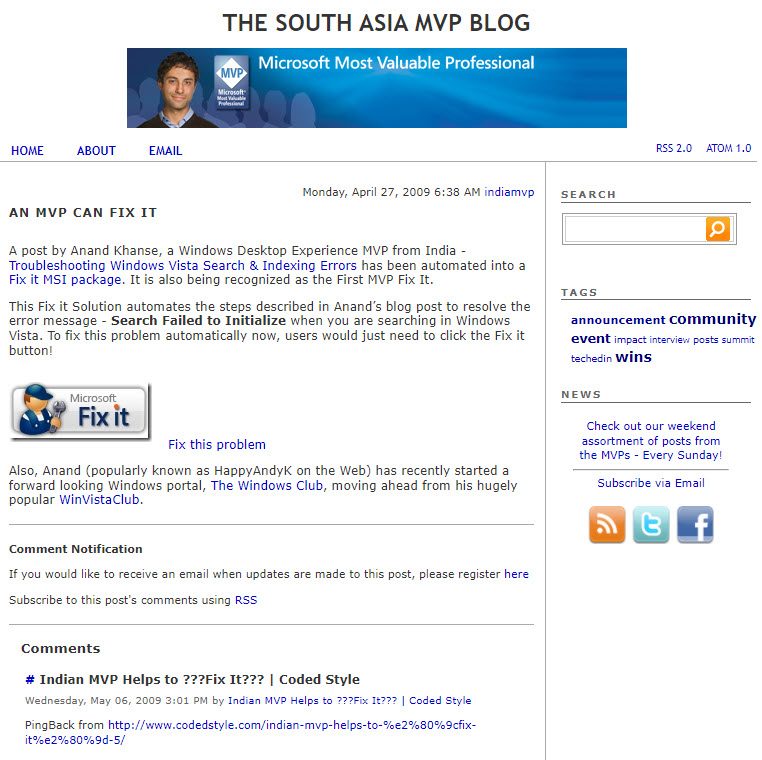
One of the best things in trouble shooting Windows problems has been the Microsoft Fix It Solutions. Ever since we first announced its quiet launch way back in Nov 2008, or the time when the First MVP Fix It was …more >>>
This article describes how to change the port that Remote Desktop listens on. You can use the Remote Desktop feature in Microsoft Windows to connect to your computer from another remote computer.
Microsoft has published an article that describes how to troubleshoot problems that occur when you start or use Microsoft Office Word 2007, Microsoft Office Word 2003, or Microsoft Word 2002. The methods that are described can help you determine the …more >>>
If when you connect a hardware device to your Windows computer, you find that it is not detected or working, you can apply this Fix It from Microsoft and see if it helps.
If when you try to change the User Account settings in Windows 7, after you have made the change, the dialog box does not close, and no change is made, then you may want to read this article.
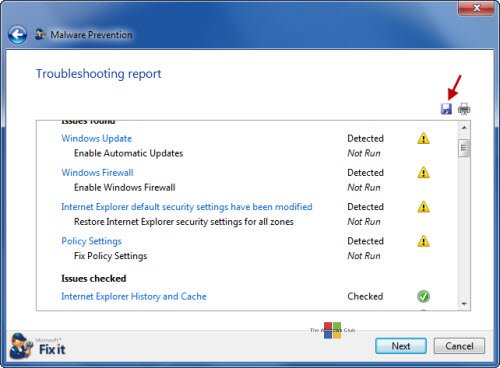
While it is very important to have all the latest Windows Updates and to have a good up-to-date antivirus software installed, it is equally important to ensure that all the security setting of your Windows 7 and Windows Vista are …more >>>
The Microsoft Fix it Solution Center has been re-designed to give it a cool new look. The new re-designed website definitely makes navigation and finding out your fixes much easier!
While one can always easily uninstall Microsoft Security Essentials from the Control Panel, should you find that your are unable to uninstall Microsoft Security Essentials, you may try to uninstall it manually or by using a Microsoft Fix it solution.
We have already blogged about the difference between 32-bit and 64-bit Windows. This post tells you how to find out whether your computer is running a 32-bit version or 64-bit version of the Windows operating system.