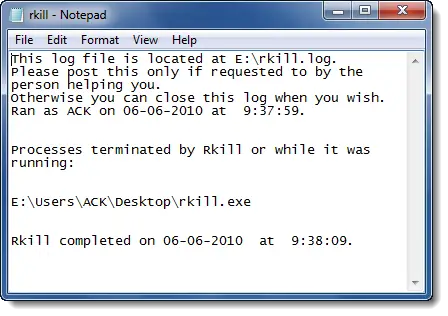
Sometimes persistent virus, spyware, or malware processes will not allow security software to run or to effect complete removal of the infection since these processes are themselves up and running on your Windows computer. RKill is an easy-to-use tool that kills known malicious processes that stop the use of normal antivirus applications.
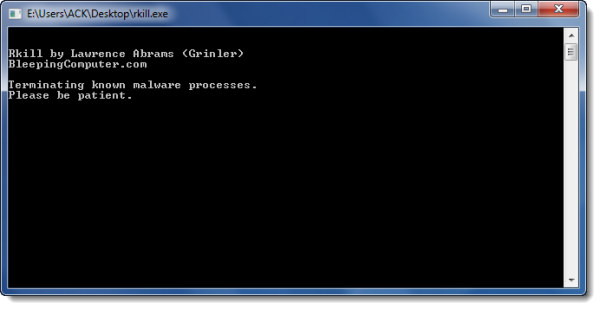
Remove Persistence malware before running security software
RKill just kills processes, imports a Registry file that removes incorrect file associations and fixes policies that stop us from using certain tools. Then it kills Explorer.exe, so it will restart and enable some of the Registry changes. When done, RKill will then create a log listing all processes that were terminated while the program was running.
After running, it will display a log that will show the malware processes it has killed.
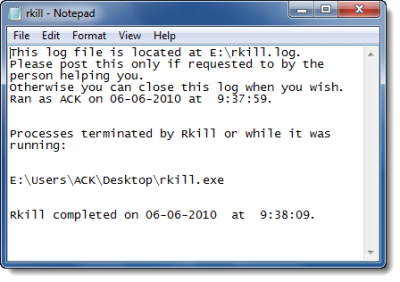
Now you should not reboot your computer as any malware processes that are set to start automatically, will just start up again.
Instead, after running RKill, you should scan your computer using your malware removal tool of choice. Using a portable second opinion malware scanner like Dr Web might be a good idea.
This will ensure the complete removal of the malware which may have infected your Windows computer.
RKill download
For download link & details visit BleepingComputer.