
Sometimes when you go on to uninstall a program via the Control Panel, programs may not uninstall in the regular mode correctly, and you may at times have to boot in safe mode to uninstall the software. However, Windows Installer will not work under Safe Mode; this means that programs cannot be installed or uninstalled in Safe Mode without giving a specific command using msiexec in the command prompt. This post will show you how to uninstall programs in Windows Safe Mode.
Uninstall programs in Safe Mode in Windows
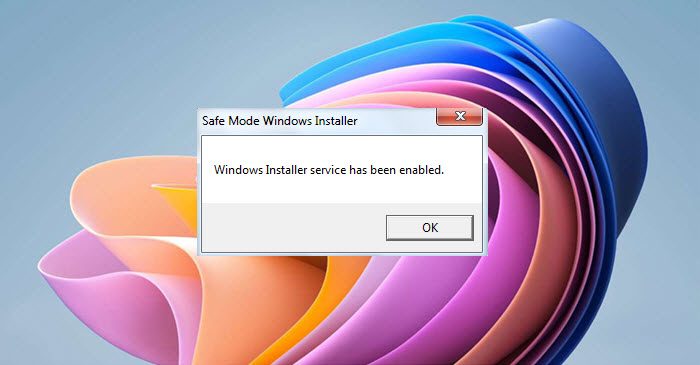
To make Windows Installer work under Safe Mode, you need to create registry entries. To know how to do it manually, click – How to make Windows Installer work in Safe Mode.
Alternatively, you can also download and use this freeware utility which automates the entire process and makes things easier for you.
Simply download SafeMSI, boot in safe mode, and then run this utility.
SafeMSI starts Windows Installer Service in Safe mode. It is designed to let you uninstall programs in safe mode. The tool modifies the Registry, so Windows Installer is made a safe service, and it will launch the Windows Installer service.
That’s it!
You will now be able to uninstall software in safe mode in Windows 11/10/8/7.
You might want to read about Safe Mode in Windows 11/10.


