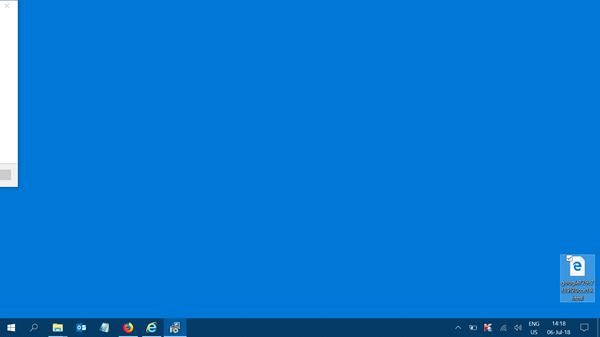
On occasions, it may have happened that the title bar of your open application window in Windows 11/10/8/7, may have moved off-screen, i.e., your application window slides off the desktop, as a result of which you are unable to move or close the window with the help of your mouse pointer.

Window title bar goes off-screen
If the Title Bar or controls of an open application window moves off-screen or window slides off the desktop, use this trick to move or close the application. Learn how to move a window that is off-screen in Windows with the keyboard and bring the misplaced off-screen window back to your desktop. This post will help you if the Program is open in Taskbar but not visible on Screen.
How to move a window that is off-screen in Windows 11/10
Do the following to bring an off-screen window back on to screen:
- Hold down Alt+Space-bar and then press the M key too. Let go of all the keys.
- Alternatively, you can also hold Shift down and right-click on the program’s icon in the taskbar, and select Move.
- You will see your mouse cursor transform into a 4-way arrow and place itself over the window’s title bar.
- Now use the arrow keys of your keyboard to relocate or move the window.
- Right-click the mouse when you have moved the window and are done.
Access UI controls that extend off the screen
If you are unable to access some user interface controls that extend off the screen on low-resolution computers, try this.
Press the ALT key to highlight which control currently has focus. Keep pressing TAB till the focus is moved to the control on the interface that extends off the screen and then press Enter.
To close an application, whose ‘x’ you cannot access, simply press ALT+F4 to close it.
Reset window position values via Registry
One other option you have is to locate the program settings in the Registry and delete the windows positioning values.
Let us take Notepad as an example. Navigate to:
HKEY_CURRENT_USER\SOFTWARE\Microsoft\Notepad
You will see several DWORD values that denote the window position.
To reset, you need to delete these values and then launch Notepad to bring it to the center of the screen.
UPDATE: If your Windows supports it, you could use the Aero Snap feature.