In this age of the internet, email overload has become routine. On average, receiving ten-twenty emails is no big deal, and on top, many have multiple email accounts. When you have multiple email accounts, the need for an email client becomes imminent. This post has sorted some of the best free email clients for Windows 11/10/8/7 PC.
Free Email Clients for Windows 11/10
An email client is software like Microsoft Outlook, which you can install on Windows and add multiple accounts. Some of these clients offer productive features to help you deal with emails in a better way.
- New free Outlook app
- Vivaldi Mail
- eM Client
- Mail Spring
- Spark Mail
- Spike
- Thunderbird
- AERC
- Twobird.
Some of these email clients also come with Pro versions. I will mention the limit of the free version where required. Also, I will focus on important features as they offer all the basic features any email client should offer. Some of the email clients also offer collaboration features that work best when everyone uses the same client.
1] New free Outlook app (Replaces Windows Mail App)
UPDATE: The Mail app will be deprecated and replaced with the new free Outlook app. available in the Microsoft Store.
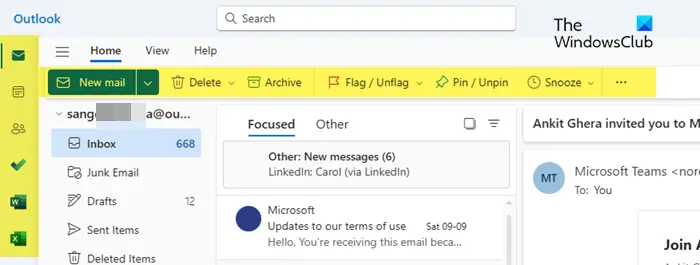
This free, ad-supported app version is available for one personal account with 15 GB of mailbox storage and 5 GB of cloud storage. It will replace the built-in Mail and Calendar apps in Windows 11 in the coming year.
Read: How to use free Outlook email app on Windows 11
Windows Mail app is the default email client on Windows. It offers many features that should be enough for any Windows user wanting to connect multiple email accounts. It provides features like Focused Inbox, Caret browsing, @Mentions, sends emails as attachments, Linked Inboxes, Swipe gestures, Signature, and more.
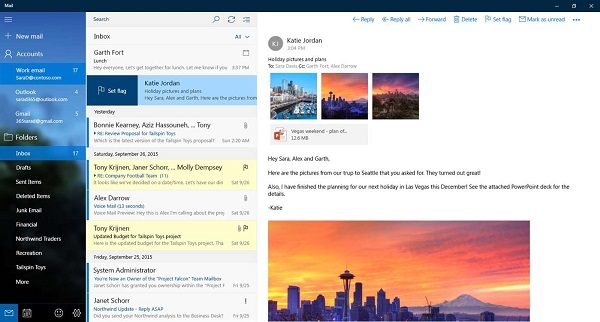
You can also download Windows Mail from the Microsoft Store.
2] Vivaldi Mail
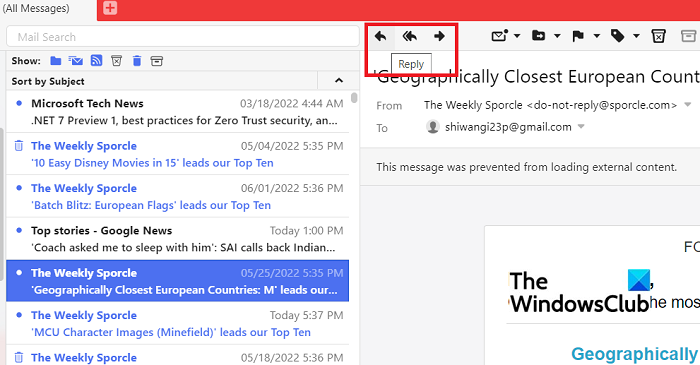
Vivaldi Mail is a new and powerful email client, Vivaldi Calendar, and Vivaldi Feed Reader built right into the Vivaldi browser. This means that you can now handle your emails, calendar and feeds right from your Vivaldi browser.
3] eM Client
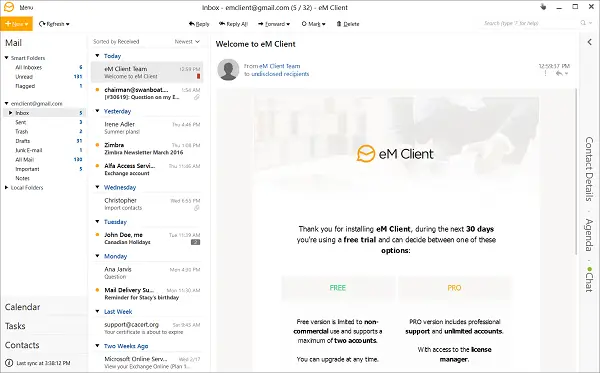
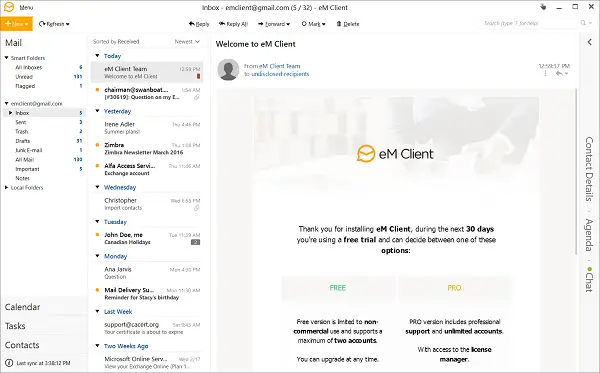
Released in 2007, eM Client is a popular email client for Windows which offers email, calendar, and contacts management in its free version. The free version is restricted to a single device license with two non-commercial email accounts. So if that works for you, definitely give it a try.
The primary goal of eMClient is to offer contextual information from your emails. Not only do you get to see about the sender, but also it takes a look into communication history, attachment history, and agenda, which can save a lot of time for anyone. Download it from here.
4] MailSpring
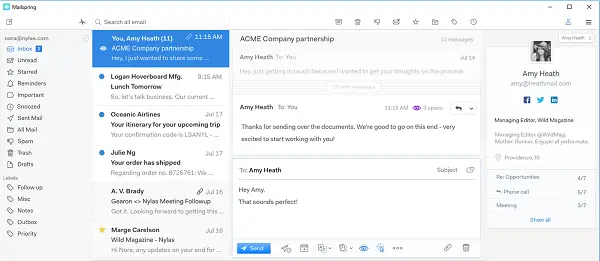
Starting with MailSpring, we are looking at free but modern email clients who have gone beyond Outlook and similar email clients. They offer the same set of features, but the inclusion of the read receipts, link tracking, automatic translation, and spell-check makes it stand out.
Here is the list of the rest of the Features:
- Multiple accounts (IMAP & Office 365)
- Touch and gesture support
- Advanced shortcuts
- Lightning-fast search
- Unified Inbox
- Mac, Windows, and Linux support
- Themes and layouts
Download from its homepage
5] Spark Mail
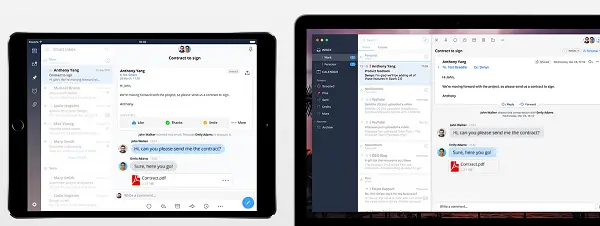
SparkMail App is a free email client for Teams. The free version offers a total of 5Gb for the whole team. Here is the list of eye-catching features:
- Private Team comments
- Shared Drafts
- Reply Templates
- Send Later
- Reminder for follow up
- Email delegation
- Send email as a link
In the free version, you can have two active collaborators and ten email delegations per team. However, there is no role-based feature here.
Download from its homepage.
6] Spike
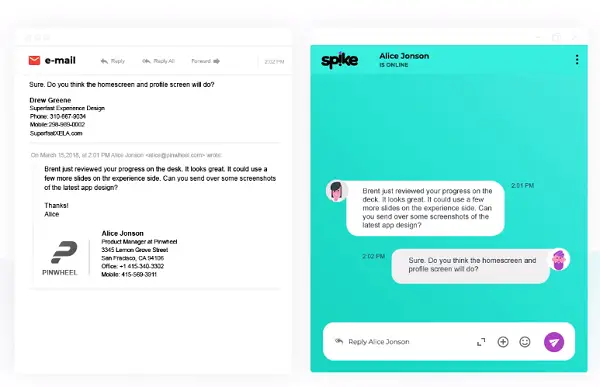
This free email client focuses on conversations by offering a chat-like interface to the emails. It is evident that it works best when both sides have Spike. While it is accessible for anybody with a personal mail address, the limit is 100,000 messages. That’s a lot IMO. I have accumulated over fifty-eight thousand emails for more than ten decades.
- Combined calendars with smart scheduling
- Advanced file preview with the option to see all the files one has sent in one place
- Workplace for multiple conversations aka Groups
- Priority Inbox with advanced search
- Encrypted Emails
Check out Spike here.
7] Thunderbird
Thunderbird is one of the oldest email clients, which Mozilla released. Themes and Add-ons are the powerful features of this email client, which makes it stand out. Since it’s free and open-source, the community can evolve it like no other software. Apart from these, it supports Tabbed Email, Support to Cloud services for large attachments, Smart folders, and so on.
Download it from here. It was recently released for Windows Store if you prefer it as a free email client like Outlook.
8] AERC
AERC is a terminal-based email client for those who love terminals and want to have features similar to email clients. There is no UI; you will need to type for almost everything, not just emails.
- Support multiple accounts, IMAP, Maildir, SMTP, and Sendmail transfer protocols
- CalDAV and CardDAV support for synchronizing contacts & calendar events
- Asynchronous IMAP support
- Efficient network usage
It is 100% free and open source. Check it out here.
Read: Spark Mail app for Windows PC controls your Inbox to make focusing easier
9] Twobird
If you are looking for a Gmail client for Windows, you should give Twobird a try. It has some good features like Reminders and Notes. You can find all the features, options, and a manual to get started with this elegant email client.
TIP: Here are some of the best free mail servers for sending and receiving emails.
When selecting an email client, one must take into consideration essential factors. It includes a unified inbox, snooze, keyboard shortcuts, application integration, templates, and support from developers. You might not find all features in a free version, but some of them are basic and should be available in every email client.
Can you configure any email client with any email service?
Yes, most of the email clients support popular email services. You will need to configure the POP3 or IMPA services within the client. Also, some services can directly set up using the built-in wizard instead of going through the complex services, but that’s limited to only a few of the email services.
Does Windows have an email client?
Yes, Windows offers a built-in email client called the Mail App. You can configure any number of emails into it, including the Microsoft account connected with your PC. While there is no significant downside, and it’s excellent for those who don’t want to buy any Mail software. However, compared to Office 365 and other clients, it has fewer features.
What is the best email client for PC?
There is no best email client, but instead, choose what works for you based on your requirement. Some users would be happy with the Mail app, some would like Thunderbird better, and some would want to use a paid client such as Outlook from Office 365. So always put your requirement first, and then choose a client.