Windows 7 comes with an inbuilt tool called as Windows Easy Transfer which enables you to automatically copy your files, photos, music, e-mail, settings, and more to your new Windows 7.
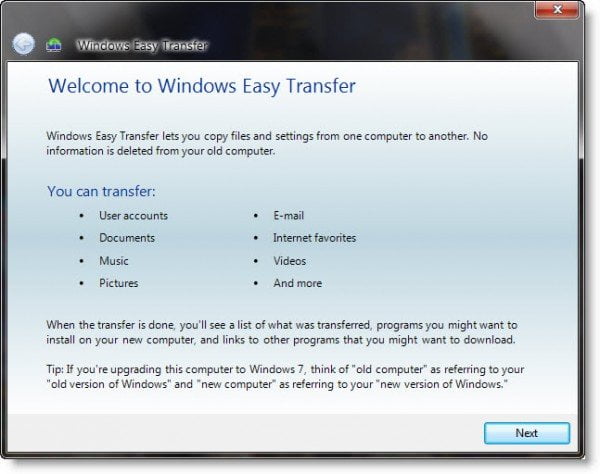
Windows Easy Transfer
Windows Easy Transfer makes it much easier to setup your new computer with all your personal data and settings.
This tool provides support for transfering data with Easy Transfer Cables or across a network, external drive, or CD/DVD.
To access Windows Easy Transfer, click Start Orb > Start Menu > All Programs > Accessories > System Tools > Windows Easy Transfer.
Simply follow the easy to understand wizard to copy files & settings from one computer to another.
You can also see reports on all that has been transferred by clicking on Windows Easy Transfer Reports, under System Tools.
I trust you will find the tool useful!