
Travelling has never been easy but thanks to a ton of apps and services we have been able to plan our travel better. From flight booking to sightseeing, everything is covered by apps, and the Microsoft Store offers a fascinating selection of travel apps. Another aspect of travel at least for me is to ensure that things are planned to the second and also make sure that the travel associated with travel planning has been reduced to a greater extent.
Best Travel apps for Windows 11/10
Most travelers would want to install these apps on their Windows 10 PC and Windows 10 Mobile Phone. Let’s have a look at some of the best Travel Apps Windows has to offer and see how good they are.
1] TripAdvisor
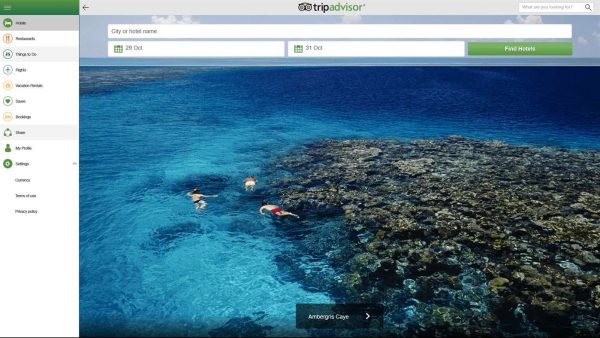
After having used TripAdvisor for more than five years this is one tool I simply can’t live without. Lately, TripAdvisor has picked up quite a few features, including: TripAdvisor lets you book hotels, flights, and sightseeing, and check out the fun things to do. The best part, however, is the vivid reviews, yes, the reviews are so detailed that they have often helped me make or break my trip to certain locations. Also, the user uploaded content including the pictures give you a more realistic view of things are. Download it here.
2] Skyscanner
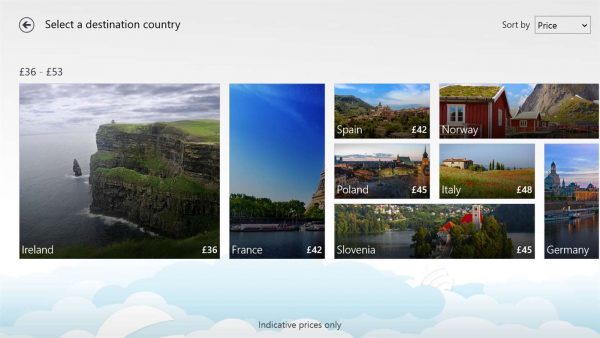
Booking flights are one of the trickiest affairs of traveling. Before, I used to hop around a bunch of websites to find the best price for a flight ticket. This entire exercise was not only tiresome but, most of the time, extremely futile. Skyscanner is a great service that lets you choose the cheapest flight between any two destinations. It’s more like a flight aggregator that leads you to its partner site to book.
The app searches among millions of routes among 1,000 airlines and not only helps you save money but also time. On a personal note, I would suggest you take a second look at the booking site since I found out that some of the sites don’t have the best of policies especially when it comes to cancellation terms.
3] Uber
Well, Uber has been in the fray recently for bending regulations and it has also raised some severe questions about sharing economy. All that aside, I have personally preferred Airbnb to the other local travel options. While most of us opt for metros or public transport when traveling, there are some occasions when we prefer to use our private car.
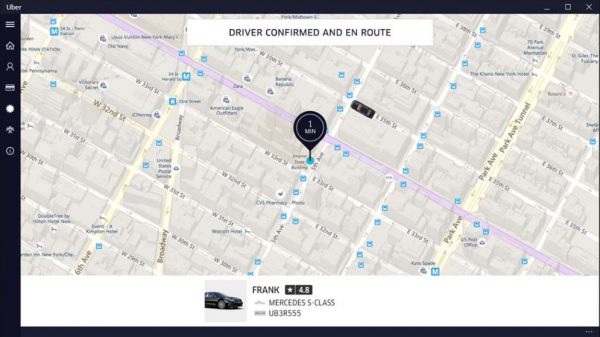
Uber lets you book a cab on demand and will also shield you from local scams like meter tampering. The ride estimate is given up front, and you can set the payment method of your choice. The best part is that new Windows users in the US will get their first ride up to $15 free of cost by using the code MSFTWIN10.
4] Microsoft Translator

Yes, don’t be surprised, Microsoft Translator can be your best buddy while touring and I realized this the hard way. My recent trip to China underlined the importance of a translator as I was able to transcode the conversation line by line and also translate the signboards. The best part is that you can also converse in foreign languages with your friend. Furthermore, the app lets you hear the translated phrase so you can pronounce it more easily. Download it here
5] XE Currency
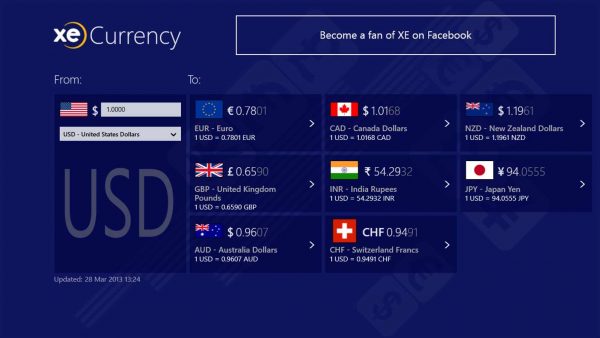
Managing your finances during an overseas trip is not only cumbersome but also confusing. Especially with local exchange rates in motion, things can turn ugly. Yes, you can choose to install a bunch of other currency converters on the Windows Store but XE Currency is one of the most comprehensive ones. The currency converter works in real time and can also operate offline. Download it here.
What apps do Travellers use?
There are so many apps you can use as a traveler. Whether you travel solo, with friends or family, you can use the aforementioned apps to make things easier while traveling. For your information, you can use TripAdvisor, Skyscanner, Uber, etc., to find things and communicate.
Which is the best app for tourist?
It depends on the purpose. If you need to find hotels, restaurants, and ATMs while traveling, you can use the TripAdvisor app on your computer. However, if you want to go from one place to another, you can use Uber and other similar apps.
Any of your favorites that I missed?
