
If there is an unwanted object on your computer that you need to remove from your image or picture for whatever reason, then there is no need to use a photo editing software or to pay a professional to get the job done. It is possible to take advantage of a free online tool known as Cleanup.pictures.
Remove unwanted Objects from Photos
When it comes down to making the most of Cleanup.pictures, the task is very easy. Since this is a web application, there aren’t many features to discuss. Just drop in your photo and make the changes, then export, and that’s it.
Here are the steps involved.
1] Add an image for editing
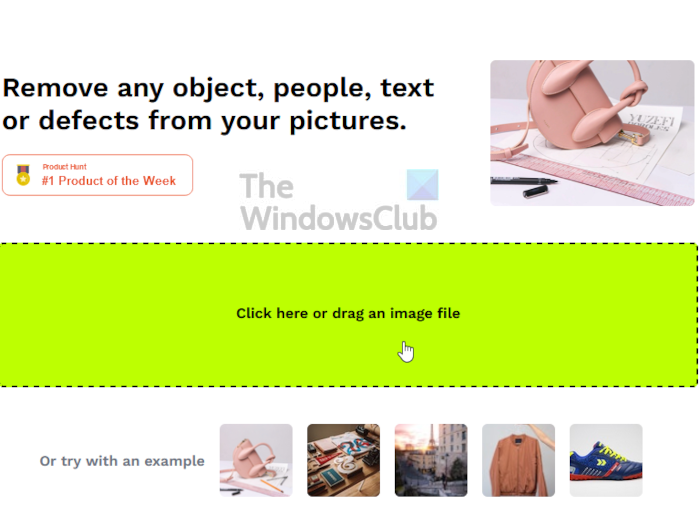
OK, so the first thing you will want to do here, is to add your image to the app. You can either drag and drop to the open area, or click within the area to open File Explorer, when you must seek out the preferred photo.
2] How to remove objects from an image
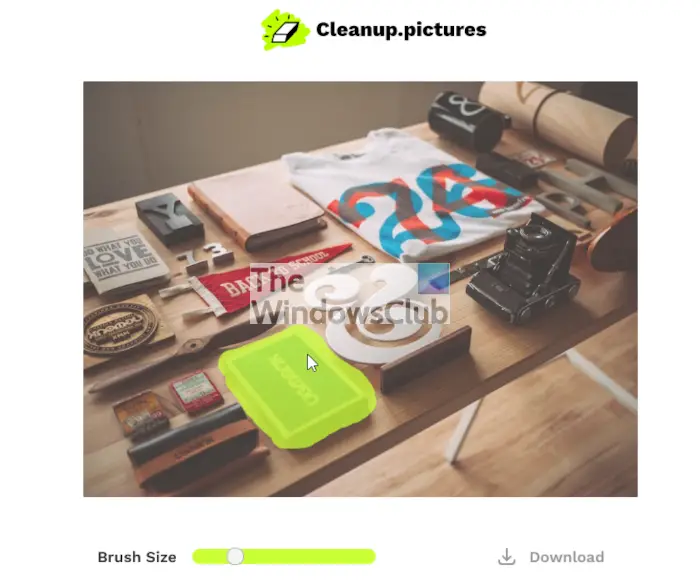
After adding your photo to the editing area, it is now time to remove unwanted objects. You can do this by selecting the correct brush size. From there, drag the brush icon over the object, wait a few seconds, and bam, the object is gone like magic.
3] Preview or switch back to the original
To view the original photo, click the button labeled ‘Original‘. To make a permanent switch to the original, then click the undo button.
4] Download the finished product
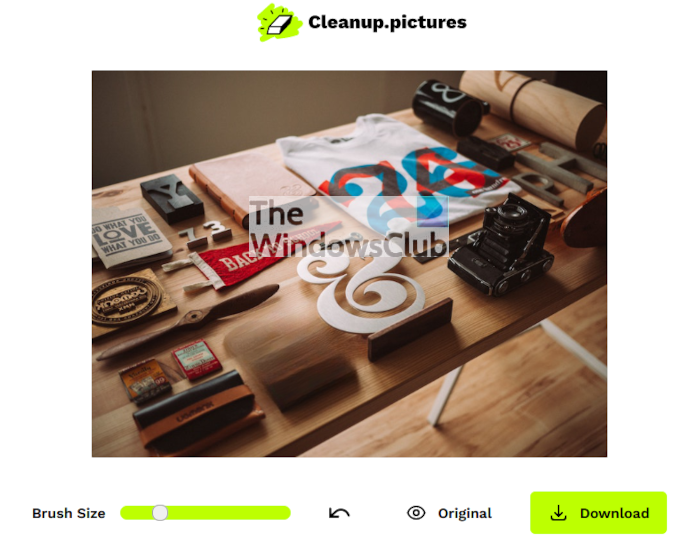
Finally, you can download the edited image by selecting the Download button.
Visit cleanup.pictures to get started.
What is the best free app to remove objects from photos?
There are several options available to remove objects from photos. However, Photoshop and GIMP are two of the best apps you can use to remove objects. As you are looking for free options, you can undoubtedly try cleanup.pictures tool to get the job done. It is an open-source app – that said, if you have the right expertise, you can contribute to the code to make it better than it is right now.
How do I remove unwanted objects from a photo?
As said earlier, you can use Photoshop to remove unwanted objects from a photo. However, if you prefer not to use a paid app, you can try YouCam Project instead. As this app utilizes AI, you don’t need to perform any complex tasks to get the job done. All you need to do is select the object you want to remove from the photo.
Read: Free Watermark Remover software & Online tool.
