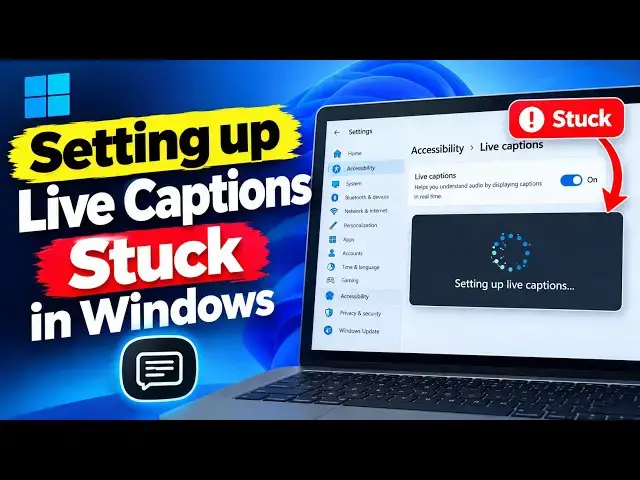

Setting up live captions stuck in Windows 11
Sep 30, 2026

Is Windows 11 getting stuck while setting up Live Captions? One reason this can happen is when Windows is trying to download the required speech files.
In this video, we’ll show you some simple ways to fix the Live Captions setup if it’s stuck and get the feature working again.
Let’s get started.
Link: https://www.thewindowsclub.com/setting-up-live-captions-stuck-in-windows
00:00 Intro
00:17 Check whether the Speech pack is stuck in the Microsoft Store
00:45 Ensure that Microsoft Store can download apps
01:37 Reinstall the Speech feature via Language & region settings
02:24 Reset the cached speech data
02:58 Use the manual MSIX package
Run:
services.msc
C:\ProgramData\Microsoft\
Other Link: https://www.thewindowsclub.com/enable-and-customize-live-captions-on-windows
Show More Show Less