
Although Instagram released the “Stories” feature long ago, they haven’t added an option to download them. But if you want to download & save Instagram stories to your Windows desktop or mobile phone so you can watch them later, here are three different tools that allow you to do it. As Instagram stories get deleted after 24 hours of being released, you will have a problem if someone has shared valuable information and wants to see it.
Download Instagram Stories
Checkout the following apps and services that can download Instagram stories on your PC or Mobile
- Storiesig
- Weinstag
- Zasasa
Make sure to review each one and choose what works best for you.
1] Storiesig
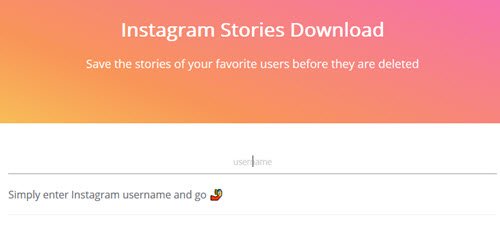
This is an awesome, easy-to-use tool that does its job well. It is possible to save all the live stories in standard video format (.mp4). There is no need to install any browser extension. You just need the Instagram username to find the stories and download them. To get started, head over to storiesig.com and enter the username. Then, you will get the account and the number of live stories.
After clicking the profile picture, you can view all your stories and download them.
2] Weinstag
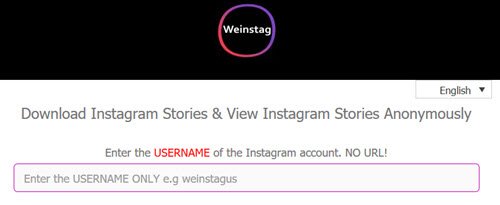
This one is almost like the first tool as far as concerning features and workflow is confirmed. You need the username to retrieve all live stories. You must enter the username on the official website at weinstag.com and click the Download Instagram Stories button.
Then, you can find all the stories on your screen. Click the Download button whenever you want to download a story.
3] Zasasa
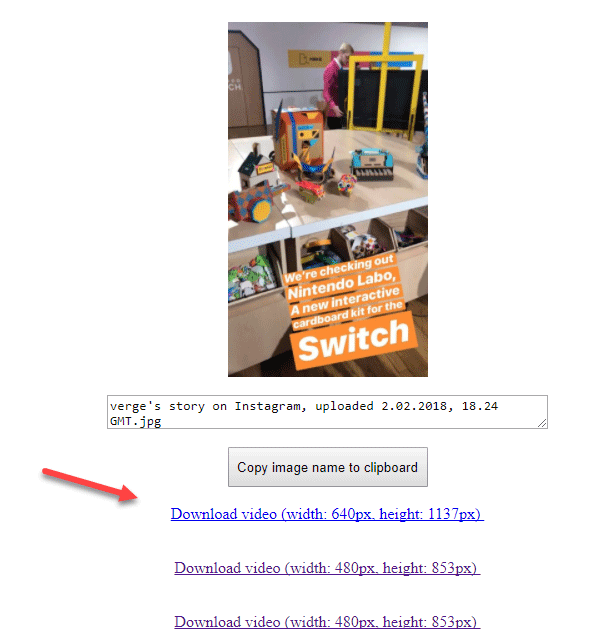
Zasasa is a bit different from the other two tools. Instead of entering the username, you need the whole profile URL to find out currently live stories. However, you don’t need to spend much time on that, since you can open any profile and see the full URL in your browser’s address bar. So, get the profile URL and head to the official website. Enter the URL, and click on the Download button. After that, you can find all the stories on your screen.
The advantage of using this tool is you can download the video in different resolutions based on your requirements. As usual, all the videos will be downloaded in .mp4 format.
I hope you will find these tools useful.
Read next: How to get Instagram or Snapchat on Windows PC.
Can you see how many times someone looks at your Instagram story?
You’ll see the number of views on each photo or video in your story at the bottom left. To see who has viewed your story, tap on the profile pictures on the bottom left. Note that the number of story views includes all replays.
Can you tell if someone screenshots your Instagram story?
If you take a screenshot of someone’s story, post, or reel, Instagram will not notify the other user. However, if you take a screenshot of a disappearing photo or video sent to you via direct message, Instagram will notify the sender.
