
If you are looking for an online image compressor, check out this article to get the list of some of the best free tools to compress images online without losing quality. It is possible to reduce image size without compromising the quality.
Free tools to compress images online
1] TinyPNG

TinyPNG is probably the most useful and easy-to-use online image size reducer that can compress up to 20 images at a time. However, the maximum file size is 5 MB. Talking about the image format, you can use either PNG or JPG images with this tool. Head over to the official website, and drop your image/s in the earmarked spot. Following that, it will compress the image and let you download it. The best part is that you can also save the image to your Dropbox account.
2] Kraken
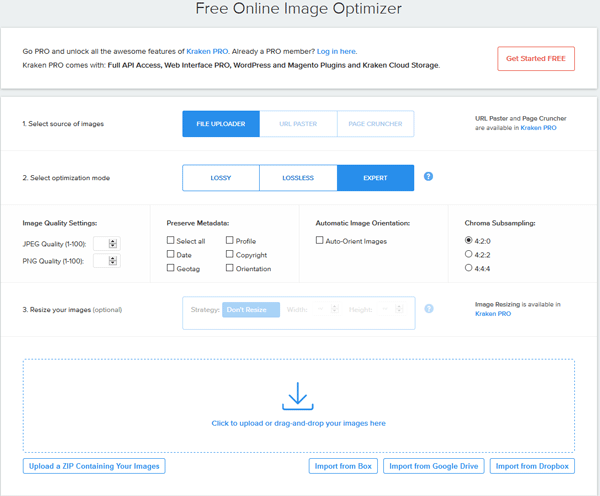
It is quite similar to TinyPNG, but it looks much better than that. Functionality-wise, you can get better options for this tool. It is possible to compress images from various locations, such as Box, Google Drive, Dropbox, in addition to your computer or mobile device. You can upload PNG or JPG images. The most interesting thing is that you can choose how much you want to compress. In that case, if you compress a lot, you may lose the quality. Another useful feature is you can upload the compressed image/s to Dropbox directly from the Kraken website.
3] Compressor.io
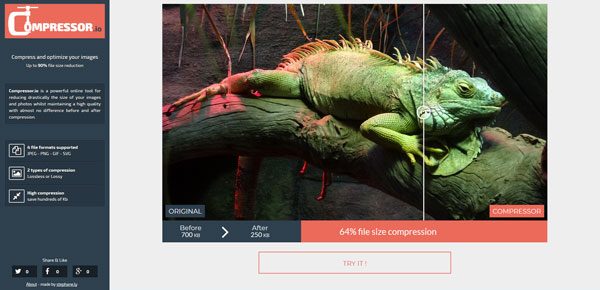
Compressor.io is quite a different-looking website that comes with all the essential features you need. If your image has any other format like GIF or SVG – other than standard formats such as JPEG or PNG, you can use this tool to reduce the image size online. The file size limit is 10 MB, but you can upload only one image at a time. After finishing the compression, you can see the difference on your screen. Later, you can either download it to your computer or you can save it in Google Drive or Dropbox.
4] Optimizilla

When you have a lot of images to compress, you can opt for Optimizilla, which allows users to upload 20 images at a time. Another useful feature is that you can upload different image formats at a time. After uploading, you can adjust the compression level to meet your requirements by making it higher or lower. Although you cannot upload or save the compressed image to Google Drive or Dropbox, like other tools, you can certainly download them to your computer.
Related: Best ways to compress Images on Windows
5] Toolur
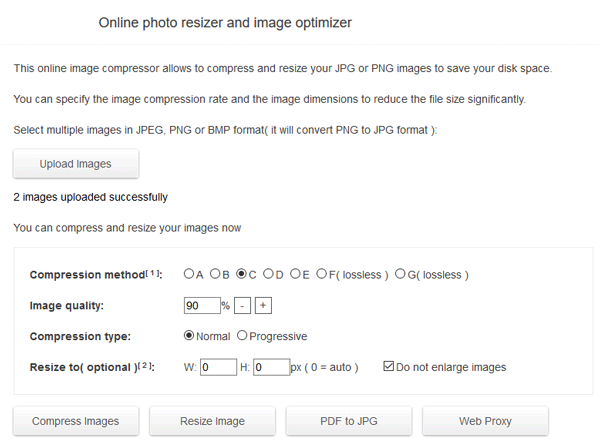
Toolur image compression is another easy site to use a photo compression tool that can reduce the file size almost instantly. The best part is that you can upload up to 25 images at a time, but each file should be under 30 MB. It offers various compression levels, some of which may compromise image quality, so you must select the compression level carefully. Talking about the supported formats, you can upload PNG, JPEG, and BMP images. The only drawback is it is slower than the other tools. Visit compressimage.toolur.com to check it out.
6] Compress Now
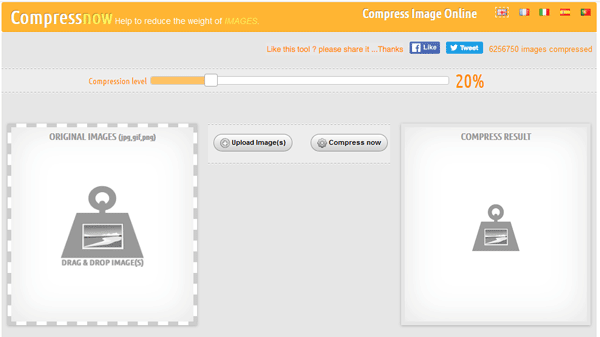
CompressNow is probably the fastest tool in this category. It can compress multiple images within a second. Although you can upload multiple images at a time, the maximum size limit is 9 MB. You can upload images in various formats including JPG, JPEG, PNG, and GIF. Like a smart tool, it displays a compression bar that allows you to adjust the compression level. To use this tool, you need to upload image/s and then, hit the Compress now button. Like Optimizilla, you can upload different image formats at a time.
7] IMAGELR
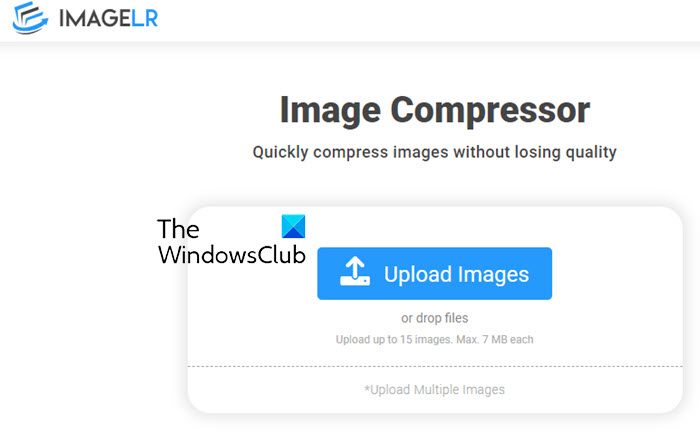
IMAGELR is another Image Compressor online service that lets you quickly compress images without losing quality. It automatically compresses images as soon as the images are uploaded. It is quite easy to use and completely free. It can compress, JPG, PNG, WebP, ICO, BMP, and JPEG files in bulk. It also offers other helpful tools like – Image Color Picker, Image Combiner, Image Converters, etc. Go here to check it out.
What is the best image compressor?
There are many free software available on the internet that you can use for compressing and optimizing your images. If you do not want to install third-party software on your PC, you can go for online image compression tools. Talking about the best image compressor software, it is difficult to say that a particular image compressor is the best. You can try different software and then keep the one that fulfills your needs.
How to reduce the size of a JPEG to 50KB for free?
When it comes to reducing the size of an image, many free software and online tools are available. While compressing an image, its quality should not be compromised. You can try different online tools and software, and bookmark the one in which the least image quality is compromised.
This post lists some of the best free Image Compressor and Optimizer software for PC.
Related reads:
- Radical Image Optimization Tool lets you optimize images easily
- Caesium: Open source software to optimize and reduce image size.
