
Students tend to focus more on Microsoft Word, Excel, and PowerPoint. But these days, more students are finding that OneNote is a quality tool for notetaking, and as such, it is being used more often than before. With that being the case, it is our duty to locate the best OneNote templates to help students spice up their note-taking rather than sticking with the default option. Folks also do not have to put a lot of time into creating their own style, as that takes up more time than could be spent on studying.
Best free OneNote Templates for Students
The information below discusses the best OneNote templates for students worldwide, so read carefully.
- Simple Lecture Notes
- Detailed Lecture Notes
- Lecture Notes and Study Questions
- Math/Science Class Notes
- History Class Notes
1] Simple Lecture Notes
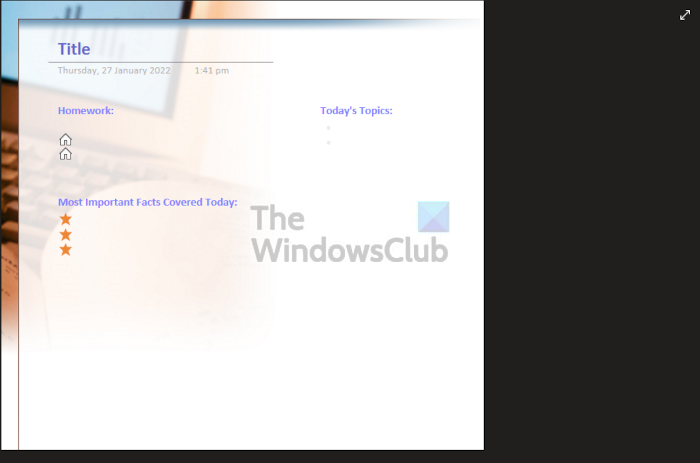
If you want to take simple notes during class, we suggest using the Simple Lecture Notes template. When it comes down to the design, it’s very simple and straight to the point. There are a few distractions here, so users can go straight to note-taking without a worry in the world.
2] Detailed Lecture Notes
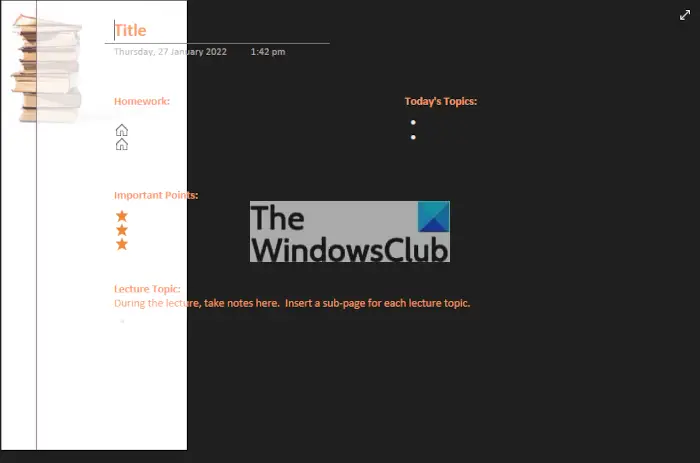
OK, so if you want to take notes that are more detailed during class time, then your best option is to switch from Simple Lecture Notes to Detailed Lecture Notes instead. With this template, students can set a title, the topic of the day, homework, important points, and more.
The color scheme is similar to that of Simple Lecture Notes, and that’s fine by us.
3] Lecture Notes and Study Questions
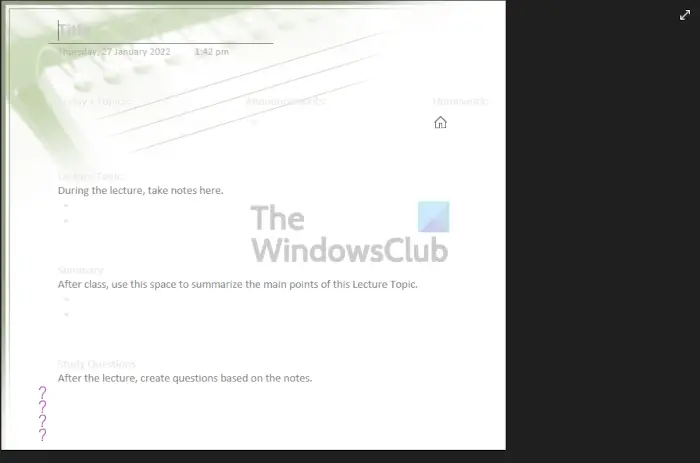
Another template many students will likely fall in love with is no other but Lecture Notes and Study Questions. This right here is the perfect template for anyone who wants to jot down study notes during or after class. It’s basically an all-in-one when compared to the previous two because you can also add lecture notes, then summarize all you’ve written down after class.
4] Math/Science Class Notes
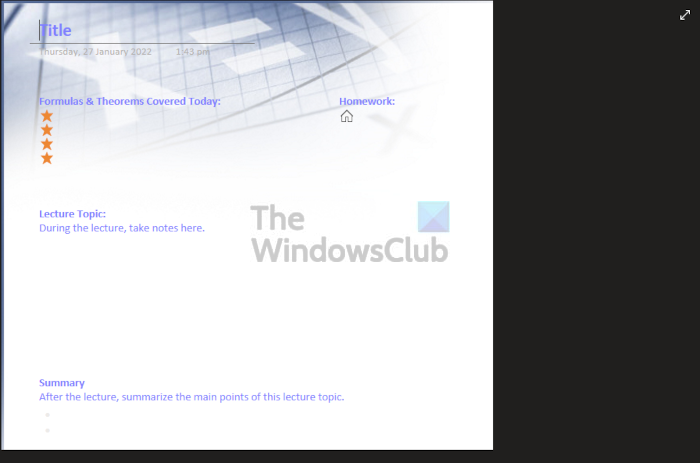
When it comes down to taking notes in math and science classes, you may want to take a look at Math/Science Class Notes. With this template, you can type down the theorems and formulas covered during class. Furthermore, the option is there to write down homework if given, the lecture topic, and an overall summary of the class.
5] History Class Notes
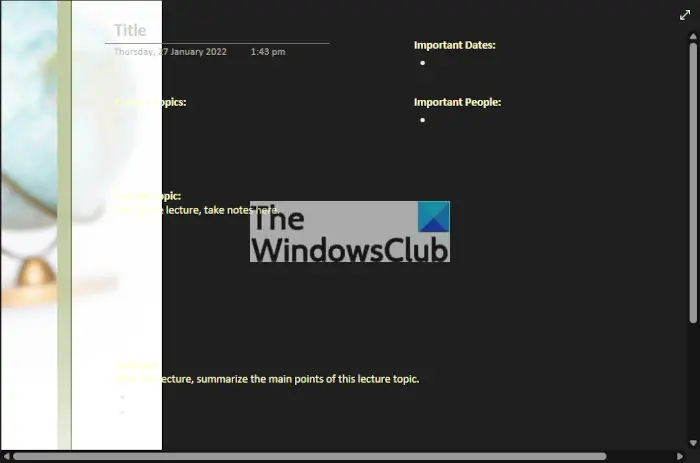
The final OneNote template on this list is called History Class Notes. You can use it to jot down the important names and dates, but also the typical things such as topics and a summary of the lecture. Now, in terms of the design, this template has a flaw where parts of the white text are invisible because they drift into the white background section. Your best option here is to change the color of the text.
Read: Free OneNote Templates for Project Management & Planners.
How do I create a template in OneNote?
To create a template in OneNote, you need to switch to the Insert tab and click on the Page Template button. Following that, select the Page Template option and add all the elements you want to add to a template. Then, click the Save current page as a template option.
Does OneNote come with a planner?
It does come with a planner, but it is a template called the Weekly Planner. This template allows the user to write out daily priorities, manage weekly tasks, and much more. Additionally, there is also a goal tracker and even a rainy-day task tracker.
