
As a freelancer, I spent most of my time on the computer. While freelancing offers freedom, I depended more on my computer for growth, entertainment, and interaction. So I compiled this list of apps for Freelancers on Windows 11/10. As a freelancer, you might need Microsoft Store apps that could save you time with petty jobs as well as those that could help keep you in the right mood while working alone.
Windows apps for Freelancers & Professionals
This post details some of the best apps available for Freelancers and professionals on Windows 11/10 PCs on the Microsoft Store.
- App Installer
- OneDrive
- Tuber
- 8 Music Cloud
- Todoist
- Money Lover
- Duolingo
- Code Writer
The list is as follows:
1] App Installer
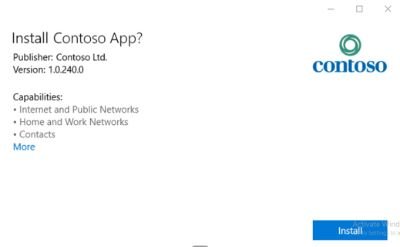
The Microsoft App Installer is geared to make your Windows side-loading of apps faster and easier. You double-click the app package, and without PowerShell, you can install your apps in no time. It displays the publisher, name, version, and logo, along with all the features, so you can get right to your app in no time.
You also have error messages and solutions when there are any. Available for all Windows desktops and PCs. Download it from here.
2] OneDrive
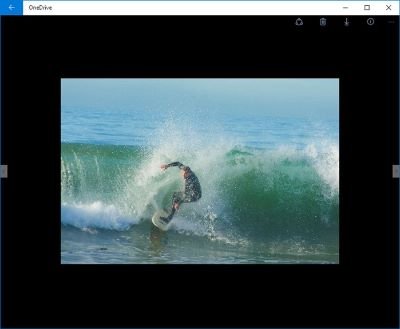
The Windows equivalent of Google Drive but with way more utility and space for you. You can store everything in the cloud, from files and photos to apps. Now, connect and get done with everything, no matter where you are.
Powering your mobility of sharing everywhere. Get it from here.
3] Tuber
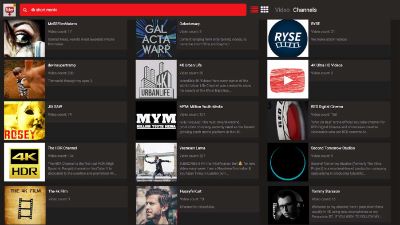
This one is for all the video and audio hoarders out there who would love a collection that is all to themselves. Download any material from YouTube 4K (2160p), QHD (1440p), Full HD (1080p), SD (480p), and also in various file sizes too.
A very handy app to have if you love watching your playlist over and over again without always needing internet access. Get it from here for free.
4] 8 Music Cloud
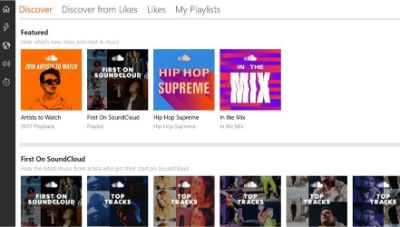
A very user-centric SoundCloud Player that lets you explore the world of music and discover new favorites every day. Share your favorites, follow all the music artists you love, and even indie artists too.
Download from here for free.
5] Todoist
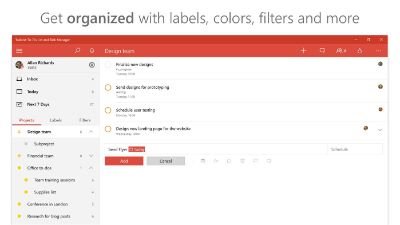
Todoist app boasts the “Application Creator of the Year” Nominee – Windows Developer Awards. Life can get hectic, and such to-do lists and task-managing apps help you stay on top of things no matter where you are.
Forgetting things is no longer a problem. Just download this app, align your tasks to get notifications, and let it finish your lists in no time and be ahead of all your deadlines too. Download it from here.
6] Money Lover
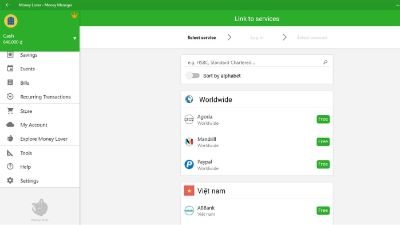
This one is for those money spenders who need a speed bump on their expenditures. Track your expenses daily and never go overboard again. Native to Windows, you can have it on all your Windows devices as long as you have a decent internet connection.
Download it for free from the Microsoft Store here.
7] Duolingo
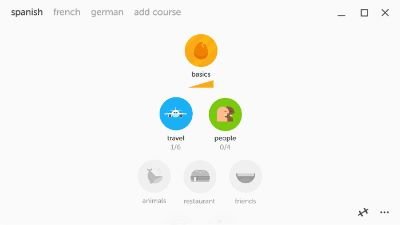
While many might question this option on the list, learning new languages is helpful for freelancers. It helps you open up to new opportunities. Learning a new language is not easy. But Duolingo is surely there to help with that. Choose from a wide range of courses on Spanish, French, German, Portuguese, Italian, Irish, Dutch, Danish, and English. You can also have it on the go on your Windows device.
Download it here for free.
8] Code Writer
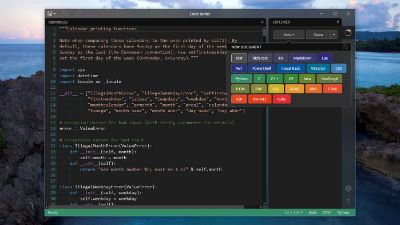
With more than 200 supported files, you can use this app to write and edit all your code for your websites. Built from the ground up for Windows 10, you can use this very easy app to write code for all your desktop apps too. Easy command access and keyboard access too; create and edit from all accessible sources.
Download it here for free.
When it comes to utility apps, the Microsoft Store has outdone itself. You can find all most all kinds of apps to make your daily life easier and help you stay right on top of every deadline and update. This is where the above list is curated to help your daily functions and find the apps that help you. All are 100% free to use and easy to download too.
