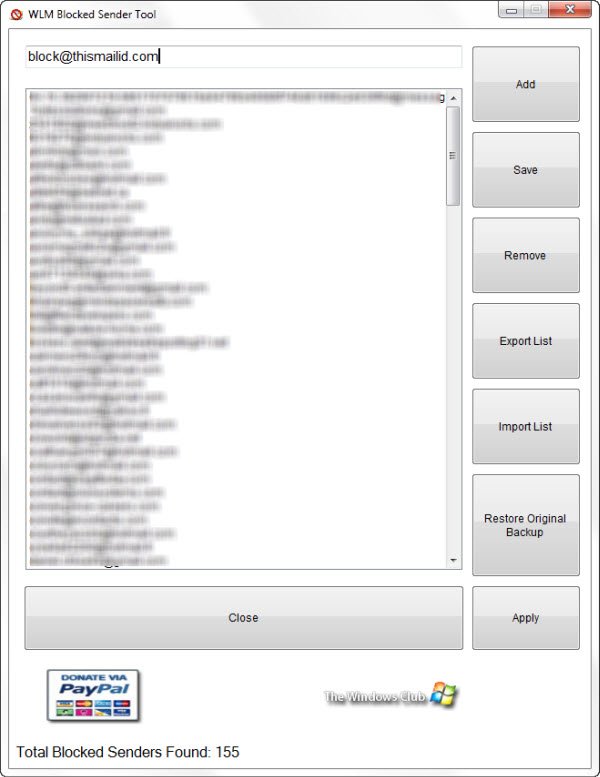
We are pleased to release WLM Blocked Sender Tool. This freeware tool will help you manage the Blocked Senders email addresses list in Windows Live Mail.
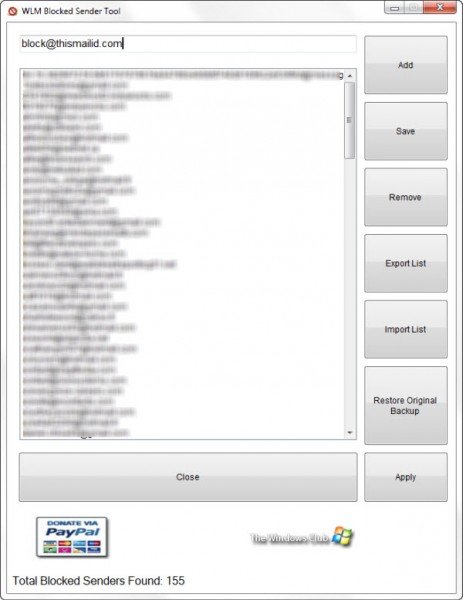
Add, Remove email address – Blocked senders list
Windows Live Hotmail offers a feature whereby you can choose to block certain spam mail and add it to the blocked senders list. When a message is received from an e?mail address that’s on the Blocked Senders list, it is automatically moved to the Junk e?mail folder.
While you can always add an address manually via Junk Mail options in Hotmail or Windows Live mail, WLM Blocked Sender Tool lets you do so quickly.
Simply type the email address in the text box and click on Add. To remove an address, high-light the address and click on Remove.
Export, Import Blocked Senders list
There may be times that you may want to export and save this list. This tool will also allow you to export all the blocked email IDs in a click. Simply click on Export List, and the entire list will be saved in text format, in the program folder.
Should you wish to share this spam list with your friends, they will be able to import this list right into their Windows Live Mail, using the Import List button. This would help users share list between each other giving users another way in combating spam.

WLM Blocked Sender Tool v1 has been developed by TWC Team member Lee Whittington, for The Windows Club. It has been tested on Windows 7, 32-bit and 64-bit, with WindowsLive Mail 2011.