
Today, we will review some of the best free online password managers. Since reading reviews, forums, and comments is considered the best practice for finding the most suitable service or program for your own use, we will review a few good and free online password managers. They store your most valuable information (username and password), password in particular, in one safe place, and it is imperative you go with the one you trust.
Are online password managers safe?
While many prefer to have desktop password managers running on their computers, there are some who prefer to go with online password managers. Yes – using online password managers has its advantages and disadvantages. So before we check them out, let us see the Pros and Cons of using them.
Pros & Cons of online password managers over desktop versions
The main advantage of online password managers over desktop-based password manager software is portability. They can be used on any computer and web browser without installing additional software. The major disadvantage of online password managers is that you must be 100% sure you trust the website.
Pros:
- Portability
- Possess low risk of losing passwords
- Do not require any type of software installation
- Provides secure back-ups in case there’s damage to a single PC
Cons:
- Requires a user to trust the hosting site
- Susceptible to cyber attacks
- No guarantee over appropriate encryption of stored password with a user-defined key
- Increasing the convenience and security of your online experience.
Now you can decide if you want to go with a desktop password manager or an online password manager. So let’s now take a look at some free online password managers that may help you keep your passwords safe and your mind at rest.
Online Password Managers to manage your accounts online
I believe, like most individuals, you probably have more than one online accounts and possibly don’t remember all of them. So, what do you do? Of course, reuse the same weak passwords for all your accounts. This isn’t a good practice. You should be using a secure password manager. However, if you still don’t have a secure password manager in, you’re asking for trouble.
- Dashlane
- Bitwarden
- NordPass
- RoboForm
- KeePass XC
Let’s cover the above-mentioned password managers in a bit of detail below.
1] Dashlane
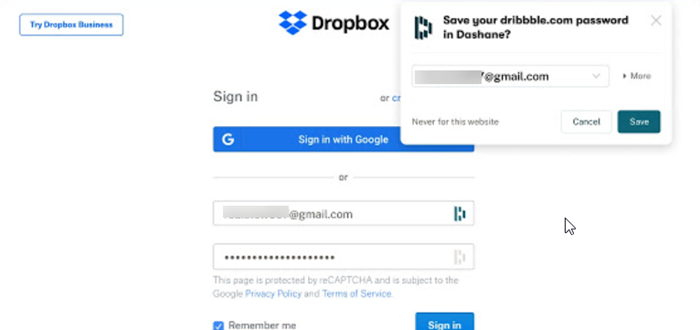
Dashlane is equipped with some very useful and advanced features that can help you generate and save strong passwords in one click. Plus, you can share encrypted passwords with your emergency contacts. The password manager comes in 2 variants – mobile apps for iOS and Android and browser extension.
The browser extension integrates seamlessly into your online routines by following along with you and uses a two-factor authentication method, considered vital for security. You can store an unlimited number of passwords and access them anywhere. Get Dashlane Password Manager.
2] Bitwarden Password Manager
Bitwarden is a late entrant in the market but bears the reputation of a good password manager. It is a free, open-source, and strong password-generating tool that does not store your passwords. The tool only stores encrypted versions of your passwords that no one except you can unlock. All your sensitive information is encrypted locally on your personal device before ever being sent to our cloud servers.
The source code of the program is hosted on GitHub and is free for anyone to review. Thousands of software developers follow Bitwarden’s source code projects.
3] NordPass Password Manager
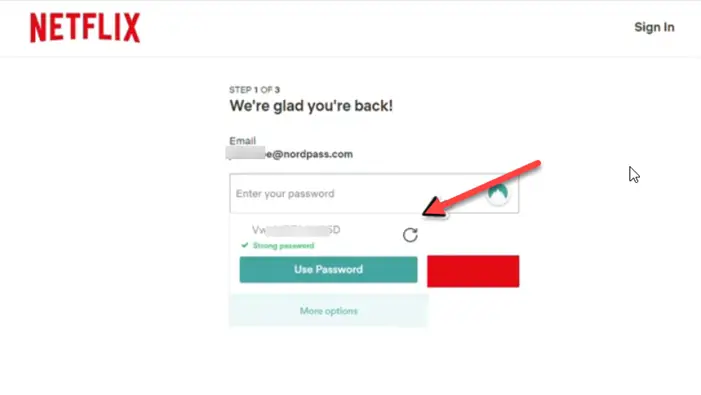
NordPass comes across as an excellent and capable all-around password manager. It uses top-of-the-field encryption algorithms with golden cryptology standards, deemed as the future of internet encryption.
You can use it to store unlimited passwords and secure notes in a single place. It also has the property of memory so, it can recognize your favorite websites and automatically fills your login details when signing in.
The free version allows information syncing across a single device only. However, you can access your login credentials on any device, even when you’re offline.
4] RoboForm Password Manager
This is one of the most secure password management tools. Any data kept with it is encrypted using AES256 bit encryption with PBKDF2 SHA256. The random password generator included with RoboForm automatically generates a strong and random password with a combination of numbers, uppercase, and lowercase letters, and special characters. This frees its users from the task of having to constantly come up with unique passwords for each of their sites.
The strength of the individual passwords is calculated using ‘ZXCVBN’, a technology that incorporates dictionary entries, common names, as well as common passwords and their variants. Most password strength meters calculate the password strength purely based on counts of lowercase letters, uppercase letters, digits, and symbols (LUDS).
5] KeePassXC Password Manger
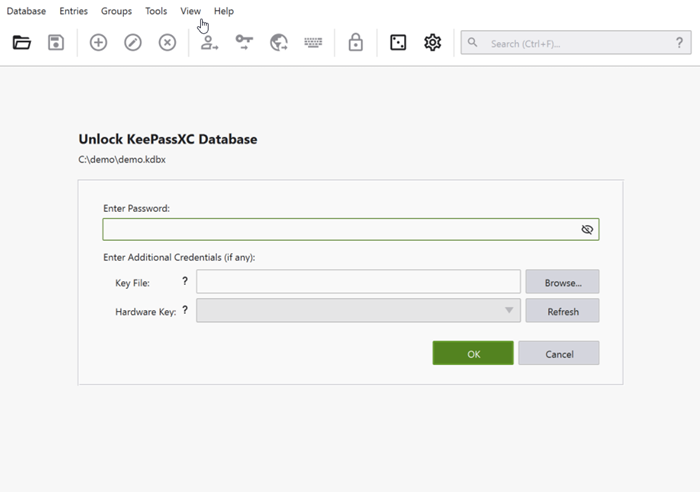
The password manager makes the Internet easier to use by saving all your passwords, filling out forms quickly, and keeping your data accessible and safe. Other programs with similar names, such as KeePassX, KeePass2, and KeePass, are also used widely, but KeePassXC is more actively developed than some of the alternatives.
Starting with v2.3, the KeePassXC browser plugin called KeePassXC-Browser has also been made available. It is compatible with all major browsers including Google Chrome, Microsoft Edge, Mozilla Firefox, and Vivaldi. You can find it in the Chrome Web Store and the Mozilla Add-ons repository.
BONUS TIP: Clipperz can be viewed as a digital vault for your personal data. This online password manager manages your passwords and online credentials with great security. Clipperz is built upon standard encryption schemes and has a free and open version.
Do let us know if you prefer to use online password managers, and if so, which one!
