Customize Ctrl+Alt+Del Screen In Windows 7 Using Group Policy

Customize Ctrl+Alt+Del Screen In Windows 7 Using Group Policy

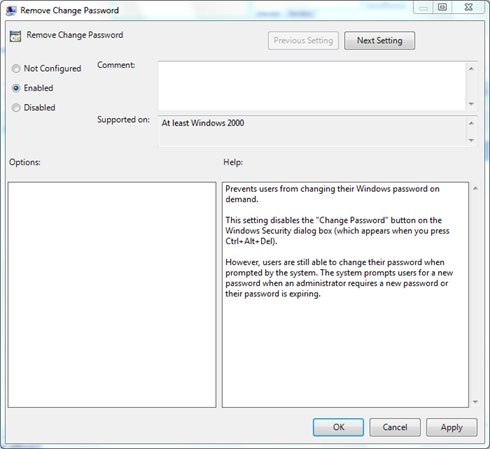
Until Windows XP, the Ctrl+Alt+Del shortcut, was used to open the Windows Task Manager. But from Windows Vista onwards it was changed to open a new Ctrl+Alt+Del screen with consisted of options such as locking or logging off, starting the …more >>>

Change your Windows 7 Logon Screen the easy way, without resource hacks

Change your Windows 7 Logon Screen the easy way, without resource hacks

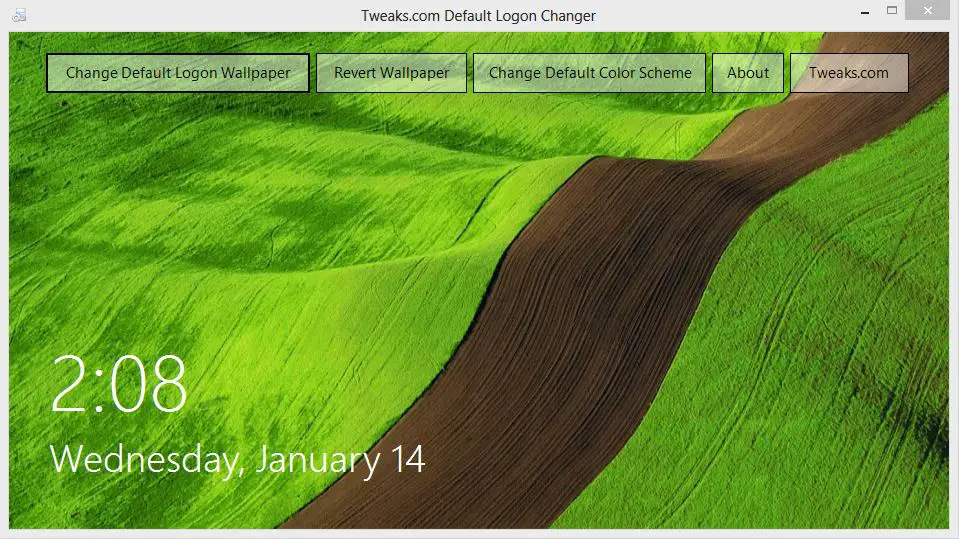
Since the release of Windows 7 there have been many hacks\tweaks that have surfaced to customize all aspects of Windows 7 and the one I see popular are hacks\tweaks to customize the Logon Screen.

Getting bored with the Windows 7 Logon Screen? Try these alternatives!

Getting bored with the Windows 7 Logon Screen? Try these alternatives!

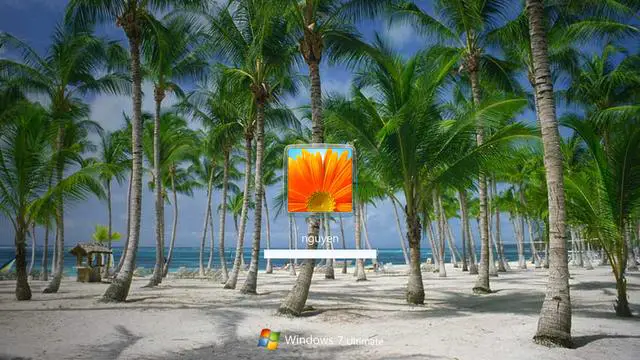
Like to tweak your Windows 7 Computer? Get bored with the default Windows 7 Logon Screen? Check out these alternative Logon Screens that have been created by some talented artist from Deviantart.

Download Windows 7 Logon Screen Rotator

Download Windows 7 Logon Screen Rotator

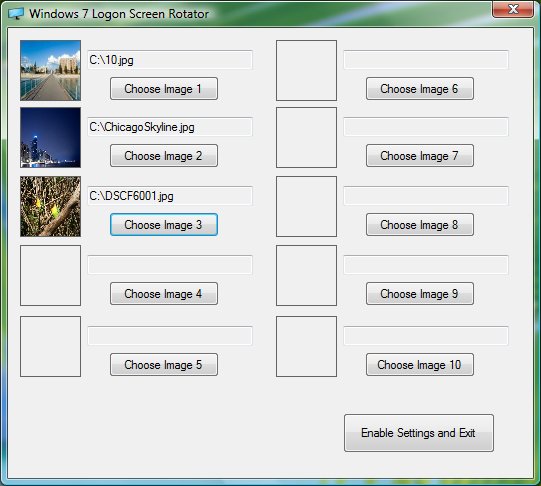
This program will let you chose up to 10 images to rotate through on your Windows 7 logon screen. After each logon the image will change. 

How to tweak your Windows 7 logon text & button set.

How to tweak your Windows 7 logon text & button set.

Microsoft has added the ability to change the active “button set” to a couple of alternatives, in Windows 7 logon UI. This setting can be used to improve text readability with lighter or darker backgrounds, as the case may be.

How to change the Logon UI background in Windows 7.

How to change the Logon UI background in Windows 7.

You can now change the logon UI screen of Windows 7 with or without the use of 3rd party software or hacks, since Windows 7 now supports the ability to load images into the background of the login screen.

© 2012 The Windows Club All Rights Reserved