There may be reasons that you would like to show the version of your Windows operating system on your desktop. Now if you want to display the version of your Windows 11/10 on your desktop, here is a simple registry hack that will help you do it.
Show Windows Build and Version on Desktop
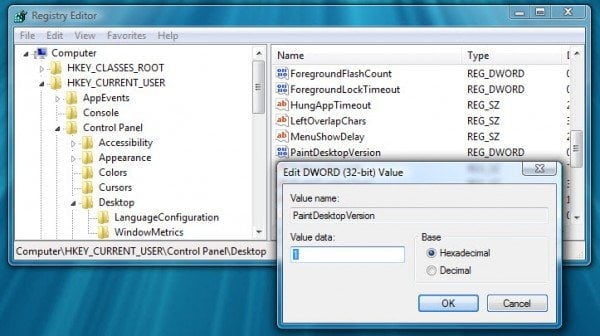
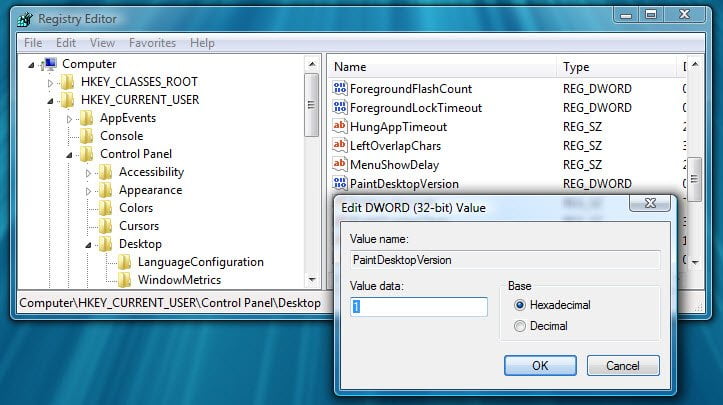
To do so, open regedit and navigate to the following key:
HKEY_CURRENT_USER\Control Panel\Desktop\PaintDesktopVersion
Double click on PaintDesktopVersion on the right side, and in the box that appears, change the value from 0 to 1.
Restart your Windows computer.
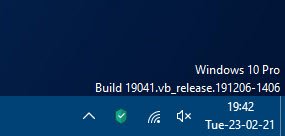
On restart, you will find the Windows version being displayed near the bottom right corner of your desktop.
Incidentally, you can also use our freeware Ultimate Windows Tweaker, to show the Windows version on the Desktop. There is a tweak there, under Customization > File Explorer which lets you do so with a click. Run UWT as administrator and execute this tweak.
This can be especially useful if you are running multiple virtual machines in differing states of service packs.