
If you do not like or use the two new features of Windows 7 viz Homegroups & Libraries, and would like to disable them, here is how you can do so easily as follows:
How to disable Homegroups
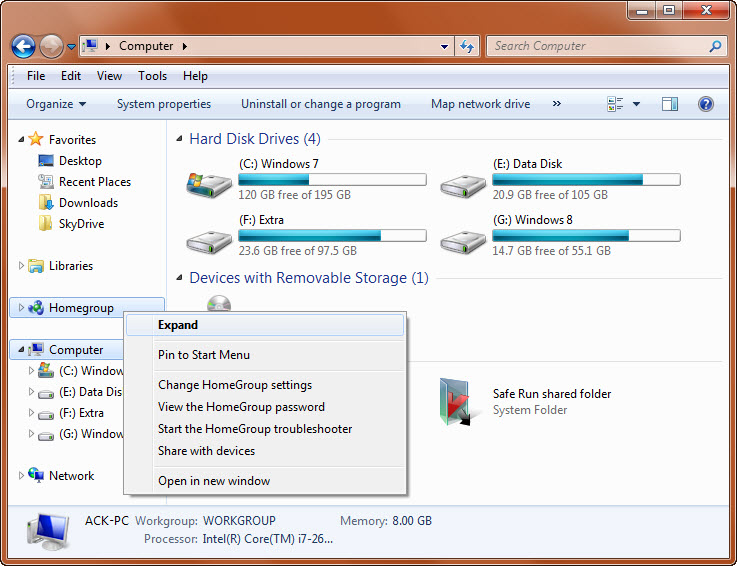
Open Windows Explorer and right-click on Libraries and select Change HomeGroup settings.
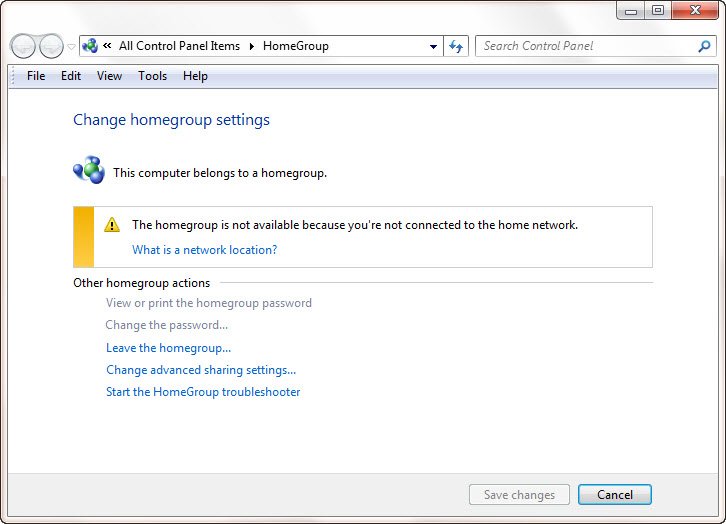
Click on Leave the Homegroup.
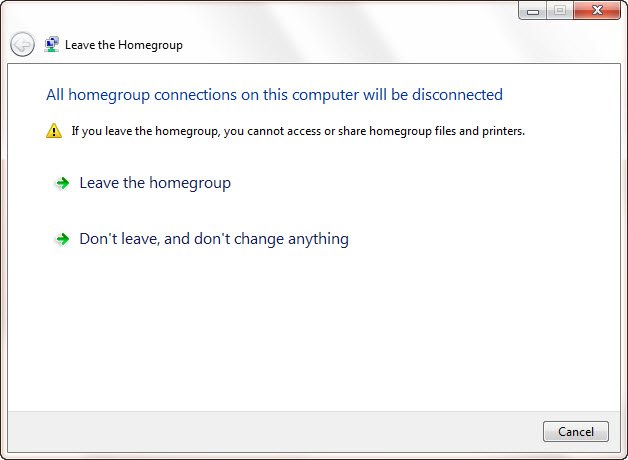
Again click on Leave the homegroup.
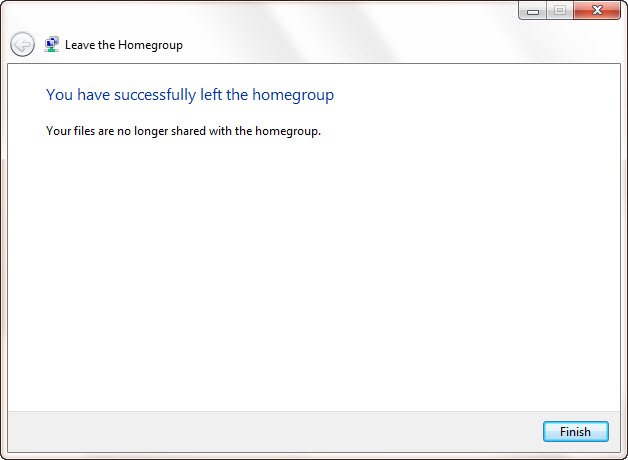
Click Finish.
Next type services.msc in start search and hit Enter to open the Services Manager.
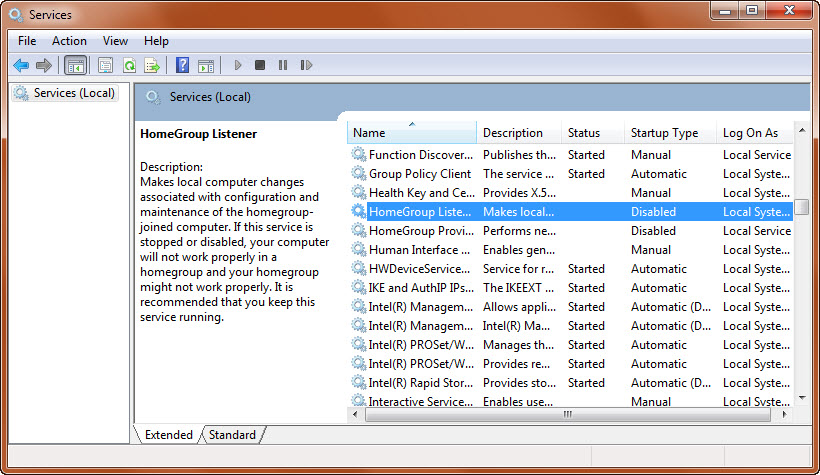
Search out Homegroup Listener Service and Homegroup Provider Service. Double-click on each to open their Properties box. Here, you can Disable them, by making their startup types as Disabled. You may have to reboot.
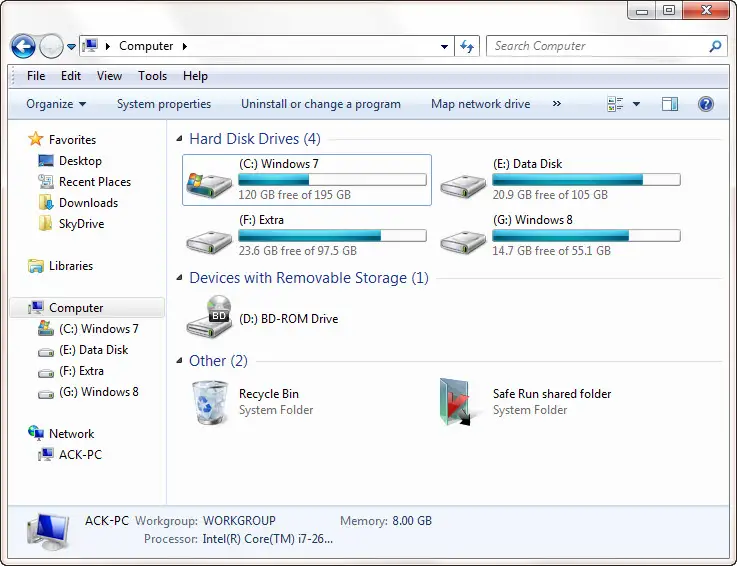
You will now no longer see Homegroup in the explorer window.
How to disable Libraries
Brittosa/Neowin has posted a way to disable Libraries in Windows 7.
I have created this registry fix, based on his inputs.
Simply double click on it, to add the registry entries.
On reboot, you will find that the Libraries feature has been disabled in Windows 7.
Always a good idea to create a System Restore Point first!
