
If when you try to start your Windows 11/10 computer, the computer stops at the logon process, you see the error message Interactive logon process initialization has failed and you cannot proceed further – then this article may interest you.
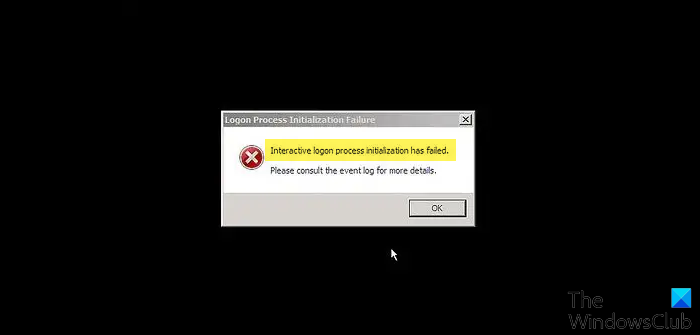
Logon Process Initialization Failure
Not only will your logon process not start, but in addition, you may also receive the following error message:
Interactive logon process initialization has failed, Please consult the event log for more details.
This issue could occur when you use the automatic logon feature. It can occur because a system-wide event is used during the logon process before the event object is created. This behavior causes the logon process to fail.
You can try to restart your computer and see if you can recover from this issue.
If you need to view the Event Logs, you can try our Windows Event Viewer Plus, a portable freeware app that lets you view Event Logs faster than the default in-built Windows Event Viewer and do more with them.
You may also try to restore the LogonUI file.
If nothing works for you, Windows 11/10 users may have to consider running Automatic Startup Repair.
If you are a Windows 7 user, you can request and download Hotfix 379793 at KB2615701 and apply it.

The hotfix is meant for Windows 7 and Windows Server 2008 R2 operating systems.
How to fix Sign-in process initialization failure in Windows 11/10?
To fix the Sign-in process initialization failure error on Windows 11 or Windows 10, you need to follow the aforementioned tips and tricks. Apart from that, you can run the Startup Repair, restore the missing LogonUI file using diskpart, etc. For your information, Logon Process Initialization Failure and Sign-in process initialization failure errors are almost the same.
I hope something helps!
Read here about the LogonUI.exe Application error on startup in Windows.


