
Is your Windows Firewall giving you problems? Maybe you get a security warning telling you that the Windows Firewall is turned off and you are unable to start it … or maybe you cannot access shared files or printers. If so, then this Windows Firewall Troubleshooter may interest you.
How ro repair Windows Firewall
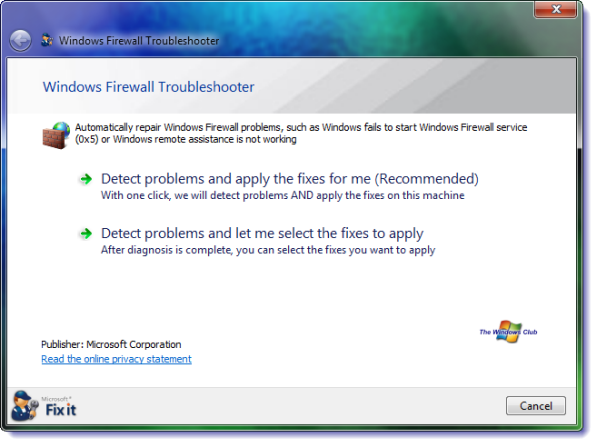
Windows Firewall Troubleshooter
Microsoft Automated Troubleshooting Services has released an automated fix to diagnose and fix Windows Firewall service problems automatically. If running the System File Checker has not helped you, running this ATS from Microsoft might be a good idea!
What this does is that it fixes the following:
- Windows Firewall isn’t the default firewall
- Windows Firewall doesn’t start
- Windows couldn’t start Windows Firewall (Service-specific error 5 (0x5))
- Remote Assistance isn’t working because it’s blocked by Windows Firewall
- You’re unable to access shared files and printers because sharing is blocked by Windows Firewall
- BFE service is missing
- Firewall won’t start (Error Code 80070424).
This Microsoft Automated Troubleshooting Services scans your computer and detects the root causes of common problems, and then automatically fixes the problems that it finds, and also offers additional resources if the problem isn’t fixed.
After you have downloaded it, click the Run button to launch the file and then click the Continue/ Allow button to proceed and let it fix the problem for you automatically!
You can download it from Microsoft.
These links may also interest you:

