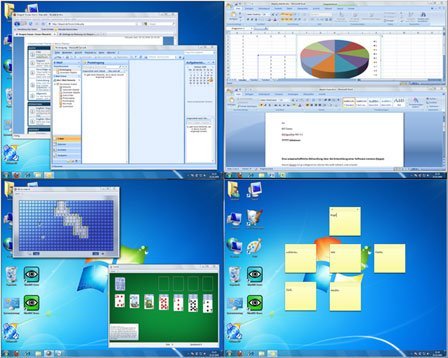
Dexpot is a virtual desktop manager that allows you to create multiple, virtual desktops and increase the work area of your screen by up to 20 times. Each virtual desktop is independent from the others & can have its own wallpaper & icons.
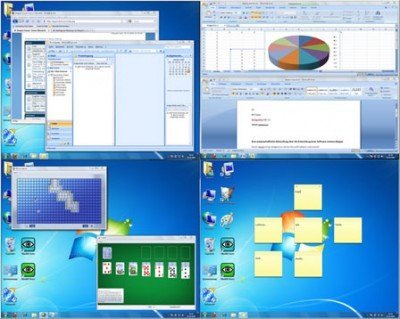
Dexpot virtual desktop manager software
You can also easily switch between desktops from the tray icon, or via hotkey, or even use an automatic desktop slideshow that rotates all virtual desktops.
Moreover, you can move and copy windows from one desktop to another among the desktops, set up rules to automatically move, copy or close windows, etc.
Features:
- More features than any other VD manager, guaranteed.
- Looks up to date, tidy and simply beautiful.
- Easy to use, fast to configure.
- Can be expanded with plugins.
- Stunning 3D transition effects (DirectX 9 required).
- Supports stylish wallpaper clocks (*.wcz).
Dexpot free download
To download Dexpot, visit its Home Page.
Dexpot is free for personal use and works on Windows 10, Windows 8, Windows 7 & Windows Vista too.