
Add Aero Shake, Aero Peek, Show Desktop to Windows Vista.

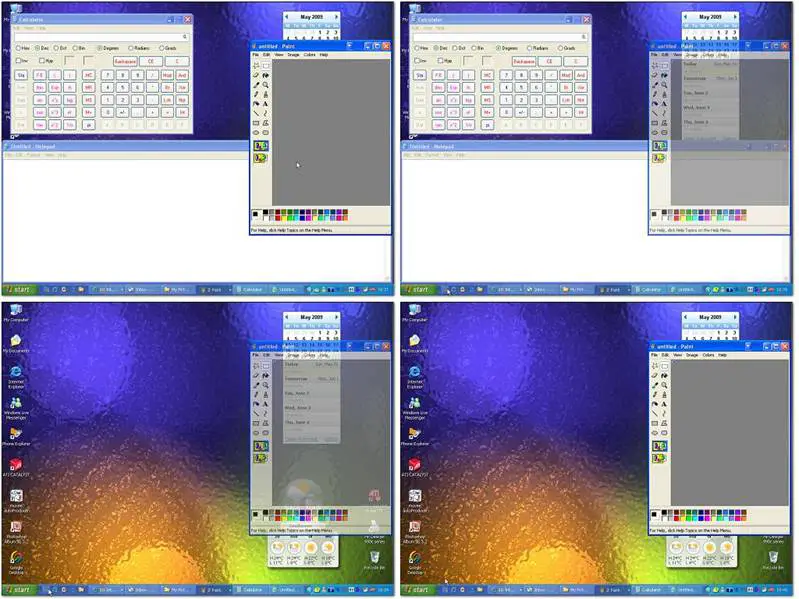
Windows 7 users are aware of the Aero Shake, Aero Peek, Show Desktop functionality present in Windows 7. Should a Vista user want, he can now easily add these functions to Windows Vista, with WinShake.
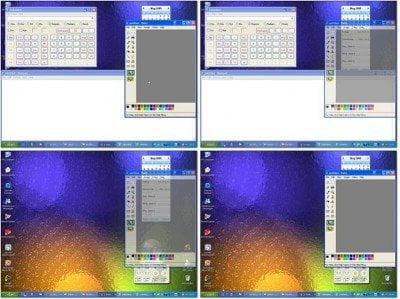
winshake 400x299 Add Aero Shake, Aero Peek, Show Desktop to Windows Vista.

The installation is very simple. You can either just run the installation file WinShake.sfx.exe, or you can do it yourself and extract all files in the same folder, put WinShake.exe in your Quick Launch Bar and drag WinShakeCtrl.exe to your Startup Menu and start it.

Windows Vista users may want to check it out!

WinShake is Semi-FreeWare.

All functions that already were in version 1.x and the new mouse controlled user interface are free to use, but… the new Windows 7 Aero Taskbar Peek function is not.
If you have liked this post, you might want to check out some more, on topics like .

About AnandK@TWC

Anand aka HappyAndyK is an end-user Windows enthusiast, a Microsoft MVP in Windows Desktop Experience since 2007, and the Admin of TheWindowsClub.com, TheGeeksClub.com & WinVistaClub.com. Creating a System Restore Point before trying out a new software or a tweak is always recommended.
Follow on Google: +AnandK@TWC

Ads

Random Posts

  • http://blog.tune-up.com/ TuneUp

    Isn’t WinShake a great way to get the Aero Peek feature for Windows XP and Vista? I did some research and found a handful of programs that replicate Aero Peek, including 7Peek. This tool ended up triggering a virus alert, which was probably a false alarm, but I’m going to play it safe and stick with WinShake instead. I actually put together a blog post with more information on how to use it if you’re interested: http://bit.ly/b79Xdx

© 2012 The Windows Club All Rights Reserved