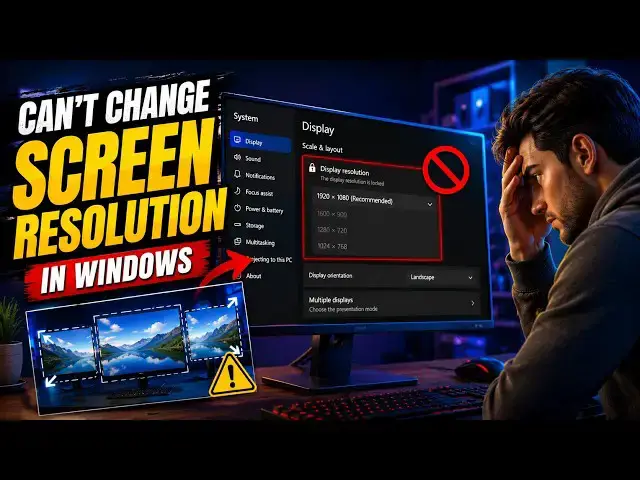

Can’t change Screen Resolution in Windows 11
Jul 23, 2026

Is your Windows 11/10 PC stuck on the wrong screen resolution?
Often, especially after a Windows Update or after installing a new graphics card, you may not be able to adjust the Display or Screen Resolution.
Sometimes you can't find an option to change the screen resolution because the drop-down freezes, or it always reverts to the previous resolution.
In this video, I'll show you the most effective fixes to get your display back to normal. Let's get started!
Link: https://www.thewindowsclub.com/fix-cant-change-screen-resolution-in-windows-10
00:00 Intro
00:27 Check Display Settings
00:44 Update or Roll Back the Graphics Driver
01:40 Enable GPU Scaling
02:17 Assign High Performance Graphics to an App
02:34 Create a New Windows User Account
Other Links:
https://www.thewindowsclub.com/change-screen-resolution-windows-10-2
Show More Show Less #Science