
The Desktop client for OneDrive for Windows 11/10 lets you manage your OneDrive account right from your Windows Desktop. You can easily drag and drop files up to 2GB and access them offline. In addition, you can make desired changes to the folder or files contained therein from Windows Explorer itself.
How to download and Install OneDrive for Windows 11/10
- Visit this microsoft.com link.
- Download and install OneDrive.
- Sign in with your Microsoft account.
- Choose a folder location or keep the default option.
- Upgrade to the Premium version, if necessary.
To begin with, you should know that If you have Windows 11 or Windows 10, OneDrive is already installed on your PC. Nevertheless, if there is a time when you need to download OneDrive for Windows, you can do so here from microsoft.com.
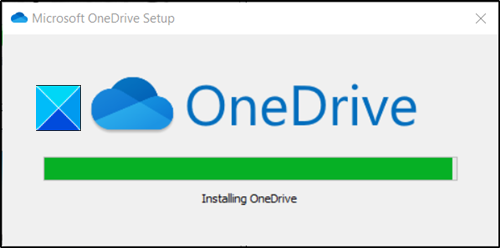
Click on the downloaded file to install it.
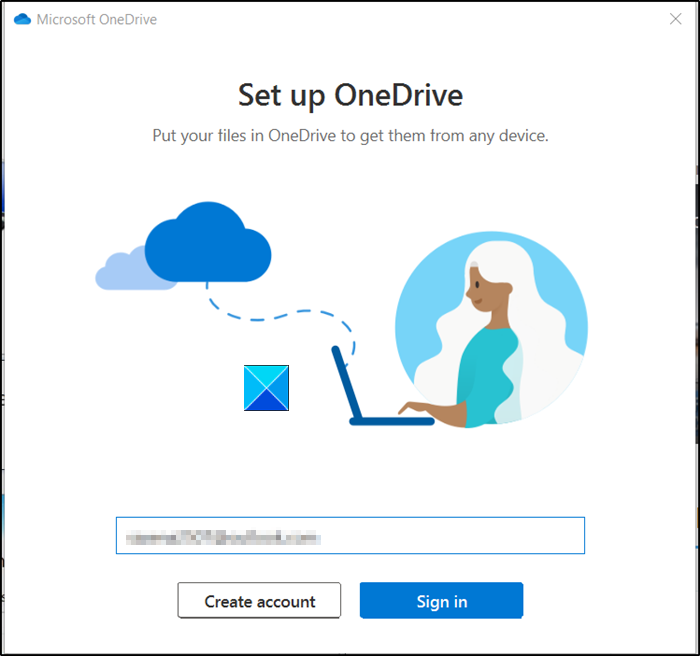
Once the installation has finished, sign in with your Microsoft account.
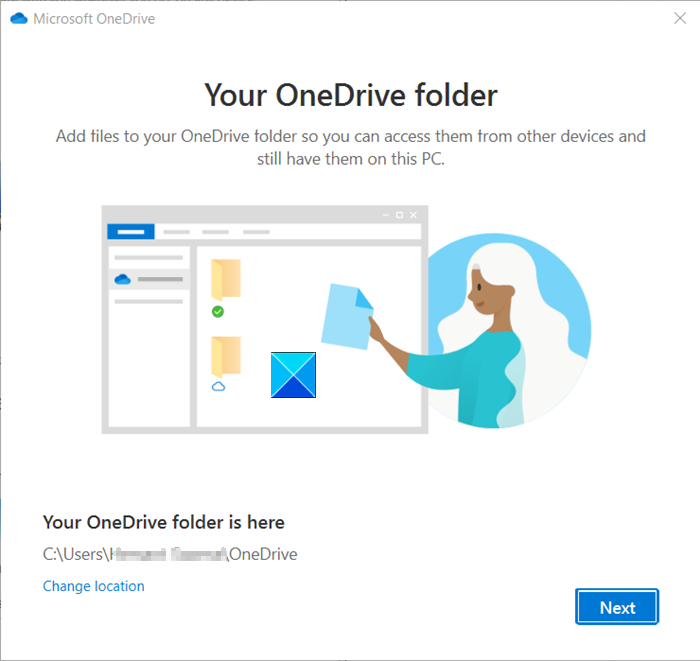
Later, you will be informed about your OneDrive folder location in your Windows Explorer.
By default, the location is C:\Users\username\OneDrive, but you can change it to the desired location if you wish.
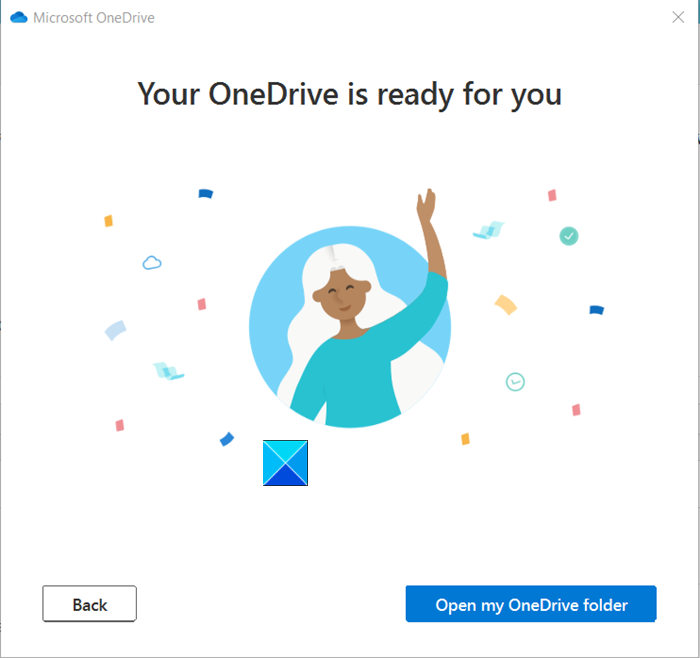
Your OneDrive folder will be ready for viewing. Just open it to access its contents.
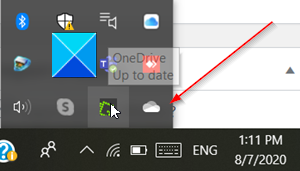
When enabled, the OneDrive icon will silently sit in the notification area and give you quick access to useful functions.
TIP: You can also download OneDrive from the Microsoft Store.
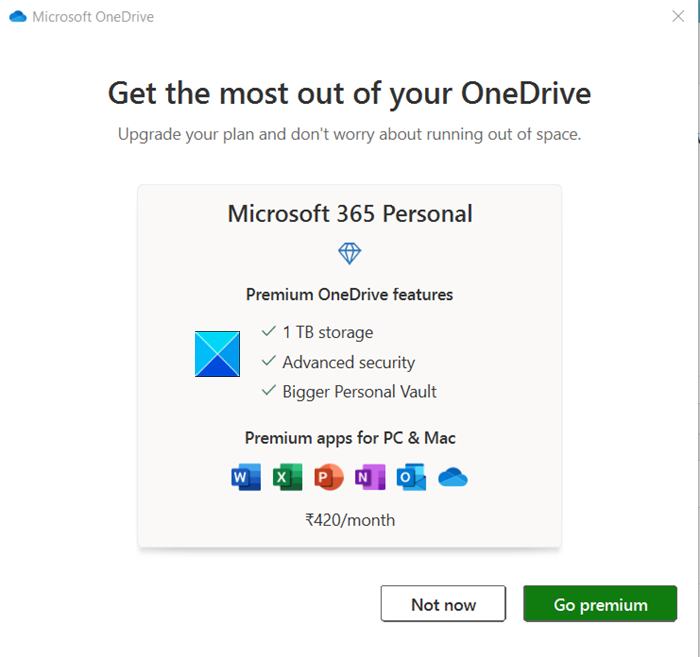
If you are worried about running out of space, you can upgrade your plan by going premium. By default, you get 100 GB of storage space. This can accommodate up to 32000 photos (9MP JPEGs) or 132000 Office documents, each corresponding to 0.7MB size.
Other plans include-
- 1TB (1000GB) of OneDrive cloud storage and all the premium and productivity features.
- 6TB (1 TB for each person, up to 6 users allowed)
Both versions support the following features,
- Expiring Sharing Links – Offers limited period access to others).
- Password-protected sharing links – Prevent information from falling into wrong hands).
- Ransomware detection & recovery – Microsoft alerts a user if it detects or suspects any ransomware attack).
- File Restore option – Recovers your entire OneDrive up to 30 days after the malicious attack).
- Bigger Personal Vault – Adds an extra layer of security to the most important documents in OneDrive).
- Offline folders – Enables access to folders even when there is no Internet connection).
- Premium apps support – The latest version of Word, OneNote, Outlook, OneDrive is available across your devices).
Read: OneDrive cannot connect to Windows error when accessing files.


