
Microsoft has included a new tool in Windows 11/10, named Microsoft Quick Assist. You can give or take tech support over a remote connection using the Microsoft Quick Assist tool in Windows 11/10, and help solve PC problems. Let us see how you can access and use the Quick Assist Tool.

Quick Assist in Windows 11/10
To open the remote assistance tool, type Quick Assist in Start search and you will see the desktop app appear in the results. Clicking on it will open the following interface. You may also open the Start menu and select All apps > Windows Accessories > Quick Assist.
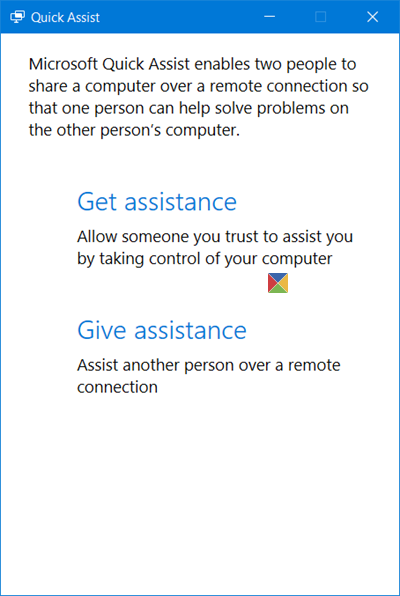
To be able to use this tool, both the parties, one who needs help and the other who wants to give support remotely, must have Windows 11/10 or later installed on their computers.
Give tech support to another person
If you want to assist another person over a remote connection, click on Give assistance. You will be required to enter your Microsoft account credentials and log in.
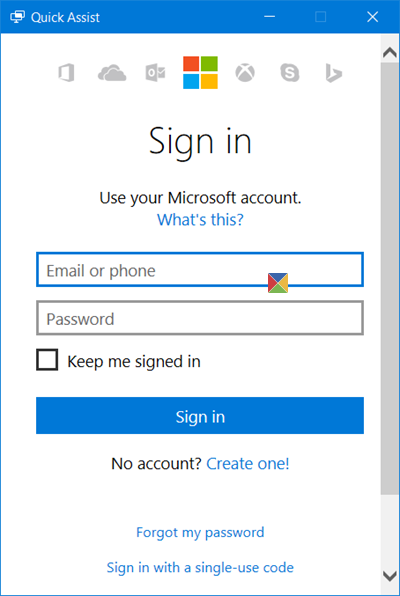
Once you sign in, you will be given a security code that you will have to give to the person who is seeking assistance. He will have to enter this code in his Quick Assist tool. The code will be valid for 10 minutes only, so you should enter and connect your devices within this time.
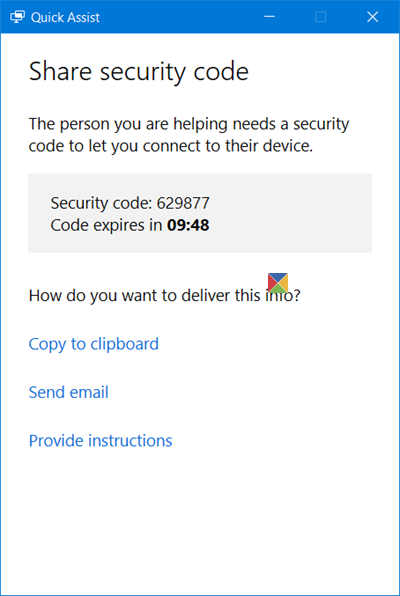
You may send it via email or you may copy it to your clipboard and transfer it to him via your preferred app.
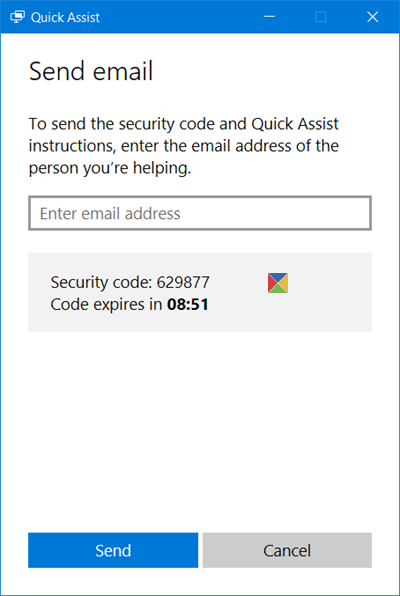
If you click on Send email, the following interface will open. Enter the email ID and click on Send.
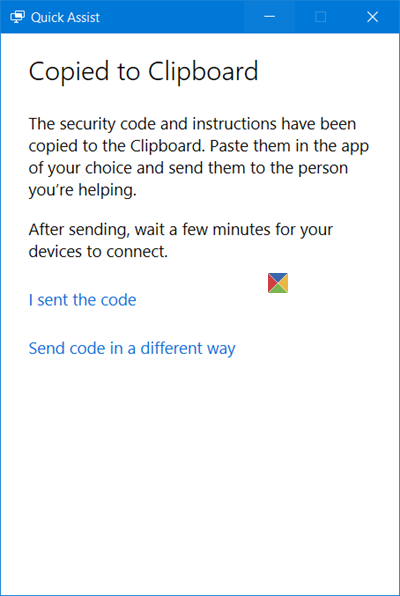
If you click on Copy to clipboard, you will see the following window. You may paste the code in any app of your choice. It could Facebook Messenger or any such tool.
Now you have to wait for the other person to enter the code.
Take assistance from another person over a remote connection
If you are facing problems with your computer, you can use the new Quick Assist tool, to give access to your PC via a remote connection. You have to note that you must give such access only to those persons who you trust completely, as they will have full access to your computer and data.
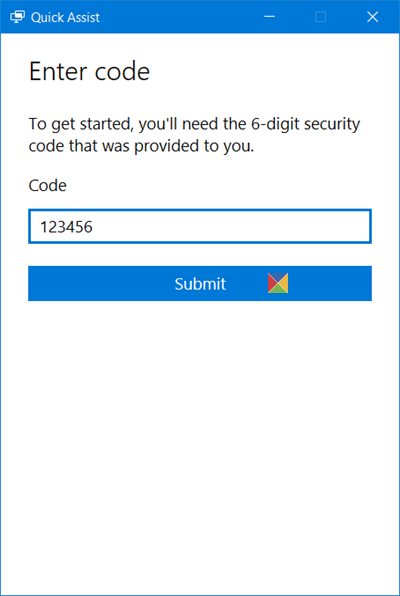
Open the Quick Assist tool and mentioned above and click on the Get assistance link. You will see the following interface.
Now you will have to wait for the other person to send you the code. So keep an eye on your emails or messenger software.
Once you receive the 6-digit code, you have to enter it in space provided and click on Submit.
You will see a Connecting message and it may take up to a minute to connect.
Once both the computers are connected, you will see the following message. In effect, you will be asked to Share your screen. Click on Allow to continue.

Now the other person will be able to see your desktop and have access to your computer. It will look like this on his computer. You may click on the below image to see the larger version.
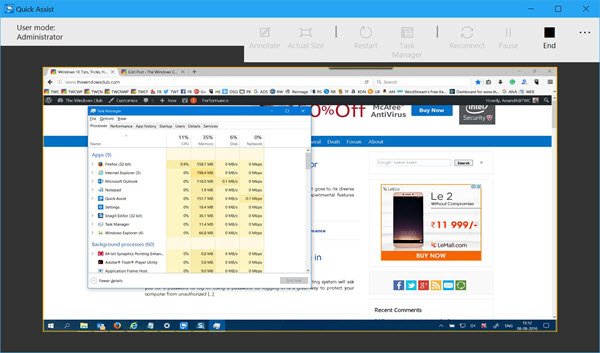
On your computer, you will simply see a tool like this.

Now the other person will work on your computer and you will be able to see all that he does, on your screen.
The tool offers an easy to use interface & smooth screen-display mirroring. The person giving support can use the Annotate button, use the Actual size button, restart your computer, open the Task Manager, reconnect, pause the session as well as End the session.
Once the work is over, you may stop sharing the screen – or even he can stop the screen-sharing. Once this happens, you will see the following message.
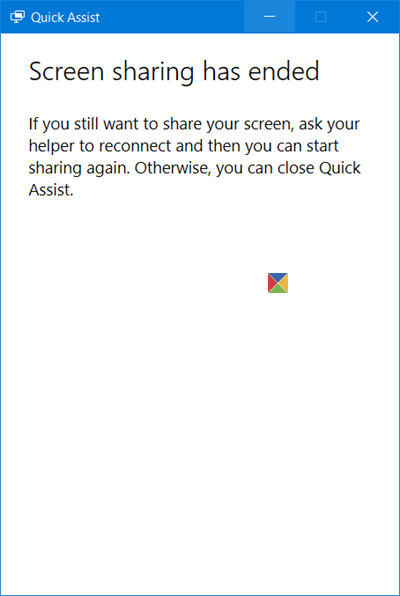
And he will see the following message – Screen sharing has ended.
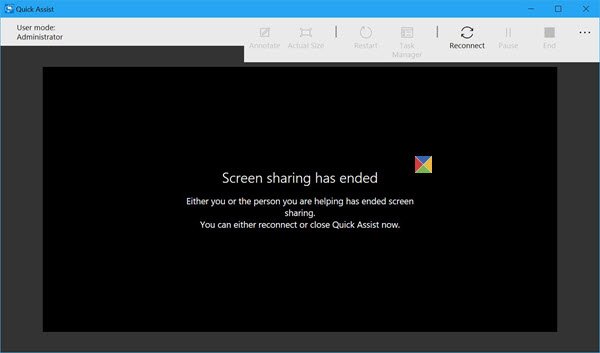
Now you both can exit the tool.
This tool is quite a useful tool, and if you are facing problems with your Windows 11/10 computer, use it to get it fixed! It is a built-in tool that is also available in the Microsoft Store.
At the cost of repetition, I have to say this again – you must give access to your computer via this tool only to someone you trust totally, as he will have full access to your computer.
You can download the Quick Assist app from Microsoft Store here.
TIP: See this post if Quick Assist is not working.

