
Whenever you start any Microsoft Office programs like Word, Excel, PowerPoint, etc, you get to see a Splash Screen first, before the program actually starts. The splash screen is required to fill up the time between the time the user clicks on the program’s icon and the time the program loads completely. Once the Office program load, you get to see the Start Screen, which includes Blank, Recent, Pinned documents, etc. In this post, we will show you how to disable the Splash Screen and the Start Screen in Office programs like Word, Excel, and PowerPoint.
How to disable Splash Screen in Word, Excel, PowerPoint
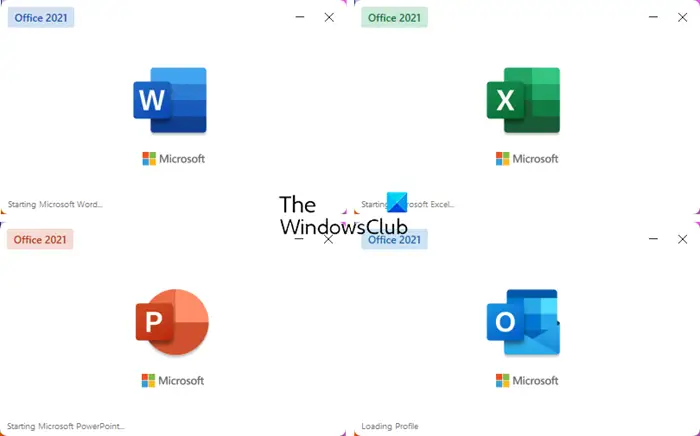
While the Splash Screen is being displayed, Program Initialization takes place. It offers you an ‘x’ button to close it, should you wish to. You also get to see details like the Add-ins being loaded, the path of the file, features being streamed, and other details.
To turn off the Splash Screen in the Office program, we need to use these switches:
- Word:
winword /q - Excel :
excel /e - PowerPoint:
powerpoint /s
You can simply type them in Start search or Run box and hit Enter.
You can also create a desktop shortcut using these switches. Let us take the example of Word.
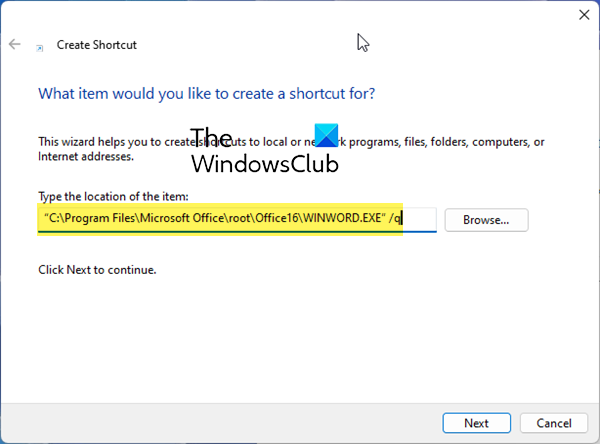
In the location box, you have to enter the full path of the executable with the switch. For instance, for a Office 2021/365 64-bit installation, you will need to use the following path:
“C:\Program Files (x86)\Microsoft Office\root\Office16\WINWORD.EXE” /q
Do note that disabling the splash screen will not in any way speed up the loading time of the application, so its removal in our opinion is probably a bad idea – as you would be missing out on some information being displayed – should the Office program fail to load. Nevertheless, since some people do not like to see the same splash screen every time, and since this time, Microsoft has given users the option to disable it, we thought of sharing this tip.
How to disable Start Screen in Word, PowerPoint, Excel
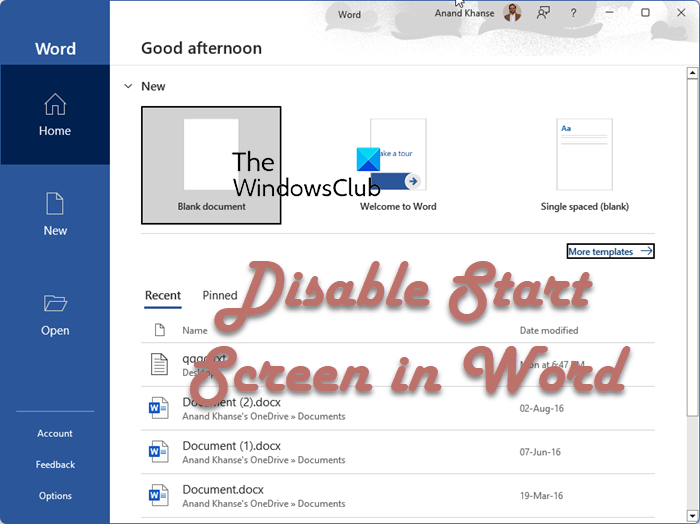
The Start Screen in Office programs like Word is the page that opens up when Word is launched. You will see Templates link, Blank, Recent, Pinned documents, etc.
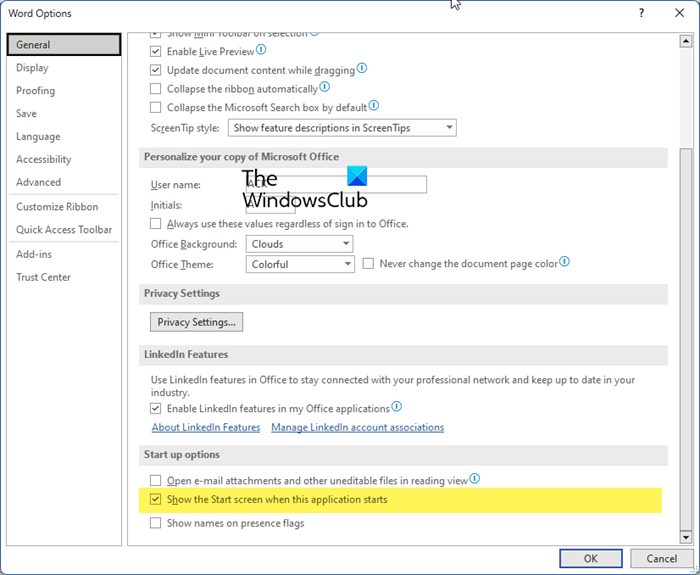
If you wish, you can disable the Start screen in Microsoft Word and directly open a blank Word document. To do so:
- Launch Microsoft Word
- From the left side, choose ‘Options’.
- Choosing Option will open up a dialog box.
- When Word Options box opens, under the General tab, you will see Show the Start screen when this application starts under the ‘Start up options’ section.
- Uncheck this option, click OK and restart Word.
The Start Screen should not appear on your computer screen, as it has been removed.
The procedure is the same for PowerPoint and Excel too.
What is the Splash Screen in Word, Excel or PowerPoint?
The splash screen is the small screen that appears right after you click on the program icon. It is required to fill up the time between the time the user clicks on the program’s icon and the time the program loads completely.
What is the Start Screen in Word, Excel or PowerPoint?
The Start Screen in Office programs like Word is the initial screen that opens up when the application is launched. It provides users with quick access to commonly used templates and recent files. This makes it easy for users to access files that they have worked on recently quickly.
You can quickly create a new document, resume, cover letter, and so on for Word, while for Excel it can be a new workbook, blank, or from a template, and the same applies to PowerPoint and other applications.
