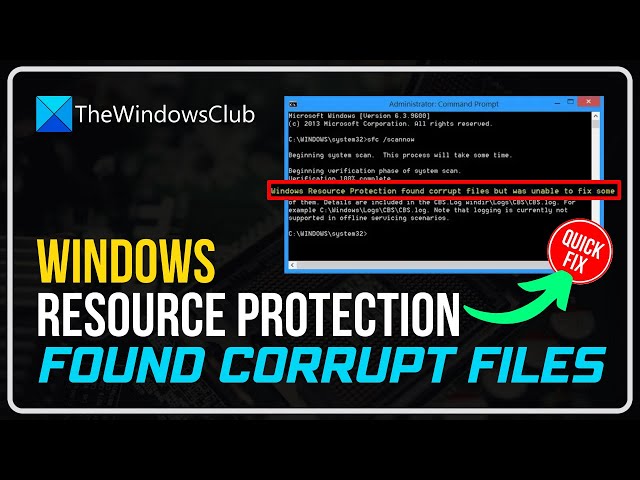

Windows Resource Protection found corrupt files but was unable to fix some of them
Mar 9, 2023

We have already seen how the System File Checker allows users to scan for and restore corrupt Windows system files. We have also seen how to run System File Checker and more, earlier. But what if at the end of the run you see the following message?
Windows Resource Protection found corrupt files but was unable to fix some of them. Details are included in the CBS.Log windir\Logs\CBS\CBS.log.
If you receive this message and the System File Checker is not able to do its job when you run it, here are a few things you can try.
1] Run SFC at Safe Mode
2] Run SFC at Boot-Time
3] Use DISM
4] Try Reset This PC or Fresh Start
5] Check the Log files
Learn more on https://www.thewindowsclub.com/windows-resource-protection-found-corrupt-files
Show More Show Less