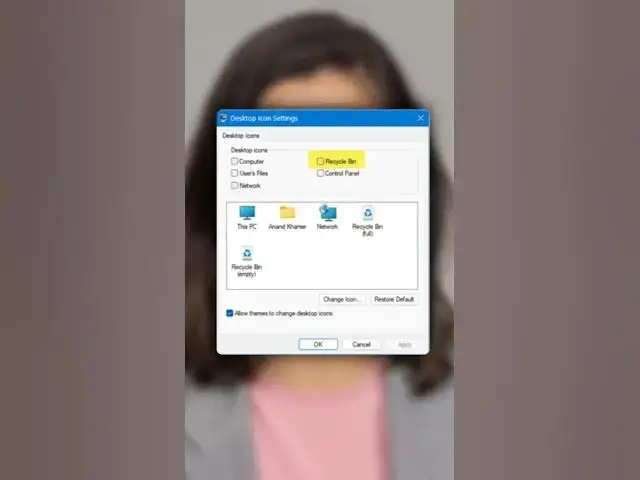

How to remove Recycle Bin from Desktop in Windows 11
Jun 3, 2026

Welcome back to The Windows Club. Do you want to remove Recycle Bin from Desktop in Windows 11?
Then here is how to do so.
To remove the Recycle Bin from the Desktop in Windows 11, right-click on an empty space on your Desktop.
Select Personalize from the context menu.
In the Personalization settings, click on Themes menu.
Scroll down and click on Desktop icon settings under the Related Settings section.
In the Desktop Icon Settings window, uncheck the box next to Recycle Bin.
Click OK to save the changes.
After completing these steps, the Recycle Bin icon will no longer appear on your desktop.
For more details, check out our complete guide.
Show More Show Less #Science