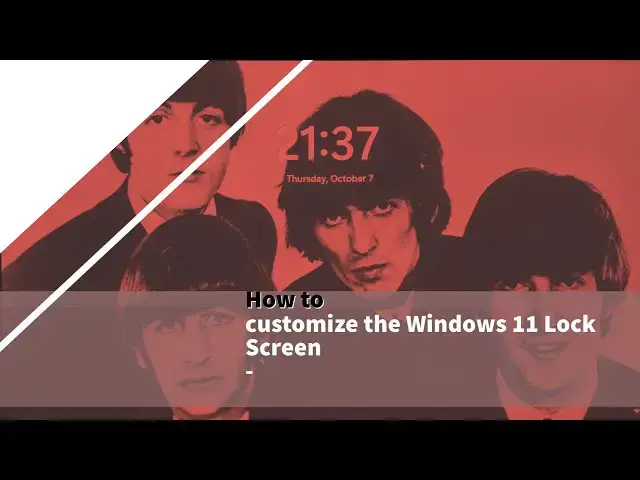

How to change Login Background in Windows 11
Nov 4, 2021

If you do not like the default lock screen settings, you can change them using the Windows Settings panel. Although the options are limited, you can personalize them according to your requirements. Here is how you can customize the Windows 11 lock screen.
1] Press Win+I to open Windows Settings.
2] Go to Personalization, and then, Lock screen.
3] Expand the Personalize your lock screen section.
4] Choose Windows spotlight, Picture, or Slideshow.
5] Expand the Lock screen status list.
6] Select an app you want to display.
7] Toggle the Show the lock screen background picture on the sign-in screen button to turn it on or off.
These posts will interest you:
How to change Theme in Windows 11
https://www.thewindowsclub.com/ways-to-change-theme-in-windows
Show More Show Less #Science