Up next in 10

How to contact Microsoft Support by Chat, Email, Phone, etc.
Jul 7, 2020

If you wish to contact Microsoft Support for Windows, Office or any of their products and services, you can use any one of these ways:
1] Phone number
2] Chat Support
3] Contact Support app
4] Contact Form
5] Email support
6] Use Support Diagnostic tOol
7] Microsoft Easy Assist
8] And other ways.
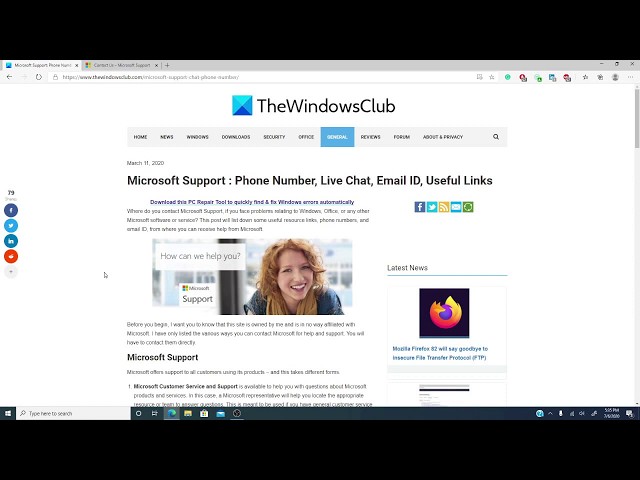
All the details are available here on https://www.thewindowsclub.com/microsoft-support-chat-phone-number
Show More Show Less View Video Transcript
0:13
Hello Windows Universe! Michael with The Windows Club once again with some more
0:18
information on how to get the most out of your Windows experience. Now, have you
0:25
run into a computer problem and you've tried everything short of check taking a
0:29
chainsaw to your computer. Now, it's not because you don't want to take a
0:32
chainsaw to your computer, it's because you just honestly cannot afford to
0:36
replace it. So, you finally decide to contact
0:40
Microsoft Support. That brings up an interesting question how do you contact
0:45
them? Telephone, email, Telegraph, offering to the windows gods? Well, in this video,
0:52
we will go over a couple ways for you to reach the boys up in Redmond, if you need
0:56
support relating to Windows Office or any of the Microsoft Software Service.
1:01
Now, as usual, we will also be leaving a wonderful article in the description
1:06
with even more useful ways to reach read Microsoft. Now, Microsoft offers support
1:12
to its call of its customers using its products. They have Microsoft Customer
1:17
Service and Support. This is available to help you with
1:20
questions about Microsoft products and services. Here a representative will help
1:25
you locate the appropriate resource our team to answer the question. Now, this is
1:31
mostly for general customer service questions like which product might be
1:35
best for me, how do I buy it, how much does it cost. Then, there is the Microsoft
1:42
Technical Support. These are the people that you call before you take that
1:46
chainsaw to your computer. This might be self help support. It might also be assisted
1:52
support. Now, when you get the contact Microsoft
1:58
Support, and there's a link to this in the article that we put in the
2:02
description, they have Open Get Help app.
2:15
Now, as you can see the support chap allows you to enter in things that
2:21
you're after solving the virtual agent gives you some simple steps to try like,
2:25
for instance, if we tried Reset Password.
2:49
As you notice, Microsoft asked you a few questions to go along and as you get
2:56
further in, once it's figured out some questions, it gives you advice on some
3:01
simple steps that you can try in order to correct the problem. Now, as you notice,
3:08
it asked if you're able to reset your password. If we click yes, of course, it
3:12
would say hey thank, you have a great day, whatever. Now, if we click no, then it
3:19
would add a few more questions and we've gone
3:23
through a few more steps. Now, suppose you don't want to deal with the Virtual
3:30
Assistant. You want to talk to someone who actually is alive, what I found this
3:38
helpful is,
3:40
if I type in live support, what it does is it asked me what kind of questions I'm
3:49
interested in things like One Drive, One Note, Family Safety,
3:52
MSN, anything Microsoft related and it will try to pair me with the right
3:57
people. Now, what you might be you might be one of those people that actually
4:02
want to talk to an actual person. You want to hear a real voice. So, here are
4:08
some numbers that you can call, if you want to talk to them. In the United
4:12
States, you can call (the number). Now, in Canada, try this number (the number). In India, this is the number
4:23
that you would call. And, in the United Kingdom, now there are also ways to
4:30
contact them via email and, believe it or not, via Twitter. They also offer Paid
4:36
Support, Volume Licensing and Support for much much more. Now, if you need
4:44
information on this, or on other computing tips, visit thewindowsclub
4:49
.com and if this video helped you, give us a thumbs up and subscribe to our
4:53
channel where we are always adding new informative videos to get the most out
4:57
of Windows 10. Thanks for watching and have a great day!
#Business & Productivity Software