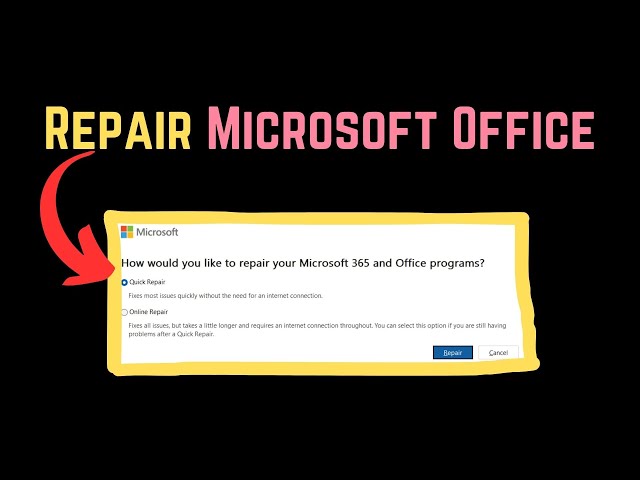

How to Repair Office on Windows 11
Aug 25, 2023

Has your Microsoft Office installation been corrupted? Are your Office programs not working properly? In this case, rather than go for an uninstall – reinstall, you might want to repair the Microsoft Office 2024/2021 or Office 365 installation first. Here are the steps you will have to take to repair Microsoft Office, Office for Business, Office 365 Home, and Business editions on Windows 11/10.
You can repair Microsoft Office or Office 365 using Settings in Windows 11 as follows:
1] Press Win+I to open Windows Settings
2] From the left side, select Apps
3] Search for Office
4] Click on the 3-dots to open more options
5] Select Modify
6] From the pop-up select:
Quick Repair or
Online Repair
7] Once the process starts and completes, restart your computer.
Show More Show Less