Tweak enthusiasts are always looking for ways to make their Windows 7 OS run faster, and disabling services which are not required, is a favorite.
Windows 7 Services Optimization Guide
There may be many guides to tweaking the Windows 7 services, but the one I recommend is the Black Viper’s Windows Service Configurations Guide.
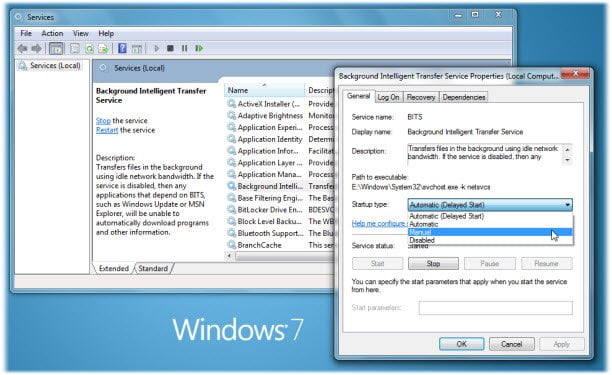
To tweak the settings of a service, you will have have to type services.msc in start search and hit Enter. This will open up Services. Double-clicking on any particular services opens up its Properties box. This gives one information about this service, its dependencies and way to start/stop or change its status from Automatic to Manual or Disabled.
Before adjusting your service settings, ensure that your system has already installed all updates by “checking now” for any available updates via Windows Update. At this time, it is best for you to ensure that all services are set to the default values before updating your system. Best to create a System Restore point too!
Tweaking Services is meant for geeks and tweak enthusiasts only. Others may want to stay away from it.
So if you are ready and keen, head over to BlackVipers to read the guide!
Read this post to know Which Windows 10 Services can you safely disable? Take a look at SMART Utility too.