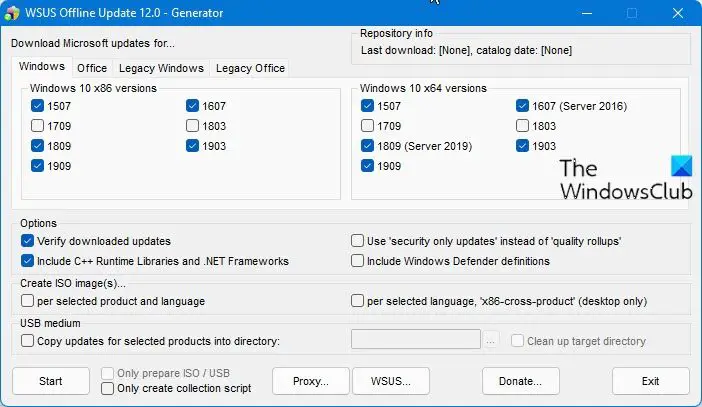
Using a free tool called WSUS Offline Update, you can update any computer running Microsoft Windows safely, quickly, and without an Internet connection. You can update your Windows OS or Microsft Office products offline.
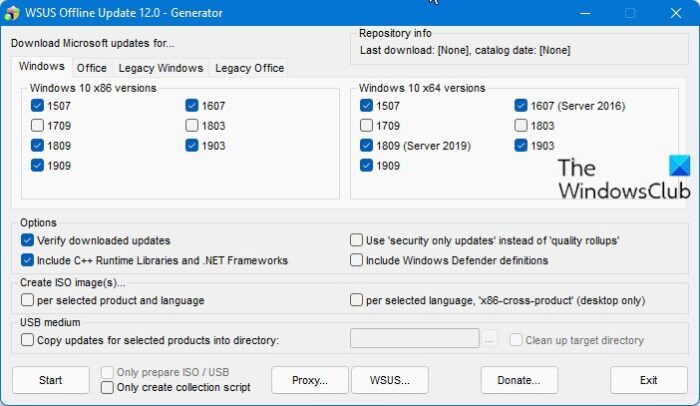
Update Windows and Office without Internet connection
With it, one can build update packages of Windows, and Office updates downloaded from Microsoft and burned them to external media, which can then be used to update other computers offline.
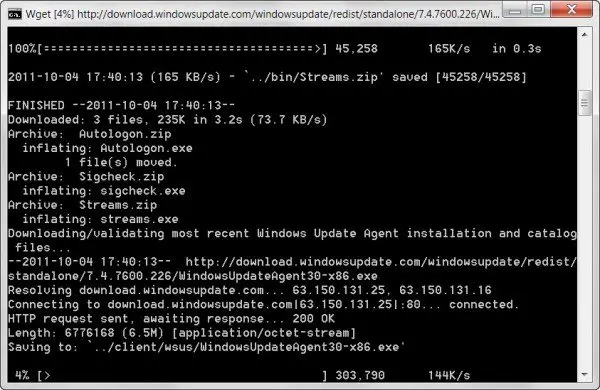
Select the Windows operating system and the Microsoft Office versions for which you would like to download the updates. Clicking on Start will open a command prompt, and the process will start.
This program is beneficial if you have multiple computer systems that need to be updated. You can download and integrate the updates and update all your other computers offline.
WSUS Offline Update supports Windows 11, Windows 10, Windows 8, Windows 7, Windows Vista, Windows Server 2008 (R2). It also allows you to include Service Packs, Microsoft Security Essentials, .NET Frameworks, and Windows Defender definitions. You can also update Office products.
By default, the program will create a .exe file, but if you wish, you can create an ISO image, which you can burn on a CD/DVD/USB.
WSUS Offline Update download
Visit its home page for details. NOTE: Please read the comments below before you decide that you want to download it.
See how to update Windows 11/10 offline.
Is WSUS Offline an official product from Microsoft?
No, but the name sounds familiar. Microsoft offers a way to download offline updates for corporates using the WSUS tool. The software uses the same name. WSUS tool utilizes this feature to download updates directly from the Microsoft servers and then make them available for you. That said, the tool works, but if you want to download it from Microsoft, it is better to use the Windows Update service available in Windows.