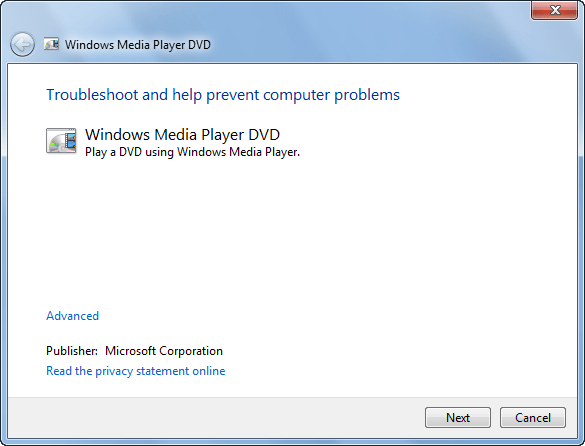
Windows 11/10/8/7 has some fine in-built diagnostic tools to help you troubleshoot Windows Media Player issues, which you may be facing. You can use the following three built-in Troubleshooters to fix WMP problems & issues in Windows:
- Windows Media Player Settings Troubleshooter
- Windows Media Player Library Troubleshooter
- Windows Media Player DVD Troubleshooter.
UPDATE: Microsoft has deprecated the MSDT-based Windows Troubleshooters. You have to use the new Get Help based Windows Media Player Troubleshooter.
1] Windows Media Player Settings Troubleshooter
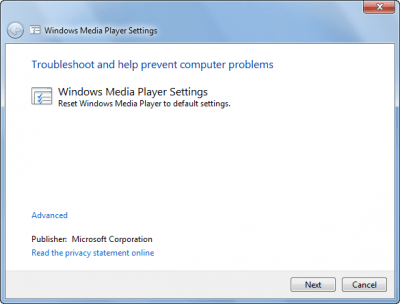
To open these specific troubleshooting & diagnostic modules do the following:
Open Run box, type the following, and hit Enter to open the troubleshooting wizard which will help you reset WMP to default settings:
msdt.exe -id WindowsMediaPlayerConfigurationDiagnostic
Click Next to run the Troubleshooter and follow the on-screen instructions.
2] Windows Media Player Library Troubleshooter
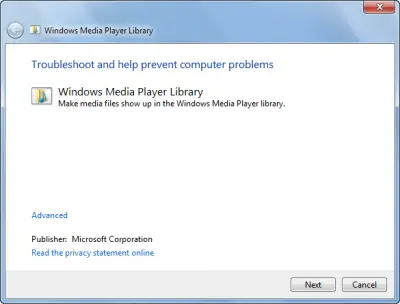
From the WinX Menu, open Run box, type the following and hit Enter to open the troubleshooting wizard which will help make Media files show up in WMP library:
msdt.exe -id WindowsMediaPlayerLibraryDiagnostic
Click Next to run the Troubleshooter and follow the on-screen instructions.
3] Windows Media Player DVD Troubleshooter
Open Run box, type the following and hit Enter to open the troubleshooting wizard which will help trouble-shoot DVD playing problems:
msdt.exe -id WindowsMediaPlayerDVDDiagnostic
Click Next to run the Troubleshooter and follow the on-screen instructions.
TIP: If your OS does not include them, you may download them here from Microsoft: WMP Settings | WMP Library | WMP Fix DVD issues.
More troubleshooting steps here if your Windows Media Player won’t open.
You may also see our utility, Fix WMP which re-registers all concerned dll’s required for the smooth functioning of Windows Media Player and FixWin, which has fixes for some specific WMP problems, like Windows Media Player shows An internal application error has occurred error.