Change Balloon Tip Time for Windows notifications using Balloon Tip Time Changer

Change Balloon Tip Time for Windows notifications using Balloon Tip Time Changer

We are pleased to relased Balloon Tip Time Changer, a simple freeware tool that lets you customize and set your own time for the balloon tips or Windows notifications to stay open in your taskbar notification area. Balloon tips appear …more >>>

Minimize all windows & programs to notification area instead of taskbar

Minimize all windows & programs to notification area instead of taskbar

If you’d like to minimize your windows explorer, notepad and applications to the notification area instead of, to the taskbar, RBTray is a freeware that may interest you.

Get the XP/Vista style 2-monitor Network Activity Indicator in Windows 7

Get the XP/Vista style 2-monitor Network Activity Indicator in Windows 7

Remember the XP days when the network activity icon was a pair of monitors and they used to blink ?  It also had its own advantages. Like when we used to hover the mouse over it, we immediately used to …more >>>

How to hide Windows 7 Notification Area & System Clock

How to hide Windows 7 Notification Area & System Clock

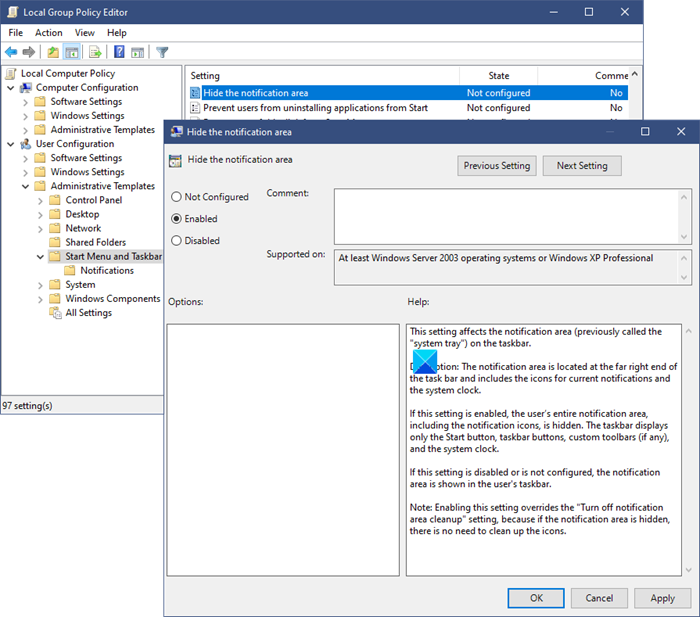
If you’d like to display a clean Windows 7 taskbar, you will have to hide the notification area and the system clock which appears on the right side if the Windows taskbar.

How to hide the Notifications Area in Windows 7

How to hide the Notifications Area in Windows 7

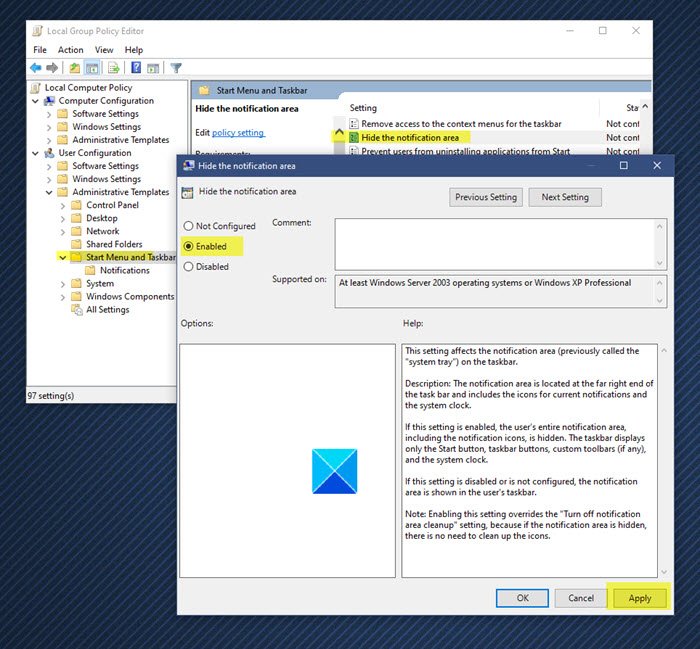
If you’d like to hide the system tray or the notifications area in Windows 7 you can do so as follows.

Set Windows 7 notification dialog boxes to stay open longer

Set Windows 7 notification dialog boxes to stay open longer

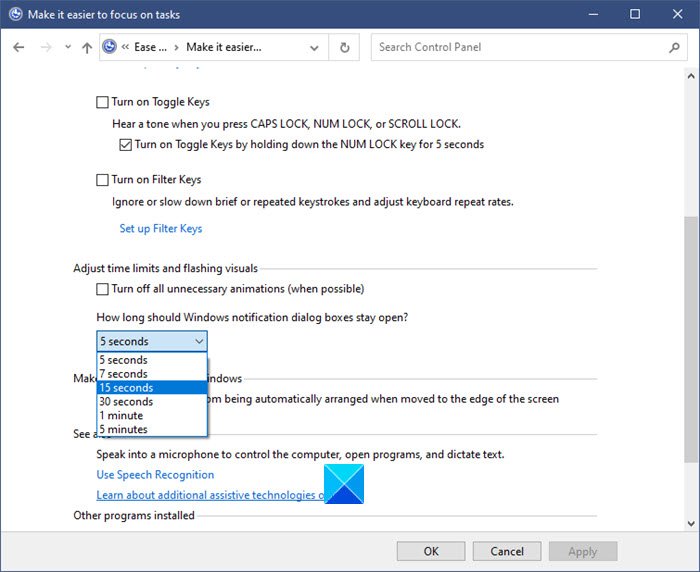
While many prefer to turn off the Windows notification dialog boxes, which appear in the right side taskbar bottom corner near the notification area/system tray, there may be others who find its time of display, to be short!

Fix It: System icons do not appear in notification area in Windows 7

Fix It: System icons do not appear in notification area in Windows 7

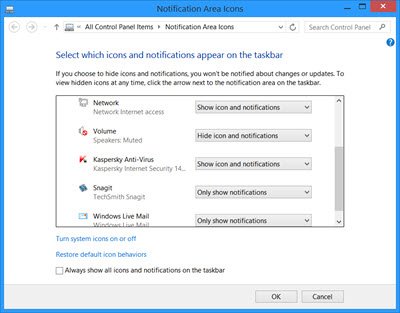
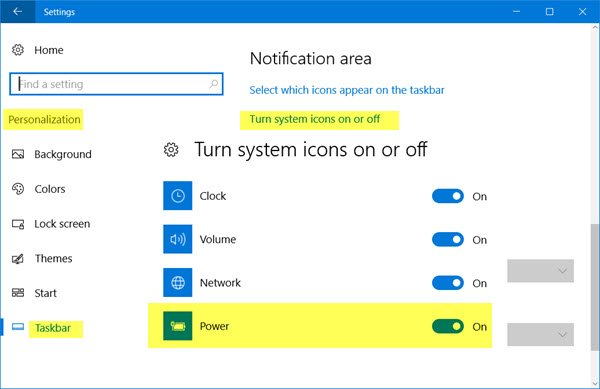
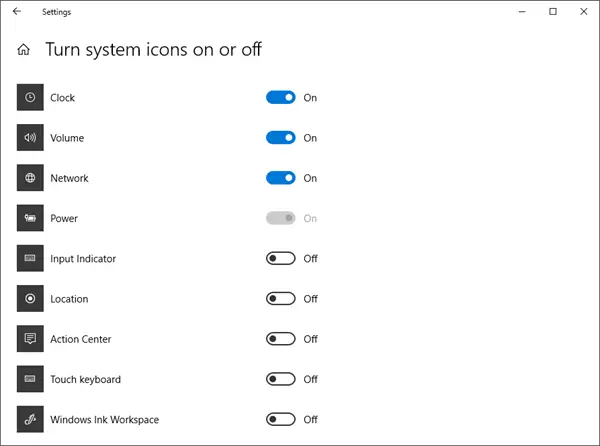
Has it happened with you that on starting your Windows 7 or Vista computer, you have found that the system icons, like the Network, Volume or the Power icons do not appear in the notification area ?

Make Windows Live Messenger icon appear in Windows 7 notification area.

Make Windows Live Messenger icon appear in Windows 7 notification area.

In Windows 7, unlike in Vista, the Messenger icon does not stay in the Notification area, but in the central part of the taskbar.

© 2012 The Windows Club All Rights Reserved