Posts under Group Policy tag.

Prohibit-Rollback-Windows-8-4

Disable Rollback feature of Windows Installer in Windows 8 | 7

One of the best thing of Windows is the big platform support for tons of software. Windows users always enjoy this fact and test or use a lot of software. However, there are certain scenarios when we’re just unable to finish the installation [...]

Disable-Background-Registry-Refresh-Windows-8-1

Disable background processing of Registry Policy in Windows 8 | 7

The Windows Registry is a hierarchical database that stores configuration settings and options on Microsoft Windows operating systems. It contains settings for low-level operating system components as well as the applications running on the platform. The kernel, device drivers, services, [...]

refresh-gp-2

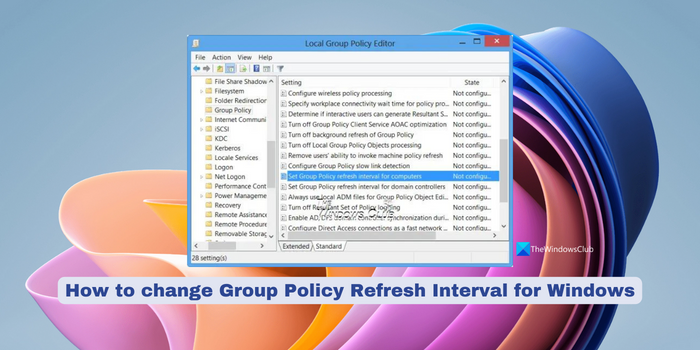
Change Group Policy Refresh Interval for Windows computers

The Group Policy in Windows allows administrators to set and enforce settings on their computer systems. By default Group Policy gets updated in background every 90 minutes, after a change is recorded in active object. But ig you wish you can [...]

Windows-8-Force-Lock-Screen-Default-Image-4

Force Windows 8 To Have Specific Default Lock Screen Image

In Windows 8, Lock Screen is one leading new features introduced. By default, Windows 8 comes with capabilities to change Lock Screen image. Sometimes it may be possible for a multi users PC, that someone put up the image which [...]

app-isolation

Disable or Enable Application Isolation feature in Windows 8

First introduced in Windows 7 and Windows Server 2008 R2, Windows Printing Driver Isolation feature, removed an isolated driver from the print spooler process and loaded it into a sandbox. If an isolated driver experienced crash, the print spooler process would not [...]

lock-reg3

Disable, Enable Lock Screen in Windows 8

The Lock Screen in Windows 8 is pretty good to look at, but really not required on a PC or a laptop. Sure it has its use on a Tablet, where users may like to see notifications, date or time even when [...]

Force-Hybrid-Boot-In-Windows-8-1

Force Windows 8 To Have Hybrid Boot, Always On

One of the thousand new features of Windows 8 is “Fast Startup” that is also known as Hybrid Boot. We had a look at it a few days back. The work of this feature is to save the current kernel [...]