Tag Archives: Folder
If you ned to keep an identical set of files and folders on two different computers or on different disks or in different locations, file and folder synchronization utilities will help you do so easily. They will keep an identical set of …more >>>
Sometimes it does become rather difficult trying to search out an oft-accessed folder, especially if there are many folders in that mother folder. This is where software like Folder Colorizer can help you. Folder Colorizer is a freeware that lets …more >>>
Free File Unlocker is a new free software application that unlocks files or folders and stops error messages from appearing when trying to delete them. It can also be used to terminate malware. This Free File Unlocking Utility works with …more >>>
There are many swapping utilities available on the Internet for swapping the names of two files or folders in Windows OS but none is as good as Swap’em. Swap’em allows you to swap the names of two files or folders, via …more >>>
The Recycle Bin in Windows operating system behaves as a special directory where the deleted files can be stored temporarily before deleting all of them completely. This ensures that the user can still browse the deleted files and restore them …more >>>
When using Intermet Explorer, by default, all your downloads are saved in the C:\Users\Username\Downloads folder. But if you want to change the download folder, you can do so as follows. Change default download directory in Internet Explorer Open Internet Explorer …more >>>
Copying content from an oversized folder to relatively low-capacity devices (CD or USB) can slow down your computer. Moreover, the procedure is rather laborious. Folder Axe is a simple and easy to use program that helps in splitting up such large …more >>>
A few days back, we talked about how you could hide folders in Windows 7 and Vista. Today we are introducing to you a novel TWC app – an ingenious way to hide your folders in Windows 7. Our 13 year …more >>>
You may at times require to hide your folders in Windows 7. Well the simplest way you can do is by right-clicking the folder, selecting Properties and under the General tab, check the Hidden check box, ensuring that Don’t show …more >>>
We are pleased to release PinToStartMenu. PinToStartMenu lets you pin Control Panel items and folders to Windows Start Menu, via your right-click context menu. There are three different ways using which we can add folders to the start menu and/or …more >>>
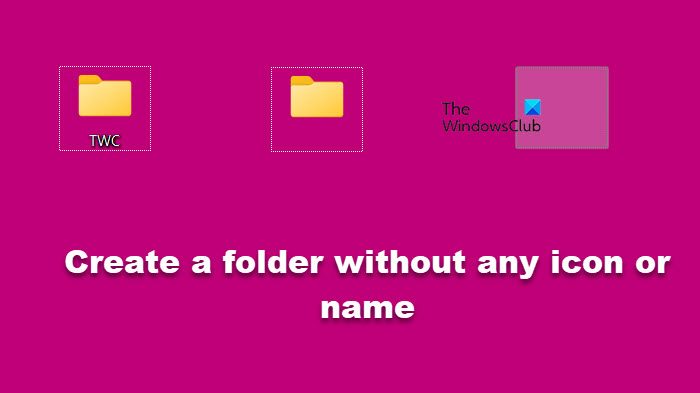
Most of you may be aware that MS-DOS Device Driver names cannot be used as file names in Windows. As a result, we are unable to name folders as con, aux, nul, etc. Microsoft MS-DOS had reserved these names for …more >>>
A TWC forum post asking if it was safe to delete empty folders made me search for some good empty folder deleting freeware. While you would make no real space savings as they occupy 0 bytes, if it is just good …more >>>
We are pleased to release System Folders Customizer, a free tool that lets you add Internet Explorer, important System folders, Control Panel applets to your Computer folder, Libraries and Desktop.
I used to use FolderGuide to access my favorite folders in a click from the desktop. But having bought a new x64 Windows laptop, found that it wasn’t working on 64-bit Windows. Looking around a bit I came across ConFavor, …more >>>
In Windows even if you have selected the Remember each folder’s view settings check box under the Advanced settings menu on the View tab of Folder Options in Control Panel, if your Windows does not remember your folder settings, then …more >>>
Find Hidden is a portable freeware that allows you to search and find hidden files and folders on your Windows computer quickly and easily.
Sometimes I wonder, why click twice, when clicking once can do the job!? One of the first things I do after a fresh Windows install, is to change the double-click to open files setting to single-click.
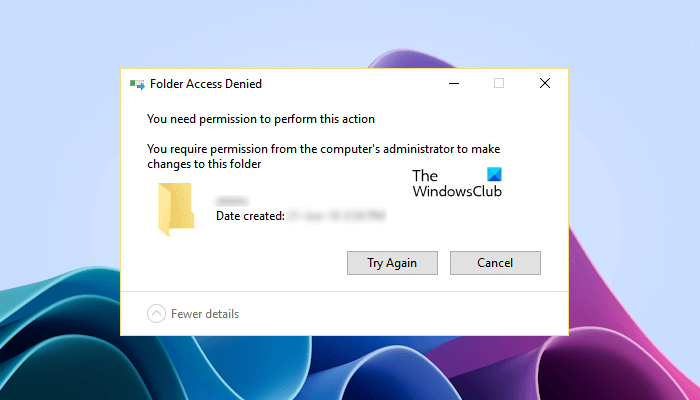
Some of the main problem we face with Windows 7, is its permissions issues! Most of them think its annoying. Here are a few tips which will help resolve such issues.
If you have a bunch of files or folders with different unrelated or random names and if you’d like to name them in a serial order, here is a simple way to do so natively in Windows, without using any …more >>>
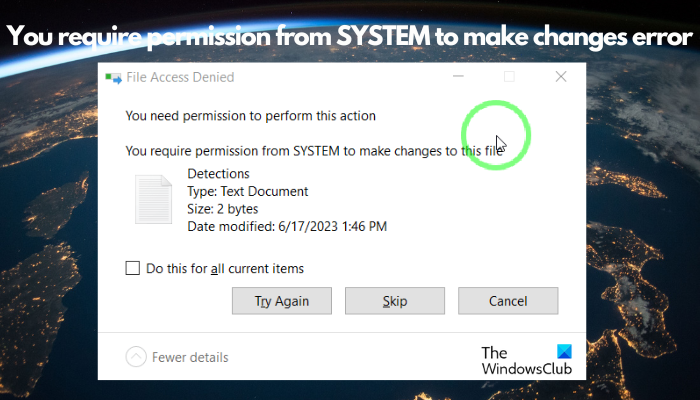
If in Windows 7 or Vista, while working with a particular file or folder, Windows throws up an error message saying that You do not have permission to do something, then you need to take full control of the file …more >>>