Tag Archives: Deployment
Download these technical diagrams and posters of recommended solutions for Microsoft Office 2010. These technical diagrams are visual representations and include poster-sized documents, and will prove to be of immense help to IT Professionals. Preparing Users for an Office 2010 …more >>>
Microsoft has released a poster of Windows 7 deployment options for SMB’s. This printable overview also includes the advantages and limitations of each option.
Microsoft has Express Deployment Tool. This tool will help Microsoft’s system builder partners quickly, easily, and correctly deploy PCs with Windows 7, Office 2010, PC Essentials, and Microsoft Security Essentials.
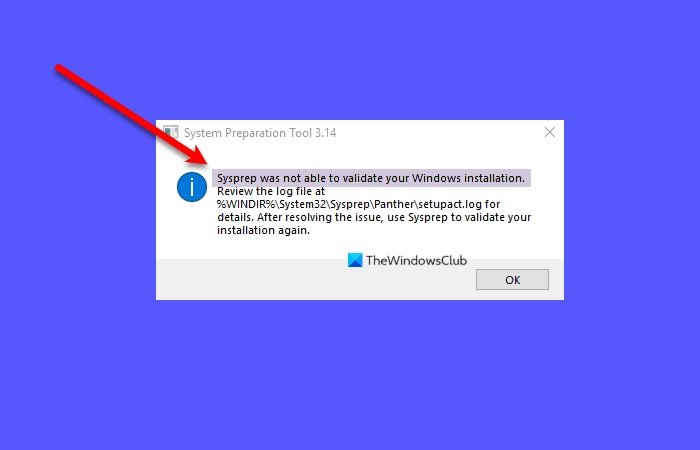
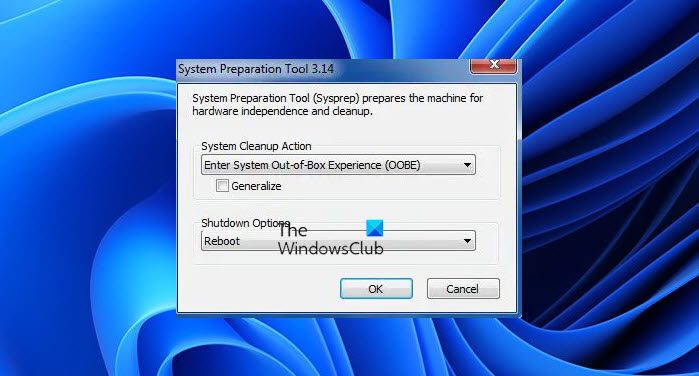
The System Preparation Tool (Sysprep), is meant for System Administrators and OEMs, to automate the deployment of Windows operating system. Once you have performed the initial setup steps on a single computer, you can run the Sysprep tool to prepare …more >>>
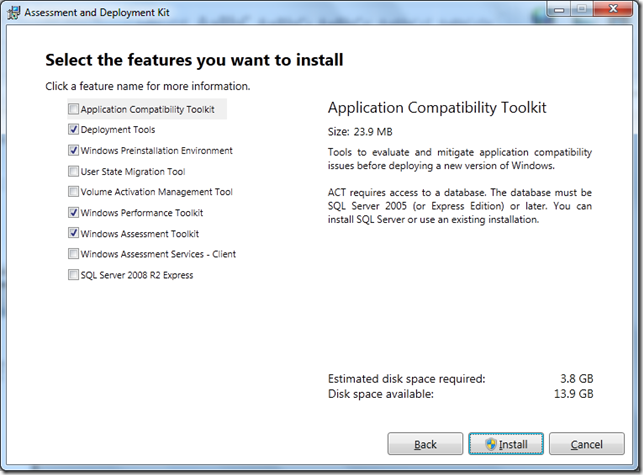
Being an IT Pro, customization of the Windows Operating System deployed is your first priority. With Windows 7 you can have a customization experience like you have never had before. Microsoft provides two tools, the Windows Automated Installation Kit and …more >>>
You may have read our post on the Deployment Options for Microsoft Office 2010. This download from Microsoft describes and illustrates how to deploy multi-language packs for Microsoft Office 2010.
Microsoft has released a document which describes and illustrates the client deployment methods for Microsoft Office 2010. Deployment options include network share, Group Policy startup scripts, managed deployment, and virtualization.
Microsoft has released guides in how to plan, maintain & manage Microsoft Office 2010 deployment, and are now available for download.
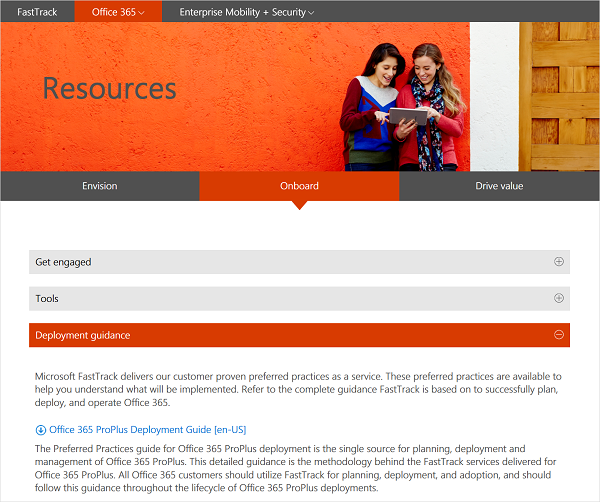
Microsoft has released Deployment guide for Office 2010 and is now available for download.
Deployment Image Servicing & Management (DISM) is a new command line tool which was introduced in Windows 7 for deployment. DISM can be used to service a Window image or to prepare a Windows Pre-installation Environment (Windows PE) image. DISM …more >>>
This article Deploying Windows 7 from A to Z from Microsoft, documents the high-level steps for IT professionals to perform an enterprise-scale desktop deployment project—starting with Windows XP and moving to Windows 7.
Download the New eBook: Deploying Windows® 7 Essential Guidance from the Windows 7 Resource Kit and Microsoft® TechNet Magazine.
The Microsoft Application Compatibility Toolkit (ACT) version 5.5 contains the necessary tools and documentation to evaluate and mitigate application compatibility issues before deploying Windows 7, Windows Vista®, a Windows Update, or a new version of Windows® Internet Explorer® in your …more >>>
If you already have a Windows 7 installation disc, then you may not need to create a System Repair or Recovery Disc in Windows 7.
Deployment Image Servicing and Management (DISM.exe) is a new command line tool that you can use to service a Windows image or prepare a Windows PE image.