Windows Access Panel for Windows 7 & Vista

October 19th, 2009

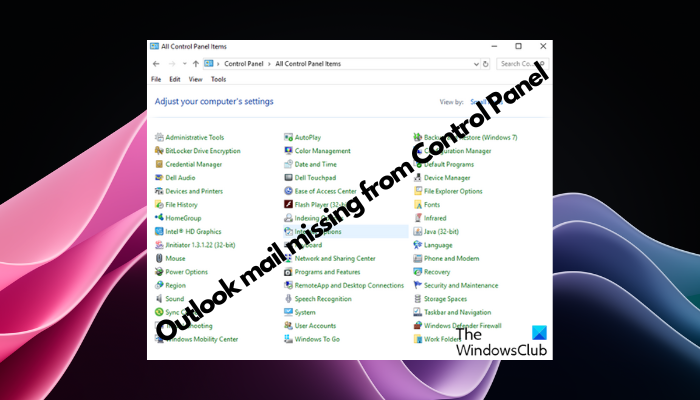
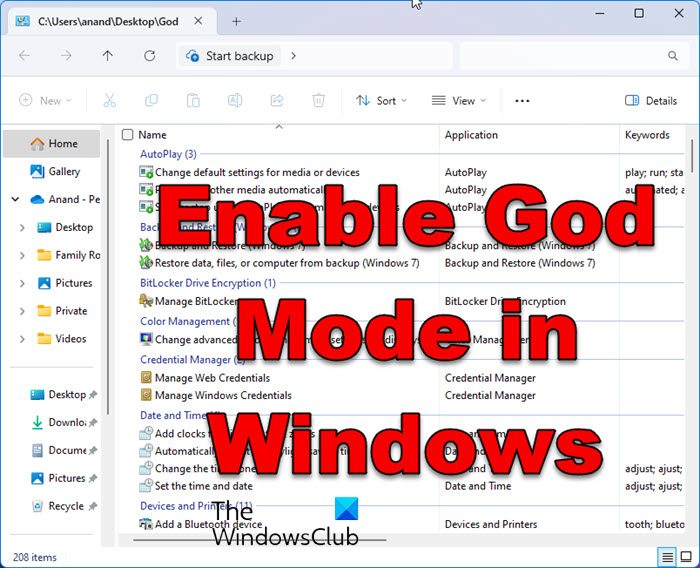
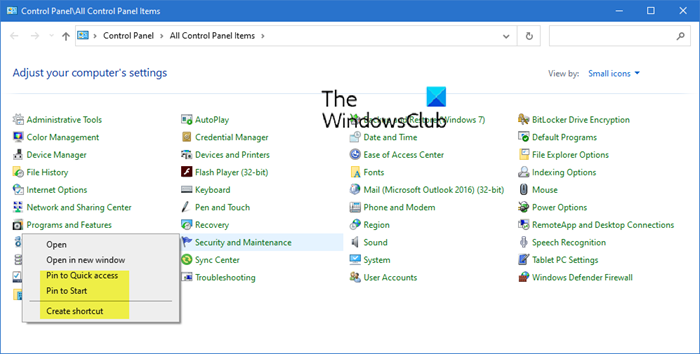
We are pleased to release Access Panel for Windows 7 & Vista, x86 and x64. While you can use Control Panel to change settings which control nearly everything about how Windows looks and works, in some cases to access these very controls ,  or the in-built Windows programs, requires you to engage in multiple clicks or know their names. [Read More...]

Topics: Downloads | Comments Off

Make Control Panel list all options instantly

October 17th, 2009

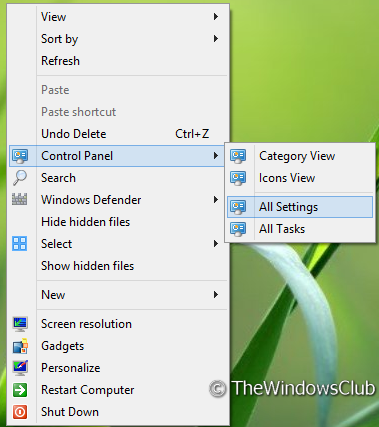
Now this one’s a real simple tip. You are basically making Windows 7 Search work for you.

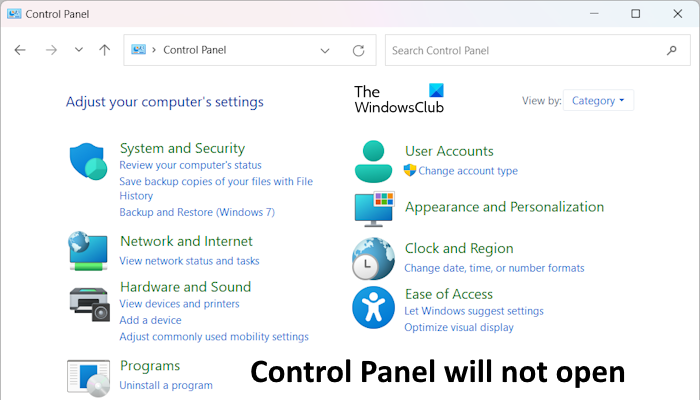
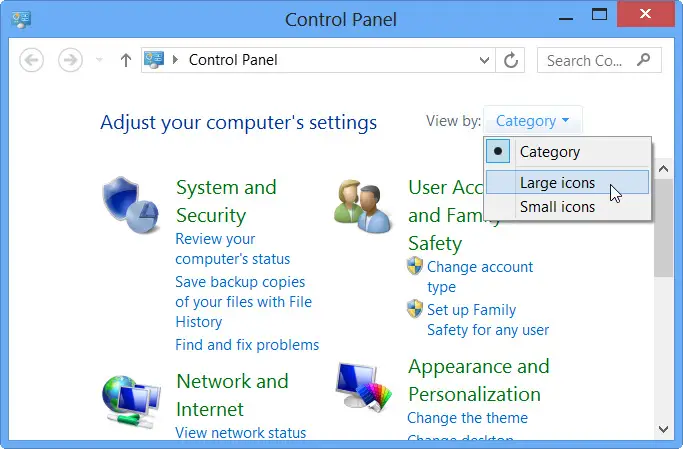
You open your Control Panel and you see it as you have set it, viz by Category view or by Icons (Large/Small) view. [Read More...]

Topics: Tips | 2 Comments »

Change Display Language in Windows 7, for new user accounts.

June 23rd, 2009

Windows 7 can let you set different display language settings for different user accounts. When you choose regional and language settings for your computer, such as your default input language or keyboard layout, you can apply those settings to special accounts in Windows called Reserved Accounts.  [Read More...]

Topics: Features | Comments Off

How to Pin Control Panel to Windows 7 TaskBar

June 13th, 2009

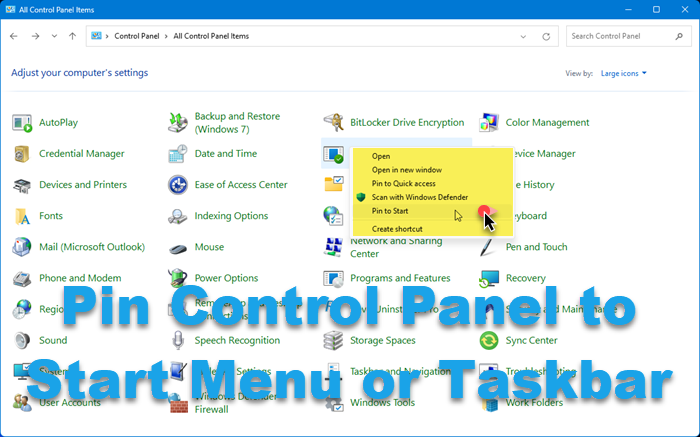
If you want to add Control Panel to the Windows 7 taskbar, you would probably, right click on the Control Panel icon in the start menu and want to click on Pin to Taskbar. But you wont see the option there. The drag and drop method also wont work! [Read More...]

Topics: Tips | Comments Off