Posts under CMD tag.

take-command-online-help

TCC/LE : A free replacement for Windows Command Prompt

TCC/LE is free and powerful software designed to completely replace the traditional Command Prompt Utility in Windows. TCC/LE is basically a command prompt only – but it comes along with many other different utilities and features that one would want in the [...]

cmd-3

CMD Tricks for Windows

If you have been a Windows user for long time, I am sure you must have used Command Prompt. Even today, the CMD helps in performing many advanced administrative functions, and in troubleshooting Windows related issues. We have earlier, already covered [...]

ftp-windows

Access FTP Server using Windows Command Prompt

Earlier we have posted about FileZilla Client, a free FTP client for Windows, which can be used to access your FTP server and transfer files on it. We also saw how we could use NotePad++, a Notepad alternative for Windows, [...]

whoami-windows

WHOAMI utility in Windows 7 and its use

Not many of you may be aware of it, but Windows has a command-line utility called as the WHOAMI utility (Who Am I). With this utility, you can find out the name of the account that’s currently logged on, its [...]

image not found

WMI Commands on Windows 7

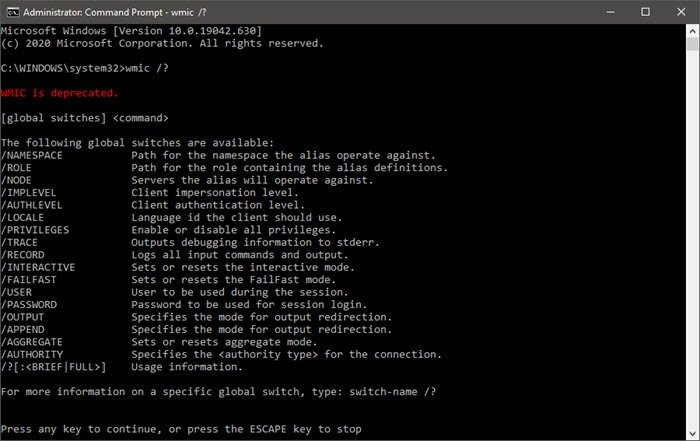
It’s always cool to work with a command prompt, batch file, etc. I still love to do a lot of work with command prompt and automate things with batch files. In this article I will list you WMI Commands (Windows [...]

full-screen-cmd-win7

Full screen command prompt in Windows 7

In Windows 7 or Windows Vista, if you try to maximize the command prompt window, it will expand only to cover around half the screen. You will not be even able to drag and increase its size!

aero calculator

Aero Glass applications for Windows 7

For the Aero Glass fans out there, here are some smart replacement applications with the glassy aero look for your Windows 7 & Vista : A Notepad, Calculator & a Command Prompt. Aero Calculator Glass CMD – Command Prompt Glass [...]

mse cmd

Command Line Utility for Microsoft Security Essentials

Microsoft Security Essentials has the ability to scan, update or run other tasks from the command prompt. The application MpCmdRun.exe is situated in the %ProgramFiles%\Microsoft Security Essentials folder and is called as the Microsoft Antimalware Service Command Line Utility.

cmd admin cmd

How to open an elevated cmd from a cmd

A geek tip! If you need to open an elevated command prompt USING the default ‘regular’ command prompt, you can do so by using the following command:

cmd defrag

Defrag Options & Command line switches in Windows 7 | 8

The Defrag tool in Windows 7 – and Windows 8 too – offers some additional options compared to that in Windows Vista. Its command line version has some additional switches. Open an elevated command prompt windows. Defrag Command line switches [...]

battery-health

Power Efficiency Diagnostic Report Tool in Windows 7

Windows includes a powerful command-line tool called PowerCFG that is very useful in troubleshooting Power Plans. Moreover this tool will also allow you to enable and disable devices. In this article, we will learn how to use PowerCGF to find out the [...]

winx-menu-windows-8

How to Run Command Prompt as an Administrator

A small tip on how to run your command prompt as an administrator in Windows 7 or Windows 8. While you can carry out many tasks using the CMD, some tasks required elevated privileges to carry out. In such cases [...]