
GSplit is a freeware application that lets you split large files, such as self-extracting archives, Zip archives, disk images, multimedia, music, video, backup, image, archive, log, large text, etc., into a set of smaller files called pieces.
Split large files into smaller files on Windows PC
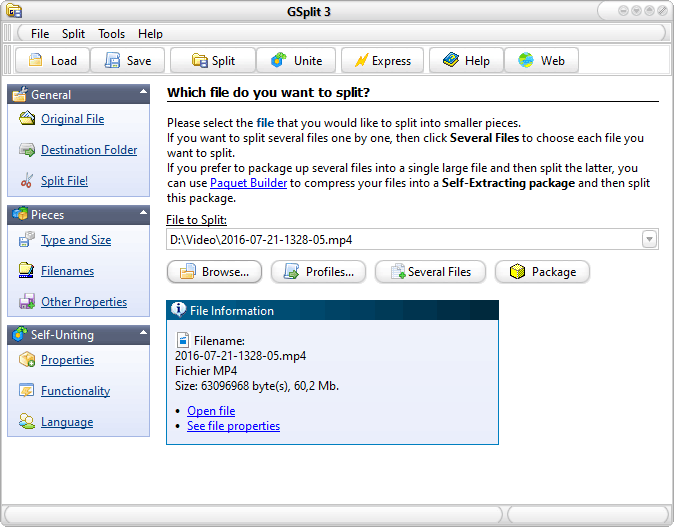
GSplitfor Windows 11/10 PC
These split files are then easier to:
- Copy to floppy or any removable media disks.
- Distribute over the Internet, networks.
- Send by email
- Archive to CD, DVD, USB Flash drive and strick, Zip disk, and any other storage device.
- Upload to host accounts, file delivery services, and online file-hosting sites who have restrictions on file sizes.
- Share with friends, colleagues or other users through networks and the Internet.
- Exchange using Instant Messaging programs.
A portable edition of GSplit is also available, with no installation required. Run the portable file splitter directly from any removable disk, like a USB flash drive, and that’s all. Settings are also saved directly on the storage media, not the computer.
Visit HomePage for more.
