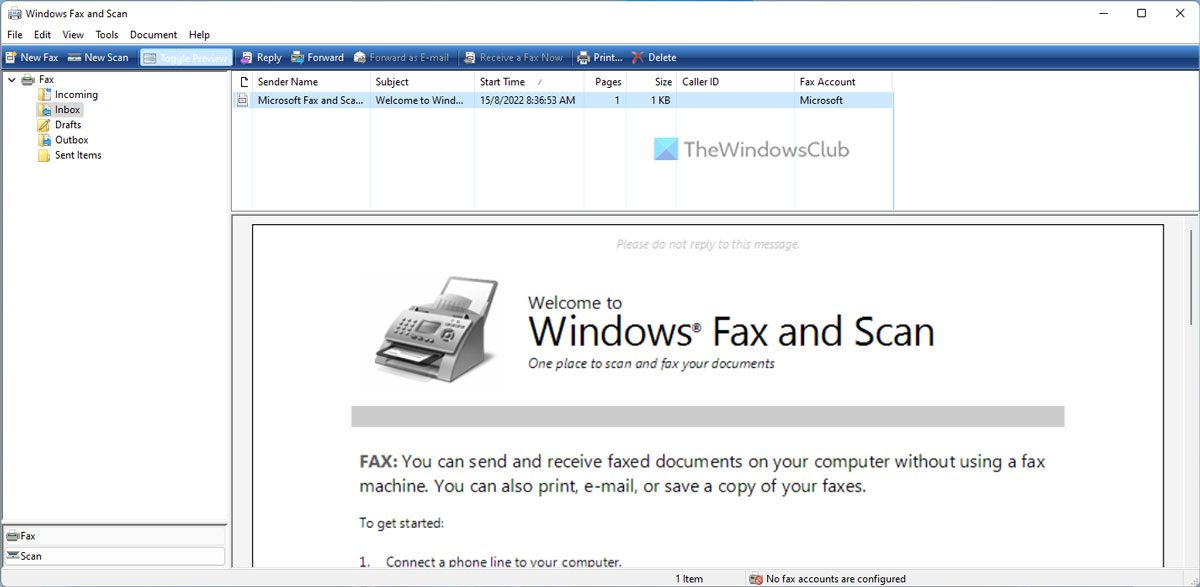
In Windows 11/10, setting up your computer for receiving and sending faxes is very easy. Windows Fax and Scan application can practically turn your computer into a fax machine and proves to be a big money and time saver. You can send and receive Fax online without using a Fax machine. But before you can start faxing, your computer needs to be adequately equipped.
How to use Windows Fax and Scan Tool
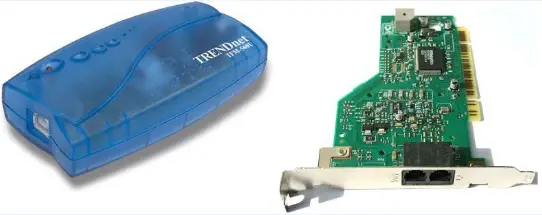
If you’re planning to send and receive faxes at home, you first need to outfit your PC with a fax modem. A fax modem is a relatively inexpensive add-on hardware that allows your computer to communicate with a fax machine over a standard phone line.
The devices are sold at significant computer stores and come in two varieties: internal and external; Internal fax modems plug directly into your computer motherboard, similar to how a video or sound card is plugged in. External fax modems are small devices that connect to serial or USB ports.
If you’re at work, another option is to see if your employer has a fax server. Sending a fax using a fax server doesn’t require adding any special hardware to your PC. You just set up a connection with the fax server, and it will do the rest of the work.
How to send and receive Fax from a Windows computer
Once you’ve picked up a fax modem or found a fax server, you’ll need to set up a little.
To set up a fax modem for home:
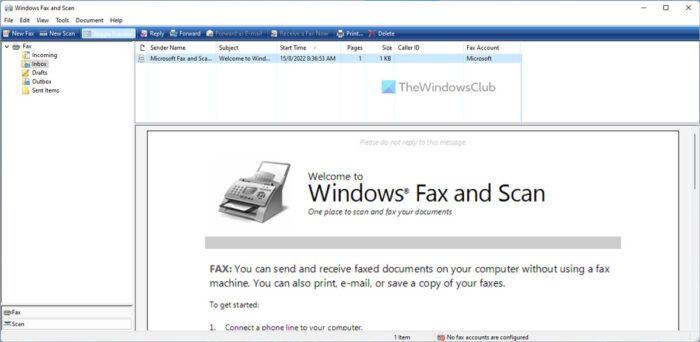
Before you begin, ensure you’ve correctly installed your fax modem and that it’s plugged into a standard analog phone line.
- Click the Start button, click All Programs and then click Windows Fax and Scan.
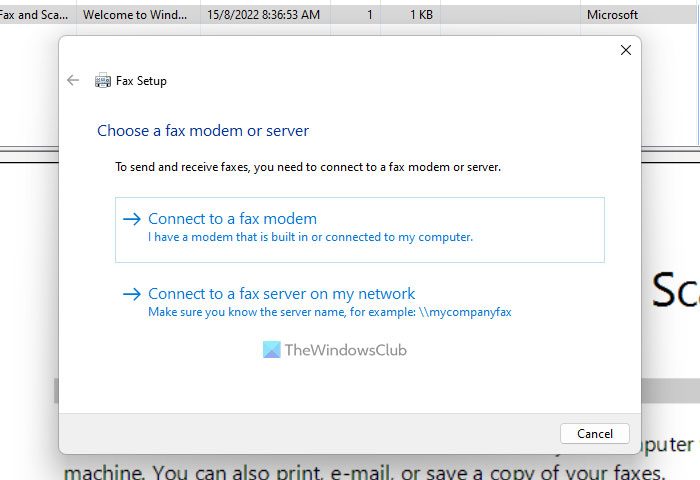
- At the bottom of the left pane, click Fax and then click New Fax on the toolbar to launch the Fax Setup wizard.
- Click Connect to a fax modem and follow the instructions.
Read: Free Online Fax Services to send Fax messages.
To set up a fax server for the office:
Before you begin, make sure your computer is connected to the network, and you know the network address of the fax server (for example, \\mycompanyfaxserver).
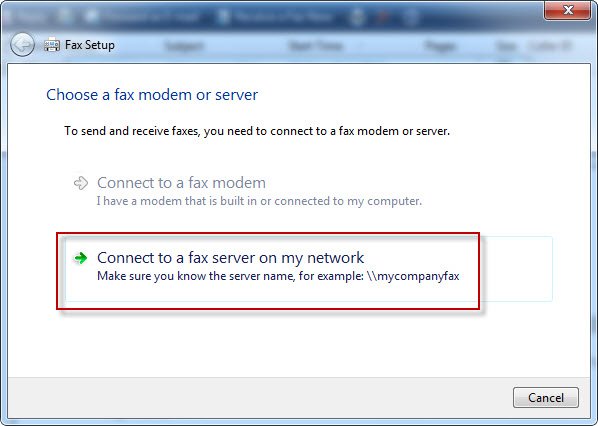
- Click the Start button, click All Programs, and then click Windows Fax and Scan.
- Click Fax at the bottom of the left pane to use Fax view.
- Click the Tools menu, and then click Fax Accounts.
- Click Add, and then, in the Fax Setup wizard, click Connect to a fax server on my network and follow the instructions.
Note: To connect to a fax server, you might need permission from the system administrator.
This post will help you if Windows Fax and Scan are not working in Windows 11.
How do I set up my computer to receive faxes?
It is easily possible to set up your computer to receive faxes. Whether you use Windows 11 or Windows 10, the process is the same on both operating systems. Windows comes with an in-built option to get it done. It is recommended to follow the steps above minutely to set up your computer to send and receive faxes.
Read: How to scan a document using Scan app in Windows.
How can I send and receive faxes from my computer?
It would be best if you used the Windows Fax and Scan panel to send and receive faxes from your computer. It is possible to set your computer up to receive and send faxes within a few moments. You can go through the steps mentioned above to set up your computer to receive and send faxes on Windows 11/10 PC.
There are other options as well. It includes usThat’s online FAX service, FAX software, a virtual fax service where you use a virtual fax number or a smartphone app if available.
That’s all! I hope it helped.