Replace Windows 7 System Files Easily with File Replacer

Speed Up My PC

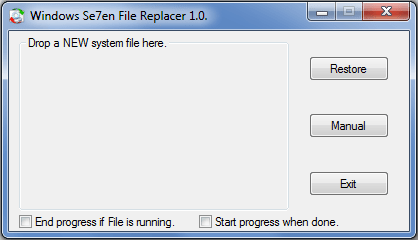
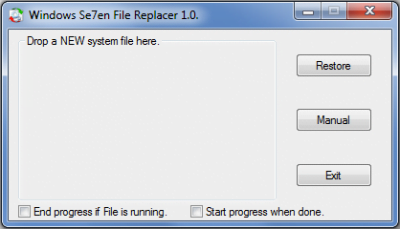
Windows Se7en File Replacer is a program will, backup the OLD file, try to “Take Ownership” and replace it with the NEW dragged or manually selected file.
windows 7 file replacer 400x229 Replace Windows 7 System Files Easily with File Replacer

Windows does not allow you replace a system file. You first have to ‘take ownership of file’ & then replace it with the other file.

The Replacer will first look in the “system32″ folder for a match with your NEW dragged or selected file, if the OLD file is found it will be backed up and replaced without prompt, otherwise you will be asked to select it manually.

Visit HomePage | Download.

Posted by on , in Category Downloads with Tags
Anand aka HappyAndyK is an end-user Windows enthusiast, a Microsoft MVP in Windows Desktop Experience since 2007, and the Admin of TheWindowsClub.com, TheGeeksClub.com & WinVistaClub.com. Creating a System Restore Point before trying out a new software or a tweak is always recommended.
  • L.W

    Nice idea for an application with me doing the things I do, but it didn’t work for me. Running Windows 7 Premium 32 Bit. Set it to Run as Admin, turned off UAC, set compatibility mode , everything I could thing of and it won’t replace the file I choose, nor does the Drag and Drop work(even with UAC disabled). Does create the backup file just won’t replace it. Kind of dissappointed, would have made things easier

  • http://www.xptsp.com/fixit Fixit

    as some files are in use by more then one program its very hard to replace them on a running system.

    version 1.3 has a new option to replace on next reboot for files like e.g. shell32.dll

    Please inform us of any problems..
    would make it easier to fix them ;)